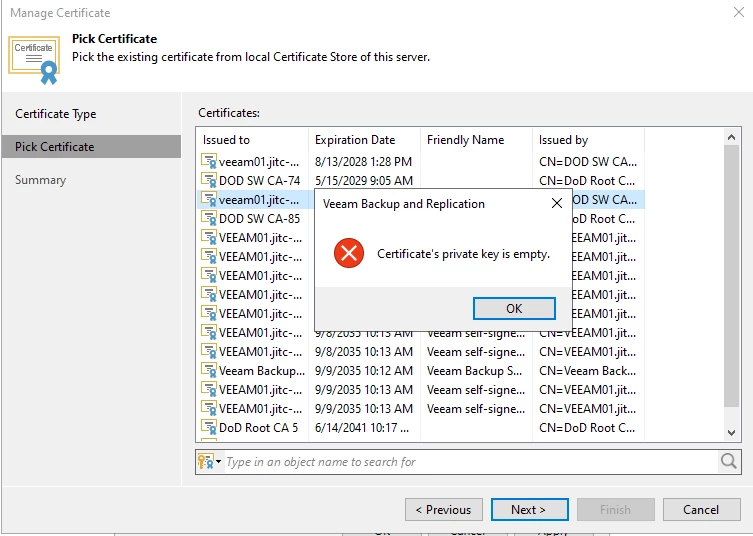
I am not able to replace my Veeam Backup and Replication certificate with a new .pfx. When I try to install the .pfx from the Options->Security->Install menu in the B&R Console it returns an error “Certificate’s Private Key is Empty”. I have verified I created the .pfx correctly using OpenSSL and combining the .cer with the .key. I have verified the .key is in fact a private key and not a public key. I have verified the .pfx key permissions have the appropriate read/write for the Veeam service account to access the key. The .pfx certificate is good with a valid private key. Why can’t it be installed on Veeam Backup and Replication. In order for me to upgrade Veeam B&R from version 12 to version 13 I require a certificate with the Basic Constraints extension. I now have a certificate with Basic Constraints as a .pfx but I cannot install it to Veeam B&R.