other possible Topic-name: When a PostgreSQL Shows Up That Isn't Yours - A field report on a new AAP warning after the upgrade to 13.1 — including the workaround Veeam Support cleared me to publish.
The symptom
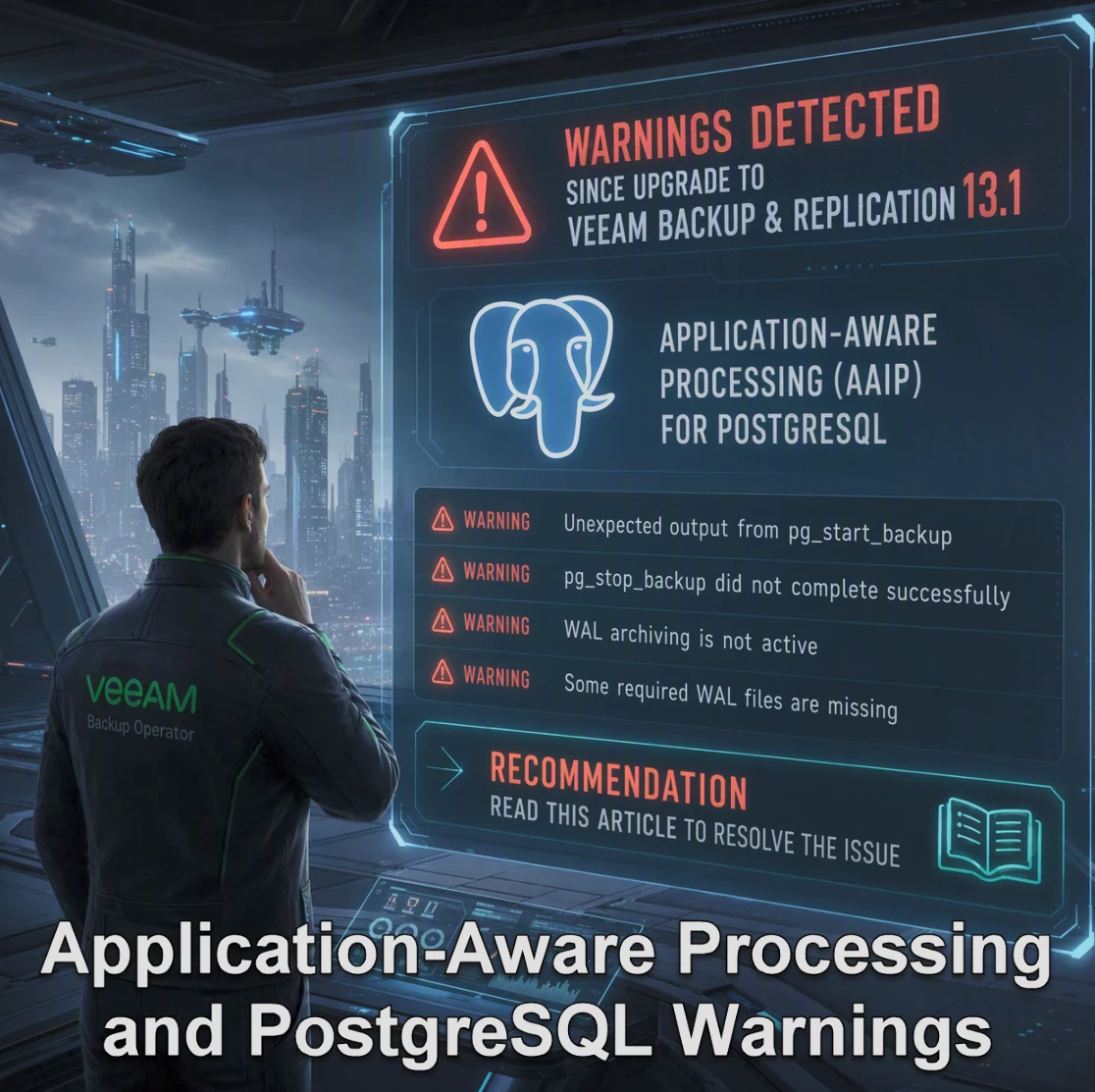
After upgrading a customers environment (doesn’t matter if VBR on Windows or VSA) to 13.1, a previously clean job started completing with a warning: a VM backup of (in this example) an Exchange server with Application-Aware Processing (AAP) enabled.
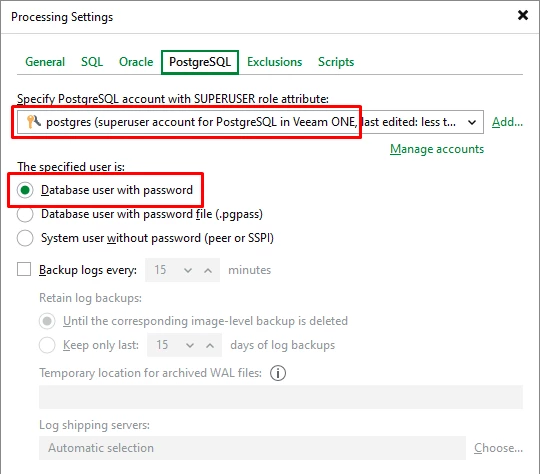
Exchange processing itself was fine. The warning referred to a PostgreSQL instance that isn't really in access of the customer: an embedded component of (in this case) Trellix/McAfee Email Security running on the same guest OS.
The customer told me: Vendor-managed, no credentials, no supported way to administer it.
So Veeam can't authenticate against it — and flags that with a warning. The same job ran clean on the previous version.
What changed
Support's original answer was (and i have the confirmation to do this post about it):
With version v13.1, Veeam can now detect PostgreSQL configuration files during guest processing, including embedded application databases.
The clean way to keep SQL AAIP and bypass the embedded PostgreSQL instance is to exclude the PostgreSQL configuration directory from PostgreSQL discovery.
On the affected VM, identify the embedded PostgreSQL configuration/data folder that contains the PostgreSQL configuration files, for example the folder that contains postgresql.conf, pg_hba.conf, or pg_ident.conf.
Then follow the steps below:
1. On the affected guest VM, create the folder "C:\ProgramData\Veeam\Backup\PostgreSqlConfig\" on Microsoft Widows machines.2. In that folder, create or edit the file "VeeamPostgreSQLAgent.xml".
3. Add a single-line XML configuration that excludes the embedded PostgreSQL configuration directory from PostgreSQL scanning.
Windows Example:
<config ExcludeConfigDirs="C:\Program Files\PostgreSQL\" />
Note: Adjust the path to match the embedded PostgreSQL folder on the affected VM.
If there are multiple embedded PostgreSQL configuration directories, list them in the same ExcludeConfigDirs value separated by commas, for example: <config ExcludeConfigDirs="C:\Path\To\ArcGIS\PostgreSQL1\,C:\Path\To\ArcGIS\PostgreSQL2\" />.
Run the backup job again with Application-Aware Processing still enabled for the VM. This should allow Veeam to continue Microsoft SQL guest processing while skipping PostgreSQL discovery under the excluded directory.
---
Thanks to Veeam Support for the quick response and for clearing the workaround for publication.
As I’m writing this,
UPDATE: More Details under Application-Aware Processing and PostgreSQL Warnings – better veeam than sry