Veeam continues to add feature improvements to make Veeam plugin for Nutanix AHV a strong option for hypervisor migration. The features listed below are highlighted in our “What New VBR 13.1” document. Please see details below.
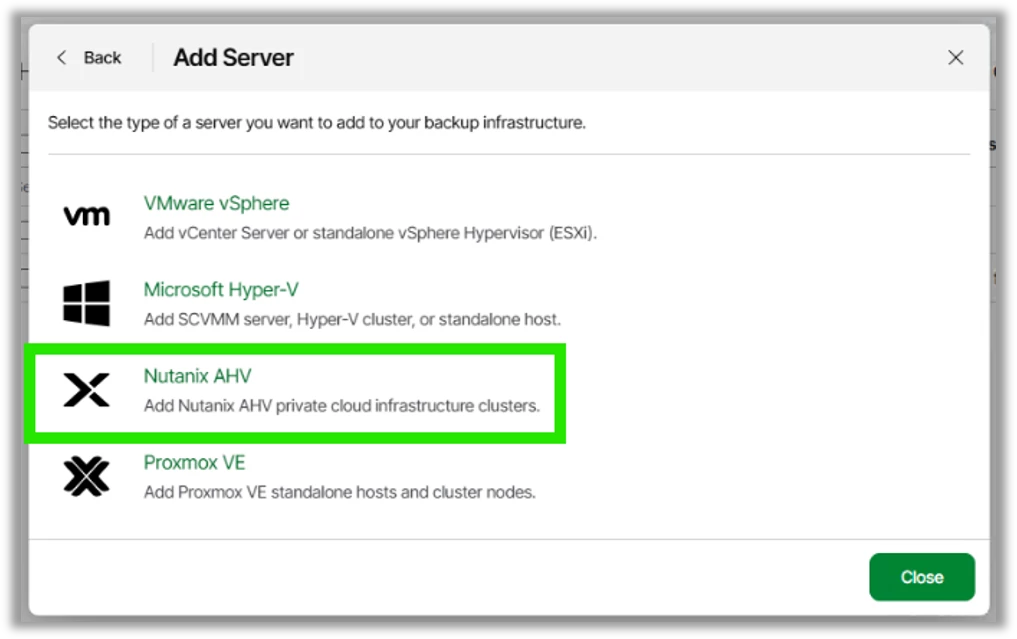
One Web UI for Every Hypervisor
You can now add Nutanix AHV from the Veeam Web GUI. This allows for quicker deployment and simplified operations. Additional enhancements will continue to be added to the Web GUI in future.
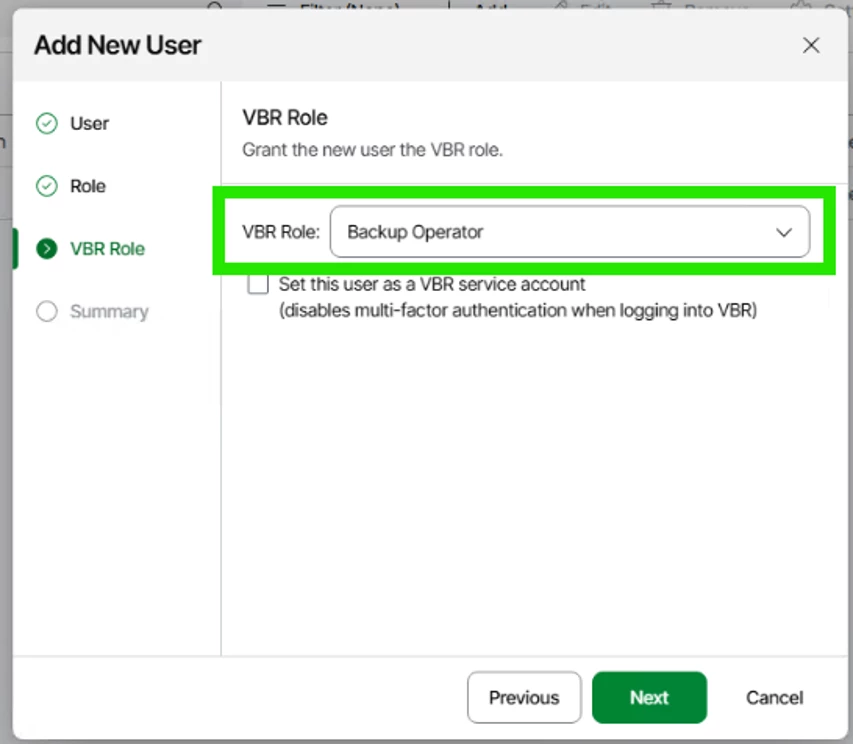
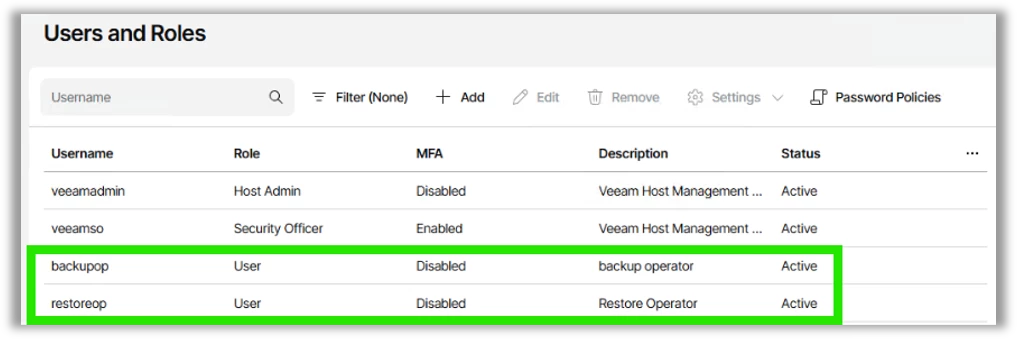
Role-Based Access Control, Scoped Your Way
Defining custom roles with scoped access to specific VMs, jobs, categories, or infrastructure objects. Role-based access control (RBAC) this granular option means people see exactly what their responsibilities require, and nothing else. That's a tighter security posture, fewer accidental changes, and audits that don't turn into archaeology. This has been a highly requested feature for large customers. Also, this is what Veeam Cloud Server Providers need to provide better management of their tenants.
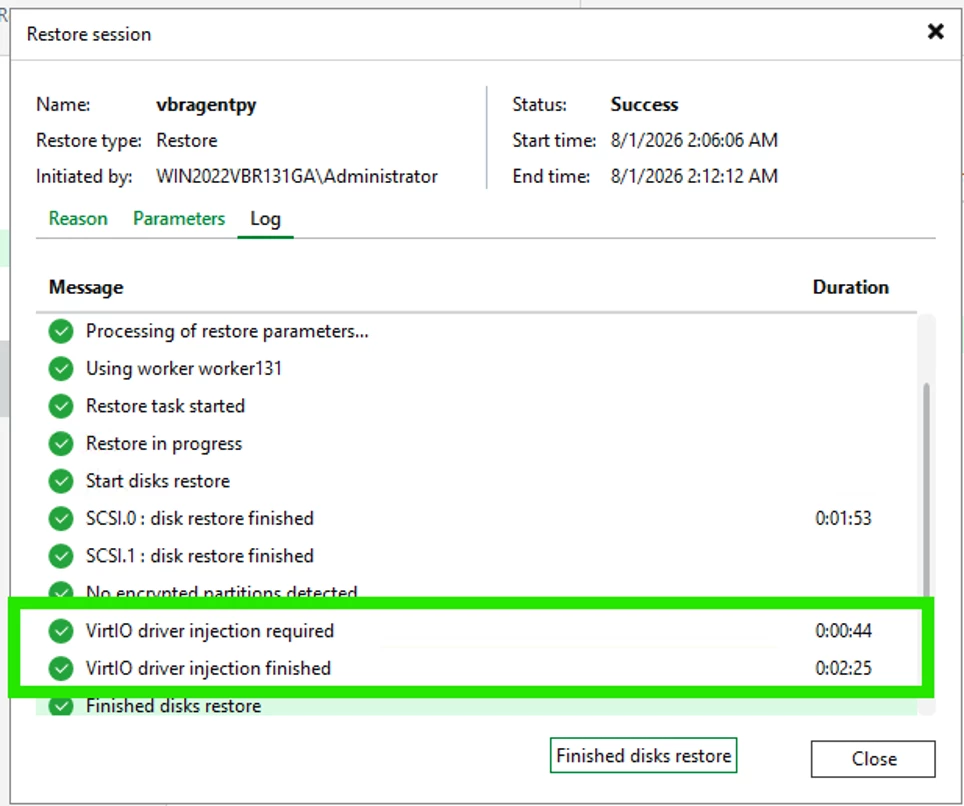
VirtIO Drivers, Injected Automatically
Moving workloads into AHV used to installing VirtIO drivers then backing up the VMs before restoring over to Nutanix AHV. Now VirtIO drivers are injected automatically during restore, so you can recover backups from other platforms straight onto Nutanix AHV targets. Restore, boot, done.
Instant Disk Recovery in Seconds, Not Hours
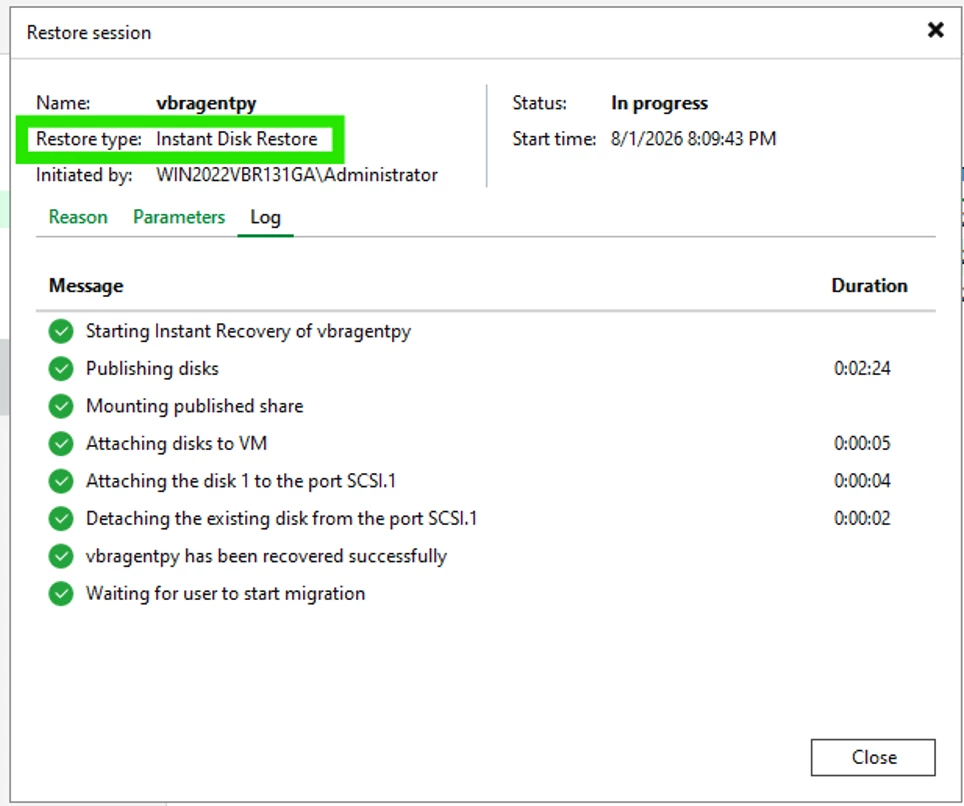
Recover backup disks instantly for read/write access without waiting on a full restore. Commit your changes back to production or discard them when you're finished. It's quick enough to use for testing and troubleshooting, not just recovery, which shortens recovery time and gives you room to experiment safely. Requires Nutanix AOS 7.5.1 and higher with Nutanix v4 APIs.
Prism Central Categories With AND Logic
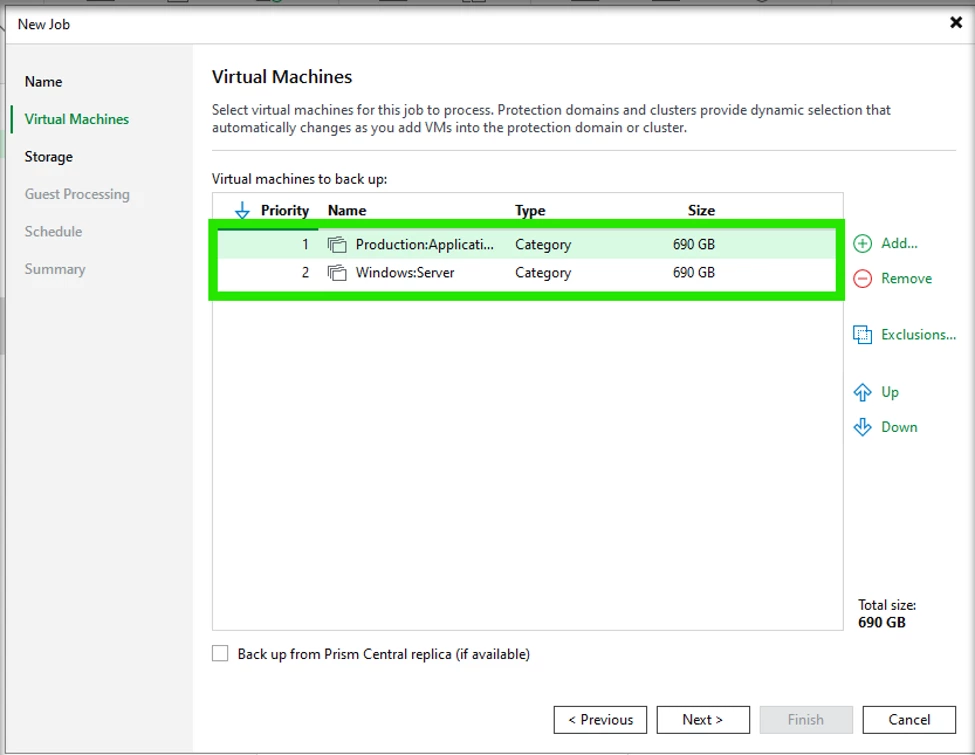
Policy scope filters now support the logical AND operator for Prism Central category (tag) combinations. Build multi-criteria selection policies, like production AND SQL, so the right VMs land in the right jobs automatically as your environment changes. Needed improvements for existing customers and service providers. Categories are similar to Tags in VMware.
Restore Job Statistics in the Web UI
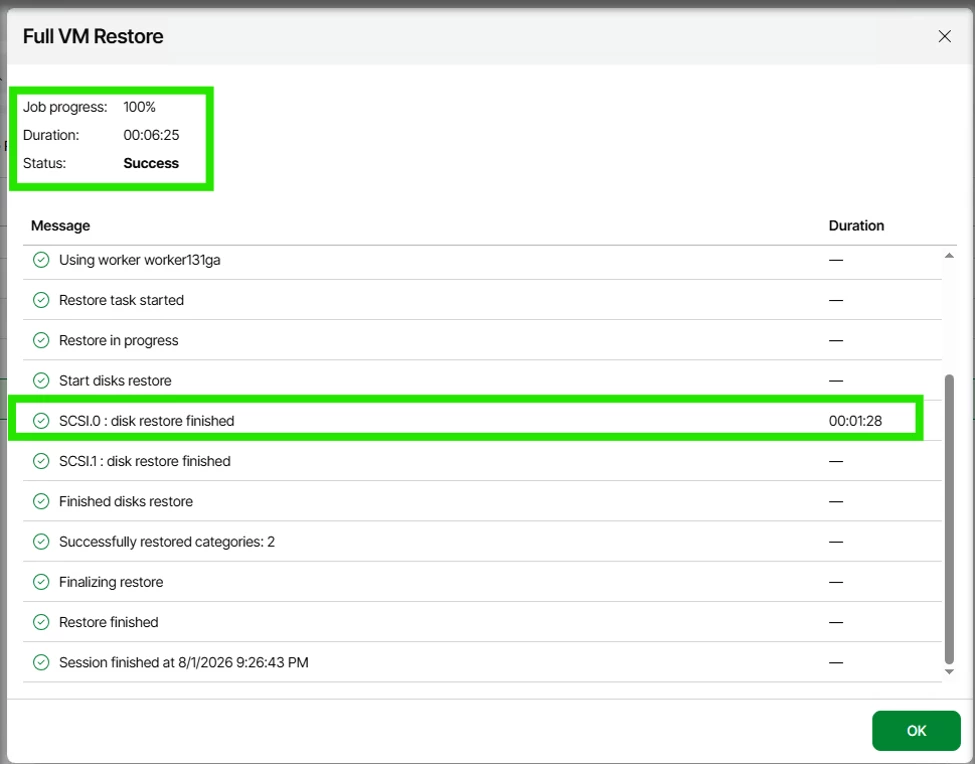
Restore job progress and statistics now report directly in the Web UI. A better view into the restoration process.
So what are you waiting for? it is now time to kick the tires on these new features. Please reach out with your feedback in our Veeam Forums for additional feature requests.
What’s New VBR 13.1 below.