...don't let them drift apart
With Veeam Backup & Replication v13 and the new Veeam Software Appliance (VSA), many of us are enjoying the convenience of components that keep themselves up to date. The VSA is deployed and updates itself automatically — convenient, right? Yes, mostly!
But there's a catch that just bit me in my lab environment, and I wanted to share it quickly before it trips someone up in production.
The Scenario
Imagine you already have one or more Veeam VSA appliances deployed. They update themselves — in this case to 13.0.2. So far so good.
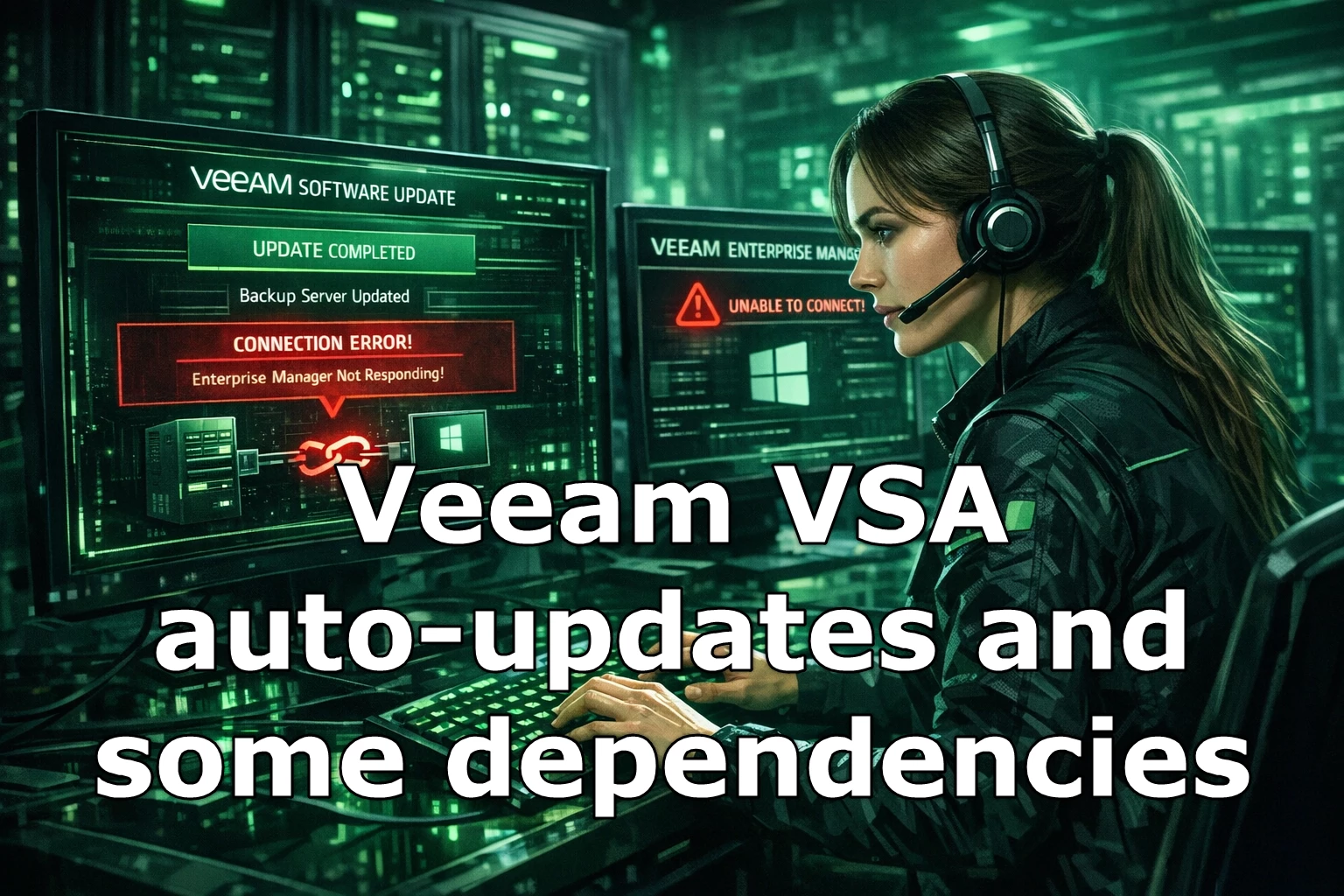
But not everything in your environment is an appliance. Your Veeam Backup Enterprise Manager might still be running on a Windows server (it happens). Enterprise Manager was therefore not automatically updated alongside the VSA — and suddenly your backup server shows up as offline in the Enterprise Manager console.

Cannot add backup server version 13.0.2.29 to Enterprise Manager server version 13.0.1.2067. Upgrade the Enterprise Manager server first.
Perfectly logical — but easy to miss when the VBR VSA updates itself without waiting for the rest of the infrastructure (maybe an option worth adding there)!
The Problem
The VSA auto-update feature does not (yet, it seems) check your external Windows-based components and their potential dependencies. It simply updates itself. The result: your Veeam Backup & Replication server is now ahead of the Enterprise Manager version — and refuses the connection until Enterprise Manager is brought up to the same version.
What to Do
Keep an eye on your Veeam infrastructure (and keep it current!) — identify every component that is not an appliance: Veeam ONE, Enterprise Manager if applicable, Veeam Recovery Orchestrator.
Monitor auto-update activity — after every update cycle, check whether non-appliance components are still version-compatible.
Update external components promptly and manually — they may not (yet) update themselves, so you need to take care of that yourself!
That's exactly how it happened in my lab too... with the daily noise, that environment sometimes gets neglected. I had been meaning to replace the still-Windows-based Enterprise Manager with the new appliance for a while now — well, here we are… time to change this asap 😉