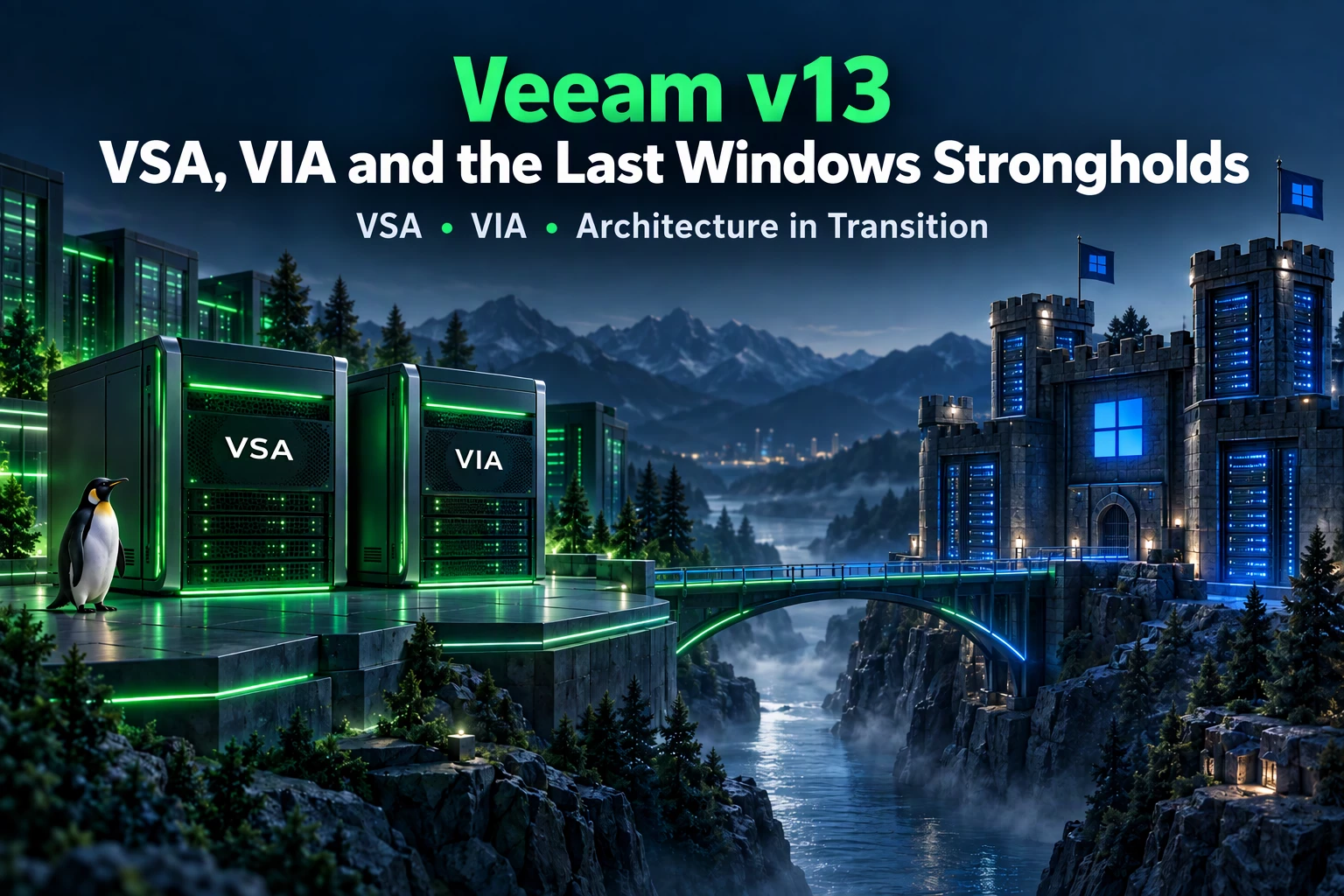


Or: Why Some Windows Servers Still Can’t Retire in 2026

With Veeam Backup & Replication v13, the classic infrastructure discussion changes for many customers. In the past, the answer to the question “Where do we install Veeam?” was about as complex as the cmdlet ping localhost. For years, the answer was perfectly clear:
“Take a Windows Server. Give it CPU, RAM, and please don’t use a C: drive with 20 GB — and if possible, add a separate large log partition.”
With v13, however, the world looks a bit different now. Thanks to the Veeam Software Appliance (VSA) and the Veeam Infrastructure Appliance (VIA), central Veeam components can be deployed much more easily and in a more standardized way.
With the Veeam Software Appliance, Veeam Backup & Replication and Veeam Backup Enterprise Manager can be operated on two separate, Veeam-provided and hardened Linux-based appliances. The Veeam Infrastructure Appliance, meanwhile, can be used for additional components such as repository, mount server, gateway server, and so on.
The appeal is obvious:
- Veeam provides and maintains the appliance images
- Deployment generally becomes easier
- Updates are appliance-oriented and can be automated
- Fewer customer-managed Windows Servers and Windows licenses
In short:
More appliances. More standardization.
Less Windows. Less patch bingo.

The New Customer Question
As soon as customers start looking into VSA and VIA, the next logical question quickly comes up:
“If we move to VSA/VIA now — do we still need any Windows components in the Veeam infrastructure at all?”
The honest answer is:
Fewer than before. But as of today, it still does not always work entirely without Windows.
So naturally, the next questions are obvious:
“Which components must run on Windows?”
“What is their function?”
“Is there a list where we can easily see this without digging through the documentation for every single feature?”

I took the time to create exactly such a list — see further below. My goal was pragmatic:
A compact overview showing where Windows is still required in a modern Veeam v13 infrastructure with VSA/VIA. This includes showing the options for VIA, Linux, and RHEL, as well as where the detailed differences are.
The information is based on:
- Current Veeam documentation, as of October 2026
- My own tests and validations
- Best knowledge and judgment
Where Windows Is Still Required
As of 10/2026, Windows systems are still required in the following scenarios:
- Veeam ONE + Veeam One Console
- VBR Console
- Veeam Recovery Orchestrator
- Mount Server for certain restore scenarios
- Gateway Server, if Fast Clone on ReFS is required
- Repository Server, if ReFS is used
- General-Purpose Proxy for Windows Agent backups with VSS snapshot integration
- VMware Proxy in certain special cases
- Hyper-V Off-Host Proxy
- Guest Interaction Proxy, when gMSA is used
Or, as an admin rule of thumb:
As soon as ReFS, VSS, Hyper-V off-host, gMSA, or certain Microsoft application restores come into play, Windows shows up at the door with a coffee in hand.

Want a bit more detail? Gladly…
- Mount Server
Many restore scenarios also work with Linux-based components. However, as soon as certain Windows-specific functions are required, a Windows Mount Server is still necessary.
Examples:
- ReFS restore
- Windows deduplication restore
- Application item restore for Microsoft workloads:
- Active Directory
- Exchange
- SQL Server
- SharePoint
- OneDrive
- Teams
- Secure Restore with ReFS
- Instant Recovery for certain Hyper-V scenarios
- Instant Disk Recovery for Windows
- Scan backup with ReFS
- SureBackup with ReFS
- Guest OS file restore with ReFS
In short:
If the restore goes deep into Microsoft territory, a Windows Mount Server should not be missing.
ReFS is a Microsoft file system. Surprise: you need Windows for that. This applies to both repositories and gateway servers.
The alternative is a Linux or VIA repository with XFS Fast Clone, especially if you are already moving toward a Linux Hardened Repository. A hardened repository is not possible with Windows.

2. General-Purpose Proxy with VSS
For general-purpose proxies, Linux is an option in many areas. However, if Windows Agent backups with VSS snapshot integration are to be used, Windows remains the required proxy platform.
3. VMware Proxy with Special Cases
VMware proxies can generally be either Windows or Linux. However, there are scenarios where Windows remains relevant — for example, certain HotAdd or VMware Cloud on AWS configurations, as well as feature combinations that are not fully covered by Linux proxies.
The rule of thumb:
Standard VMware backup? Linux can often participate.
Special case with HotAdd, VM Copy, or specific transport requirements? Check Windows.
4. Hyper-V Off-Host Proxy
The Hyper-V off-host proxy is still clearly a Windows case. This is simply because Hyper-V off-host processing is based on Microsoft components.
5. Guest Interaction Proxy with gMSA
Guest Interaction Proxies can also be deployed in different ways. But as soon as gMSA comes into play, Windows is required. So if a customer wants to use gMSA authentication for guest processing, a Windows Guest Interaction Proxy should be planned.
6. Veeam Components: Veeam ONE, Veeam Recovery Orchestrator, and VBR Console
The monitoring software Veeam ONE and the disaster recovery solution Veeam Recovery Orchestrator currently still rely entirely on Windows Server operating systems. The classic Veeam ONE Console and the VBR Console — which will gradually be replaced by the new Web UI — can also only be installed on Windows OS.
Table Overview
Would you like a simple and quick table overview with all supported options and relevant links?

Of course — here you go:
https://docs.google.com/spreadsheets/d/1Z560FessC2vbSd6lzP43ip-IgAN_KeJf62ZkIcLDbdk/edit?usp=sharing
Conclusion
Veeam v13 does not mean:
“Windows is dead.”
It rather means:
“Windows is no longer needed everywhere.”

With VSA and VIA, many Veeam components can be operated in a much more modern, consistent, and simple way. At the same time, there are still technical scenarios where Windows is required — especially where Microsoft-specific technologies are used.
The current architecture is therefore not “everything as appliances,” but rather: look closely at the use case and the feature being used. And if you want to move from Windows to the appliance model, the guiding principle is:
As much appliance as possible, and as much Windows as necessary.
Sources/ References
- Veeam Backup & Replication v13 Release Information:
https://www.veeam.com/kb4738 - Veeam Software Appliance / Enterprise Manager on Linux:
https://helpcenter.veeam.com/docs/vbr/em/em_deployment_linux.html - Veeam Backup & Replication System Requirements:
https://helpcenter.veeam.com/docs/vbr/userguide/system_requirements.html - Fast Clone / ReFS / XFS:
https://helpcenter.veeam.com/docs/vbr/userguide/backup_repository_block_cloning.html - Veeam ONE System Requirements:
https://helpcenter.veeam.com/docs/one/userguide/system_requirements.html - Veeam Recovery Orchestrator System Requirements:
https://helpcenter.veeam.com/docs/vro/userguide/system_requirements.html - Guest Interaction Proxy / gMSA Note:
https://helpcenter.veeam.com/docs/vbr/userguide/guest_interaction_proxy.html