



Hi team,
Following a Veeam Backup & Replication upgrade to v13 for a client using Hyper-V, we started encountering random failures on backup and replication tasks with this error:Failed to process replication task Error: the socket was closed
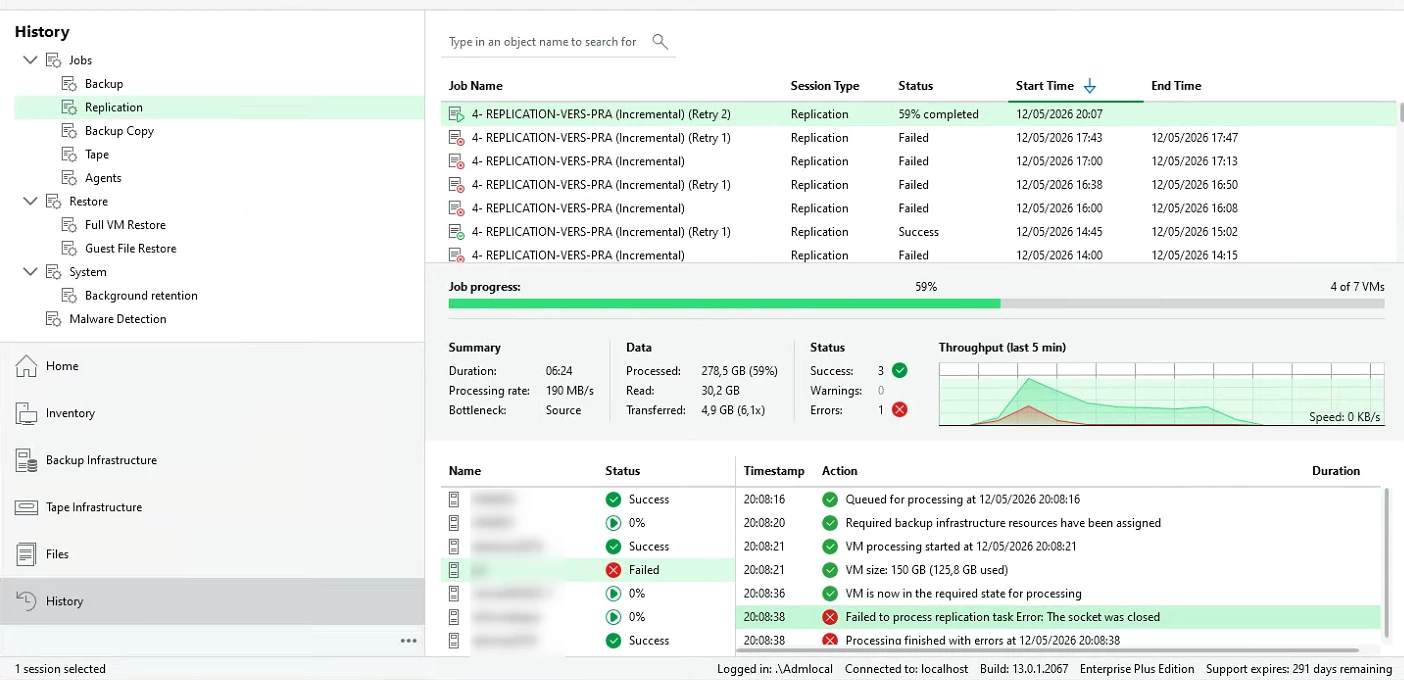
We ran through extensive troubleshooting: verified antivirus exclusions, analyzed network traffic, checked firewall rules, validated storage connectivity, etc., but nothing pointed to a clear cause. After several exchanges with Veeam Support, we finally tracked it down.
The VBR Windows services had been configured to run under a local service account instead of the built-in Local System account. Once we switched all relevant Veeam services to run under Local System, the random socket errors completely disappeared.
I’m not entirely sure if this is tied to stricter authentication, TLS negotiation changes, or other security enhancements introduced in v13, but it’s definitely worth keeping in mind during upgrades or fresh installs.
Hope this saves someone some troubleshooting time. Have a great day!




