



From Install to Orchestration — What You'll Actually Learn
One of the things that makes the VRO Essentials course stand out is how practical it is. This isn't a high-level overview that leaves you with a slide deck and no idea what to do next. By the time you've worked through it, you'll have touched nearly every part of a real VRO deployment.
The course walks you through installation, initial configuration, and the dashboard — then gets into the meat of how VRO works: Orchestrator Agents, Recovery Locations (VMware, Storage, and Azure), Virtual Labs, DataLabs, scopes, roles, credentials, YARA rules, and more. Each topic is paired with clickable labs so you can see exactly how things look in the UI and follow along step by step.
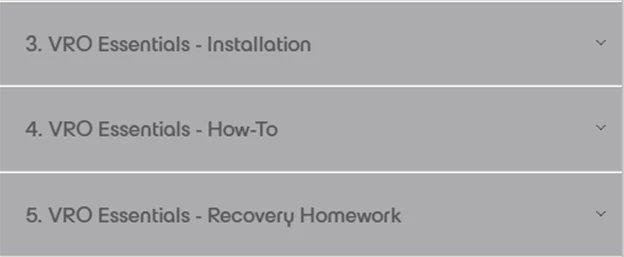
There's also a genuinely useful module called "Recovery Homework" that challenges you to think through your own environment before you start building plans. What are you trying to orchestrate? Where does the workload live? What does success actually look like? These questions sound simple but they're the ones teams skip — and then wonder later why their recovery plan doesn't hold up under pressure.
The course covers five common recovery scenarios in detail: site loss, mass VM recovery, ransomware, and tiered application recovery (Tier 1 through Tier 3). For each one, you get a clear breakdown of what the situation looks like, what infrastructure decisions are involved, and which type of recovery plan fits. That kind of scenario-based thinking is what separates people who understand DR from people who just configure backup jobs and hope for the best.
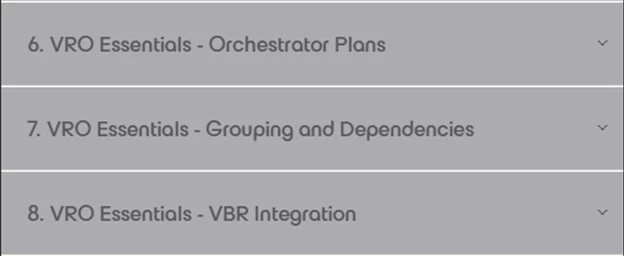
By the end, you'll also understand how VRO connects with Veeam Backup & Replication — because the two work together, not independently — and how to build recovery plans that actually coordinate with the jobs you already have running.