



Veeam Enterprise Manager
is used for managing VBR servers centrally.
Today’s usecase is due migration from V12 to V13
Our VBR servers are not part of any domain
VEM was migrated to VSA
Now we have been added VSA VBR on VEM (VSA).
Everything was fine and is working
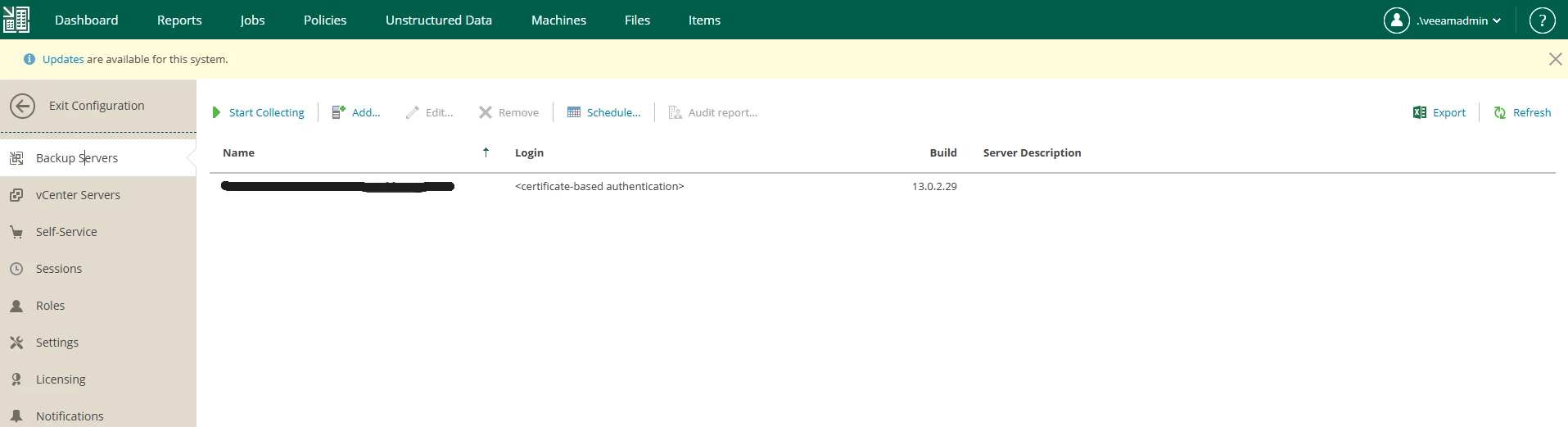
Data collection was fine
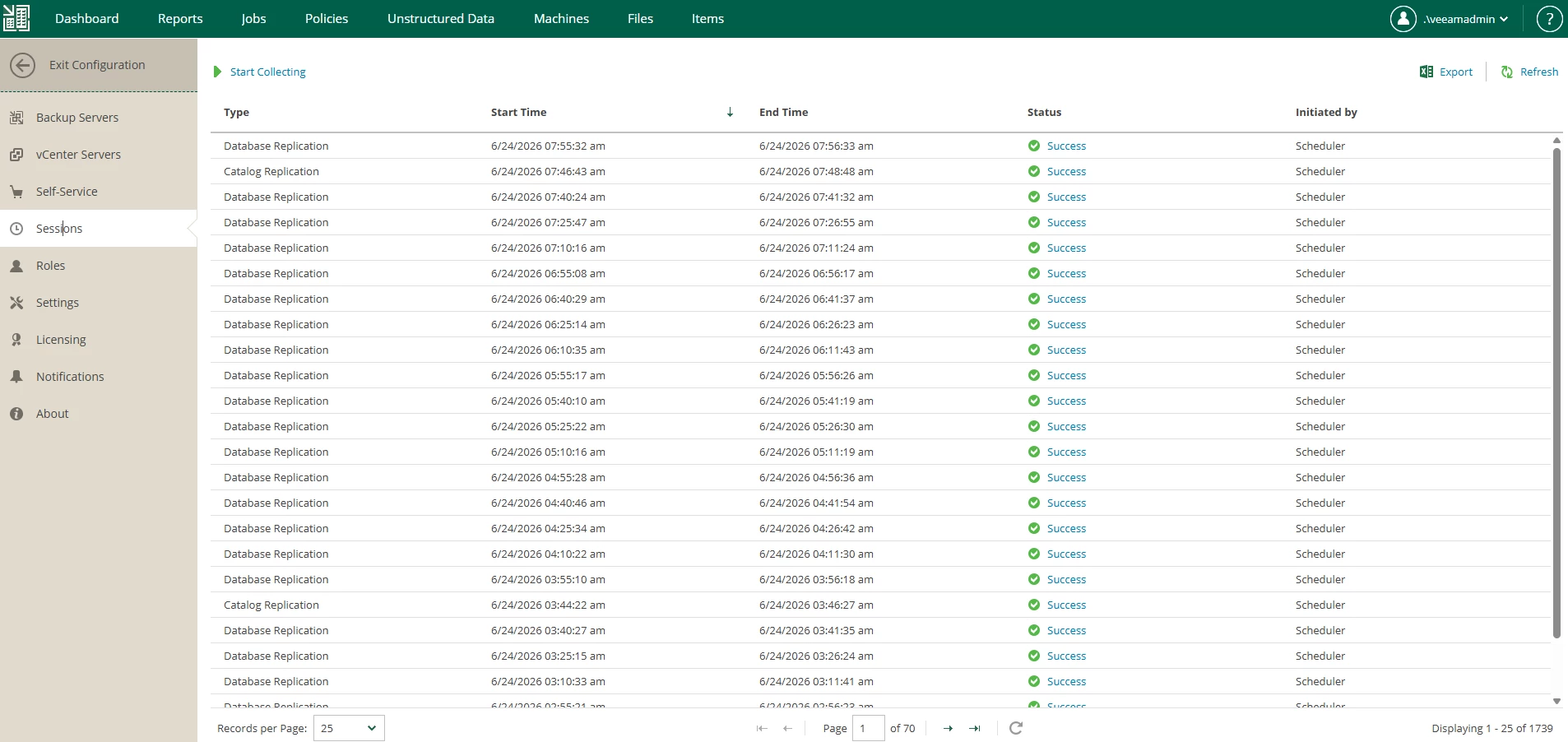
When we decided to add VBR as windows, upgraded from v12. At first time was possible to add (with repeated adding was not possible later add windows VBR)
and session were sometimes successful, sometimes failed - because one of VBR failed with data collection.
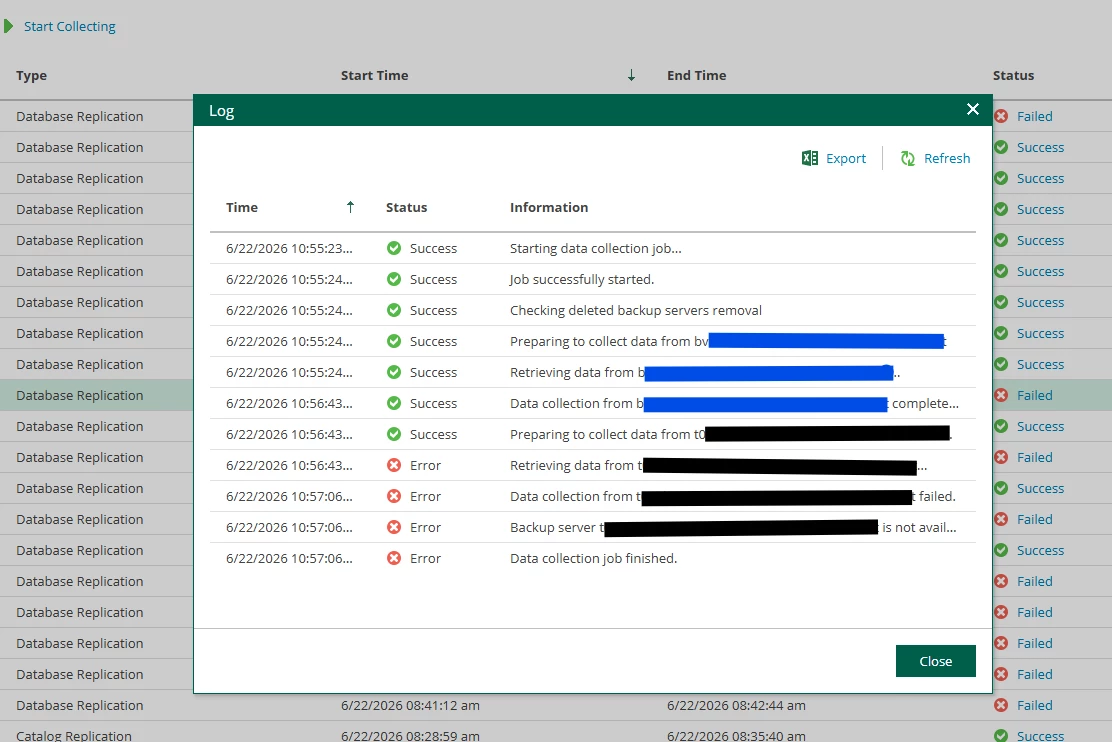
Using VEM for restoring ITEMS we had always errors
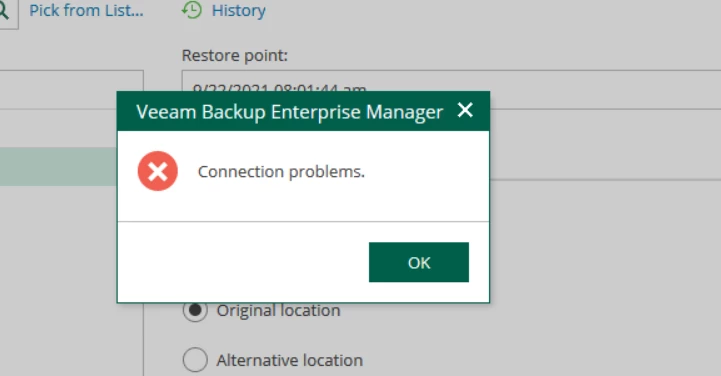
It was tricky to find RCA, because VEM sometimes restore back to original location was successful and always failed with alternative location.
In logs was visible
[22.06.2026 05:26:54.784] <20> Info (3) A connection could not be established within the configured ConnectTimeout. (System.TimeoutException)
[22.06.2026 05:26:54.785] <20> Error (1) Unable update EM master key at BS 'ddf63d3d-47f8-499d-b5ed-17279c740958' (VBRxxxxxxxx)
[22.06.2026 05:26:54.785] <20> Error (1) Failed to connect to backup server "VBRxxxxxxxx". (Veeam.Backup.Common.CRegeneratedTraceException)
And then we have been read article in KB
So Linux VBR and Windows VBR without joined domain, is not supported
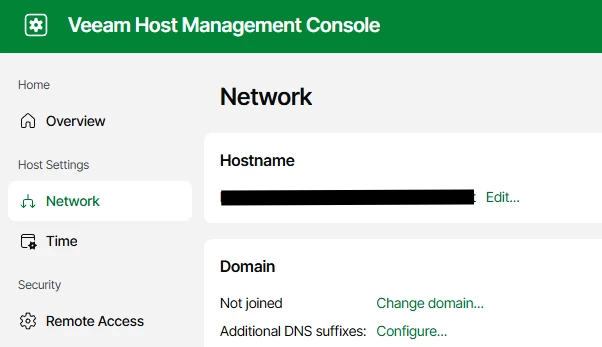
Our VBR servers are not in domain:
- Enterprise Manager on Linux uses Kerberos authentication to communicate with backup servers. This means that you can add only domain-joined backup servers in Enterprise Manager on Linux. Workgroup backup servers cannot be added, as Kerberos authentication does not support local accounts.
Good will at the end:
If you migrating VBR servers from windows to Linux, migration of VEM to Linux skip, until all VBR servers are not on Linux 😉