


Hi Everyone,
In the ever changing landscape of data protection… Shut Up AI!!!!!!
Sorry I just felt like saying that today 😁
Turn off the Playstation turn on Veeam 13 in the Lab!
Like most of you I have sidelined my PC gaming activity (somewhat) in order to dive into the latest Veeam 13.0.1 release.
Veeam Security Officer
Reminder, always follow Veeam’s best practices and create a Veeam Security Officer or as we all know them as veeamso! The veeamadmin then is forced to ask for approval to enable certain services, like ssh and shell.
Veeam Green?
After following diligently the new process (caveat, this is my home lab where I wear many hats, in fact like all my jobs ever in IT :(, I am the security officer), asking the security officer for approval, I received access to the shell. Immediately I noticed the green. In fact I am lying I did not but a colleague at work mentioned it. Green here is not Veeam but Terminal Multiplexer which is now default in Veeam.
TMUX
So what is tmux: tmux is a terminal multiplexer that lets you run multiple terminal sessions inside a single terminal window. You can split your screen into panes, create multiple windows, and detach/reattach sessions so your programs keep running even when you disconnect. It's especially useful for managing multiple command-line tasks at once or for remote server work where you want sessions to persist after logging out.
Some of you might remember screen which was used in the past.
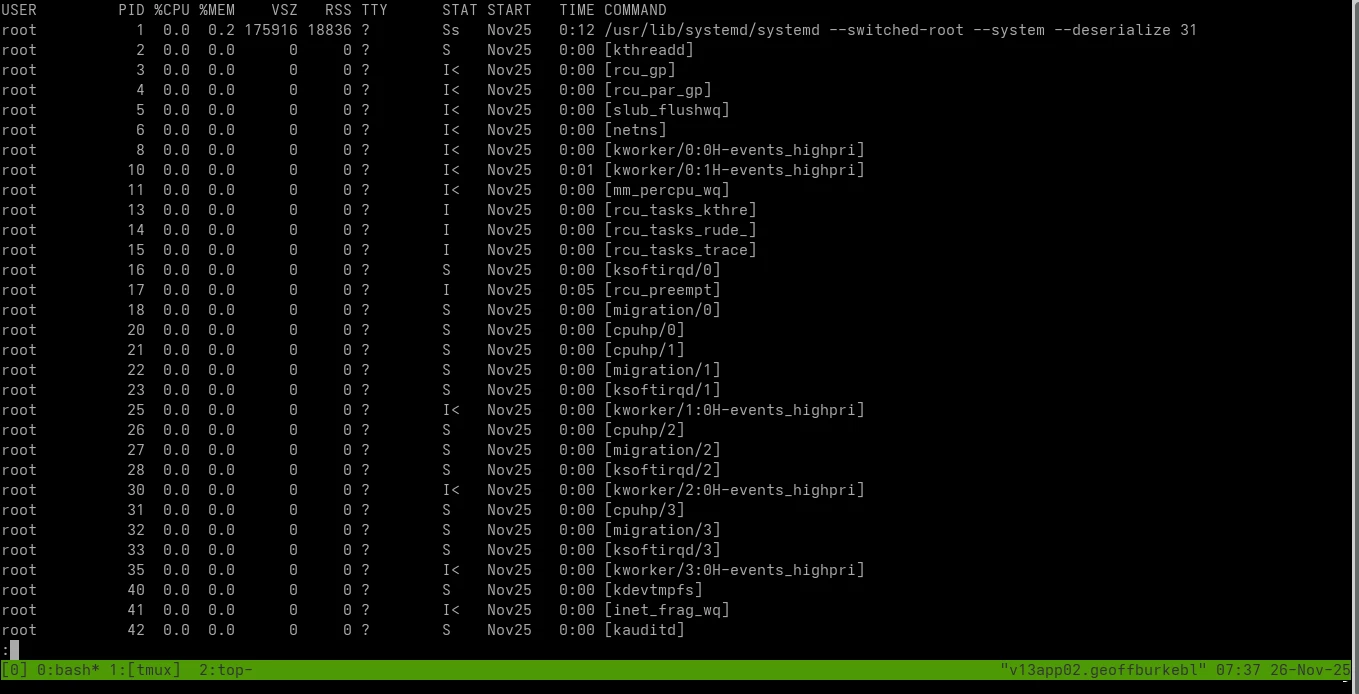
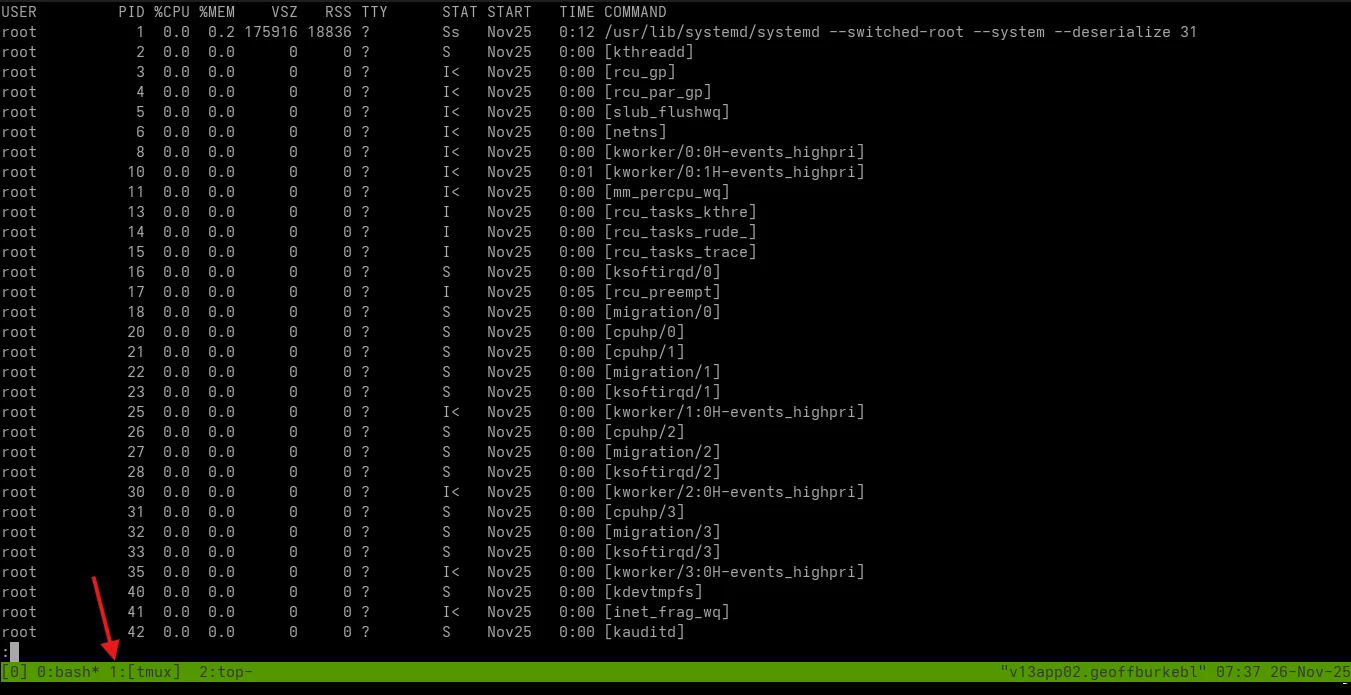
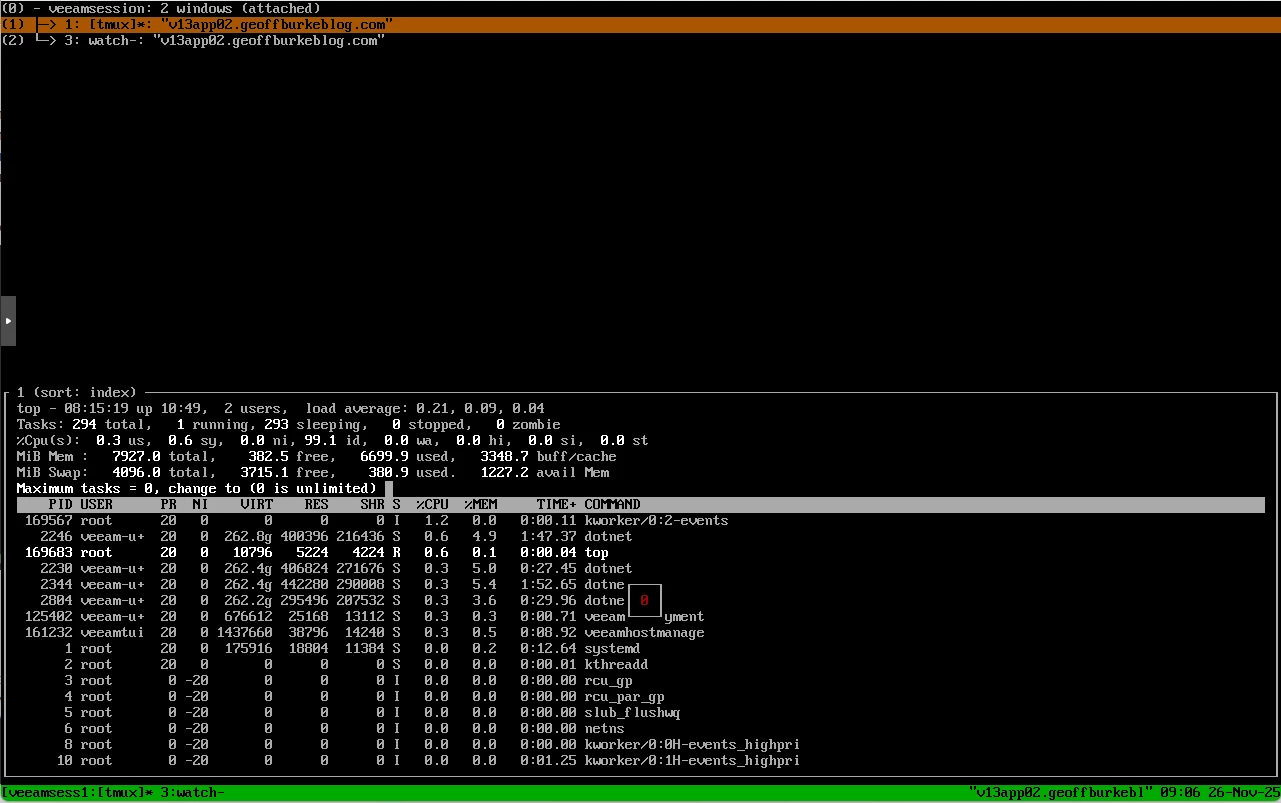
You can see in the bottom what terminals and programs you have running, and easily switch between them with your keyboard ctr B N, or ctr b w to see a list
Fear of Tmux!
I have to admit I had a phobia of tmux ever since I heard a story of some poor fellow getting lost in his virtual terminals during a performance tightly timed Kubernetes exam (CKA) and so avoided it. However, one must confront one’s fears and this is the place to go for that https://linuxhandbook.com/tmux/




