


If I had to share just one tip this #SysAdminDay, it wouldn't be a Veeam feature or a PowerShell script.
It would be this:
Know the environment you're protecting.
It may sound simple, but it's one of the biggest lessons I've learned after working on many projects and handling several incidents over the past few years.
Many people see a backup administrator's job as checking whether backup jobs completed successfully. Of course that's important, but in my opinion, that's only the tip of the iceberg.
Long before an incident happens, the basics need to be done right. Healthy backups, a solid 3-2-1-1-0 strategy, monitoring, restore testing, up-to-date systems, security features, and good governance. Those are the foundations that give us confidence that, when the bad day comes, we have a real chance of recovering the environment.
But there's something that becomes even more valuable when everything starts going wrong.
Knowing the customer's environment.
When an incident happens, customers panic. And that's completely understandable. Everyone wants answers immediately. Everyone wants their own server restored first. Very often, everyone loses the big picture, and even the customer can't clearly explain which systems depend on each other or which applications need to come back first.
That's when knowing the environment makes all the difference.
Knowing what each server does.
Understanding application dependencies.
Knowing the right recovery sequence.
During a recovery, restoring a server alone is often not enough. You may recover a VM in just a few minutes, but if the database, Active Directory, or another critical service isn't available yet, that application will still be offline.
Another situation I see quite often is poor naming and documentation. It's not unusual to find virtual machines whose names don't tell you anything about the workload they host. In some environments, the hostname is completely different from the VM name in the hypervisor. On a normal day, that's already confusing. During an incident, when there's pressure to recover dozens or even hundreds of servers, it slows down identification and makes it much harder to decide what should be restored first.
It's not always easy. Many of us are responsible for dozens of customers and hundreds of different servers. Even so, I always try to understand how each environment works. I ask questions, learn how the applications interact, and whenever possible, suggest improvements before a problem ever happens. The better I know the infrastructure, the better prepared I'll be when it's time to recover it.
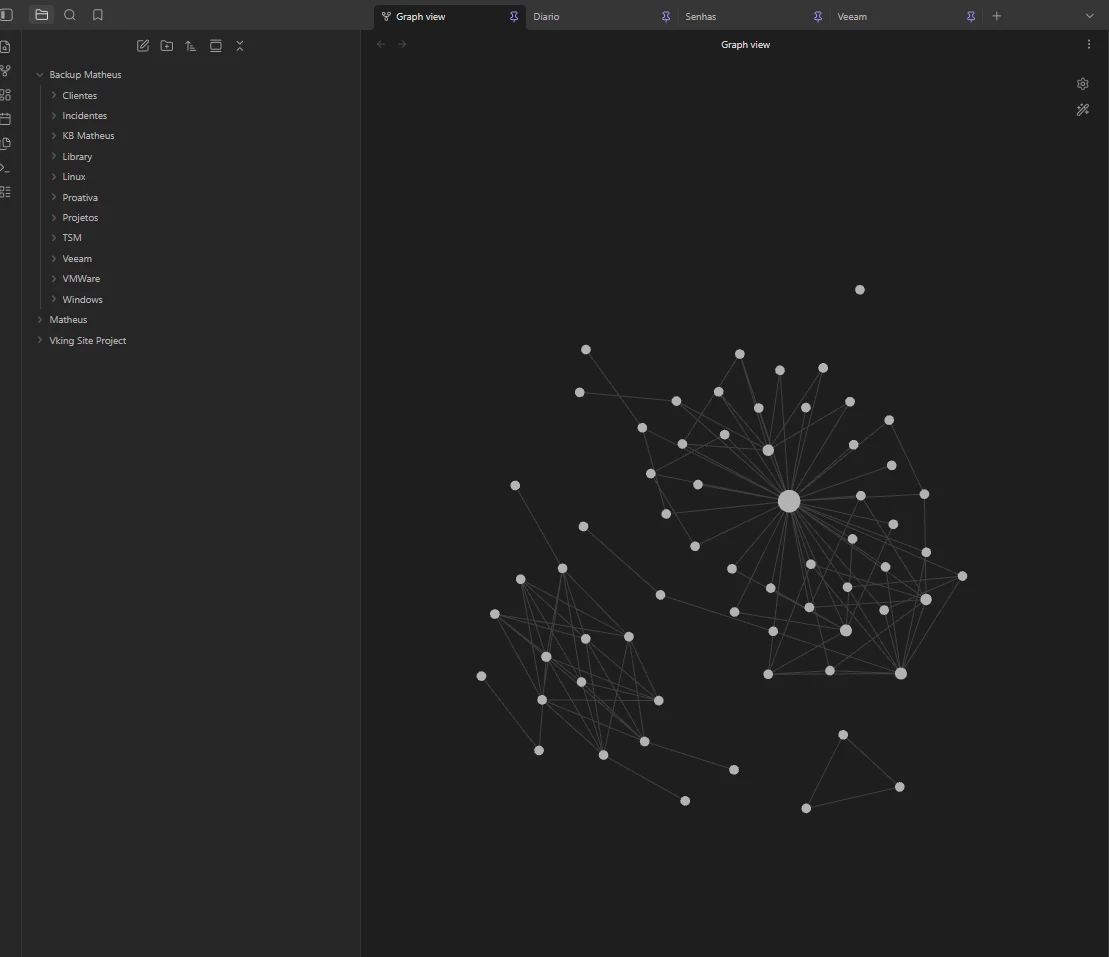
Another habit I never give up is documenting what I learn. Over the years, I've built a small personal knowledge base with commands, procedures, issues I've encountered, solutions that worked, and observations from previous projects. Today, I organize everything in Obsidian, where I can quickly connect technologies, procedures, and lessons learned from previous incidents. It's nothing fancy, but more than once it has helped me find the answer in minutes instead of trying to remember something under pressure.
In the end, learning Veeam features is essential.
But checking whether a backup job finished successfully is only the tip of the iceberg.
The real difference comes from knowing the environment better than anyone else in the room. Because when everyone is looking for answers, that's the knowledge that helps define priorities, make the right decisions, and guide the recovery in the safest and most efficient way possible.
That's still the most important tool in my Veeam toolbox.


