


There has probably some SnapMirror issues mentioned in the community hub in the past. NetApp has updated it KB article and Veeam also listed it in its documentation. I will show a couple of screenshots below and the links to the KB and Veeam user guide. The initial error appears in figure 1 below.
“Cannot find snapshot replication relationships”. In most cases it is related to a storage configuration. There could be other issues going on but, in this case, the steps in NetApp KB article solved the problem. I always recommend calling Veeam or NetApp support to analyze logs if needed.
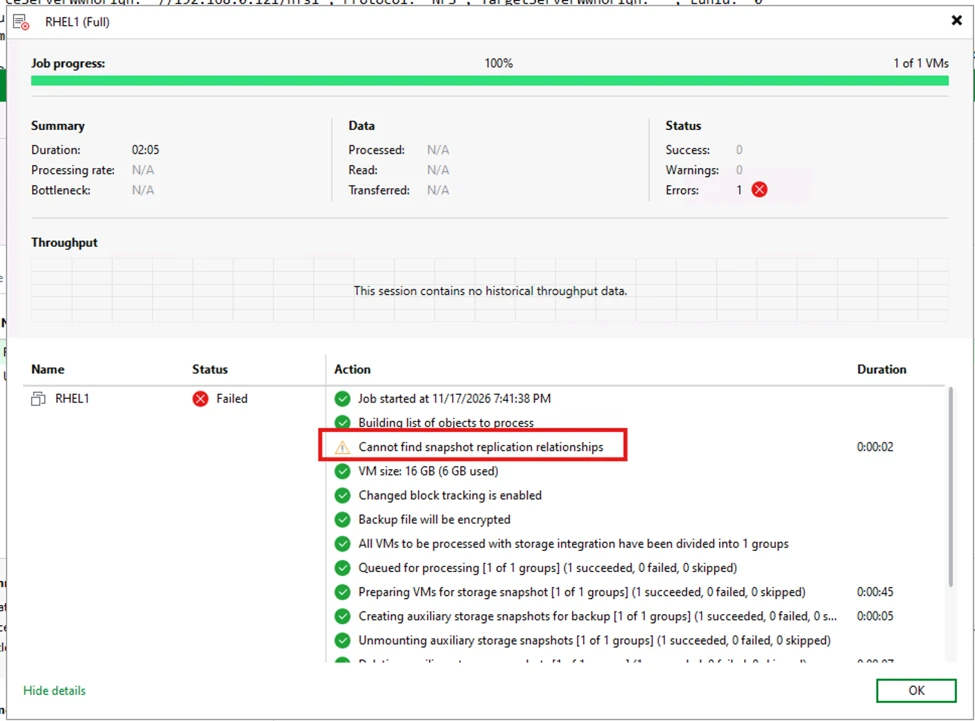
Although there is already a SnapMirror relationship established it will fail if these other items are not configured on the NetApp storage below. The NetApp KB article covers this in detail.
- NFS volume not mounted. This is standard for NetApp since secondary SnapMirror destinations are not mounted by default. VBR needs to see the volume and process the request.
- Export policy needs to have the VBR proxy IP/DNS address.
- NFS protocol licensed and enabled.
- NFS LIF (network) port.
- NFS services must be allowed on NFS LIF.
- Rescan NetApp storage in VBR.
In figure 2 below. The storage configurations were done and the job completed successfully.
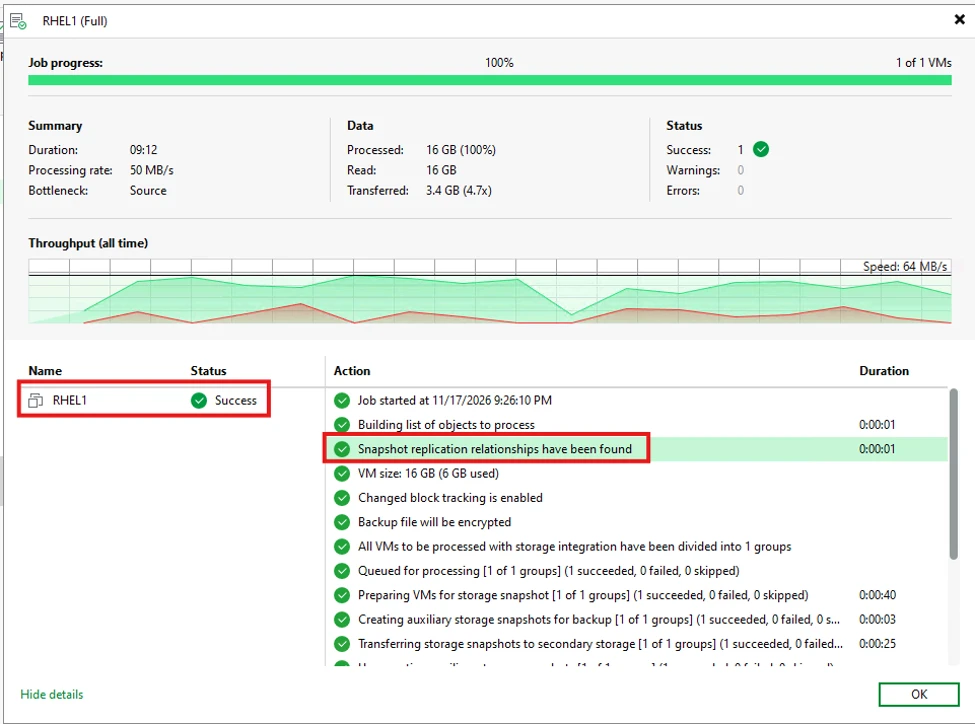
Veeam documentation link - NetApp ONTAP, Fujitsu ETERNUS HX/AX, Lenovo ThinkSystem DM/DG (Built-In Storage Systems)
NetApp KB link included in Veeam user guide above - Veeam ONTAP Plugin fails to replicate secondary snapshots source or target LUNs not found