



This week will take a small break from Wasabi related things and check out replication for Proxmox VE. Check out blog #6 below.
Blog - Veeam 13.1 and Proxmox VE – Native Replication is Here
Veeam 13.1 and Proxmox VE – Native Replication is Here
The post-Broadcom VMware licensing situation has driven a real migration toward alternative hypervisors, and Proxmox VE has been one of the biggest beneficiaries. Veeam has clearly been watching these trends, because version 13.1 delivers something Proxmox users have been waiting for: native VM replication.
This is not just a backup story anymore. Proxmox is now a first-class citizen in Veeam’s disaster recovery capabilities.
What’s New for Proxmox in 13.1?
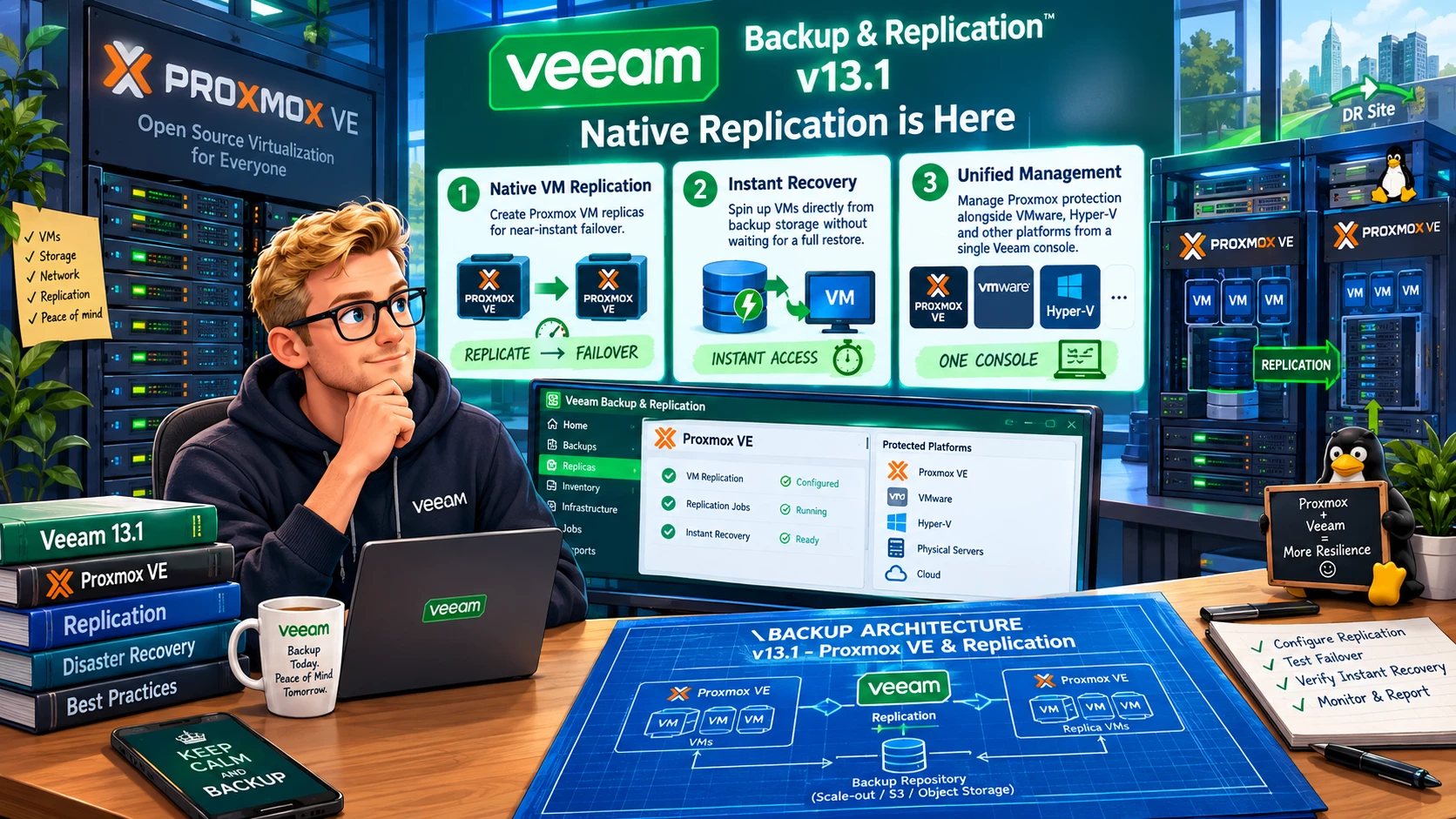
Veeam already had Proxmox VE support for backup and recovery. Version 13.1 extends this with:
-
Native VM replication — create Proxmox VM replicas for near-instant failover
-
Instant Recovery — spin up VMs directly from backup storage without waiting for a full restore
-
Unified management — manage Proxmox protection alongside VMware, Hyper-V, and other platforms from a single Veeam console
This brings Proxmox protection to near-parity with what Veeam has long offered for VMware vSphere.
Why Replication Changes the Game
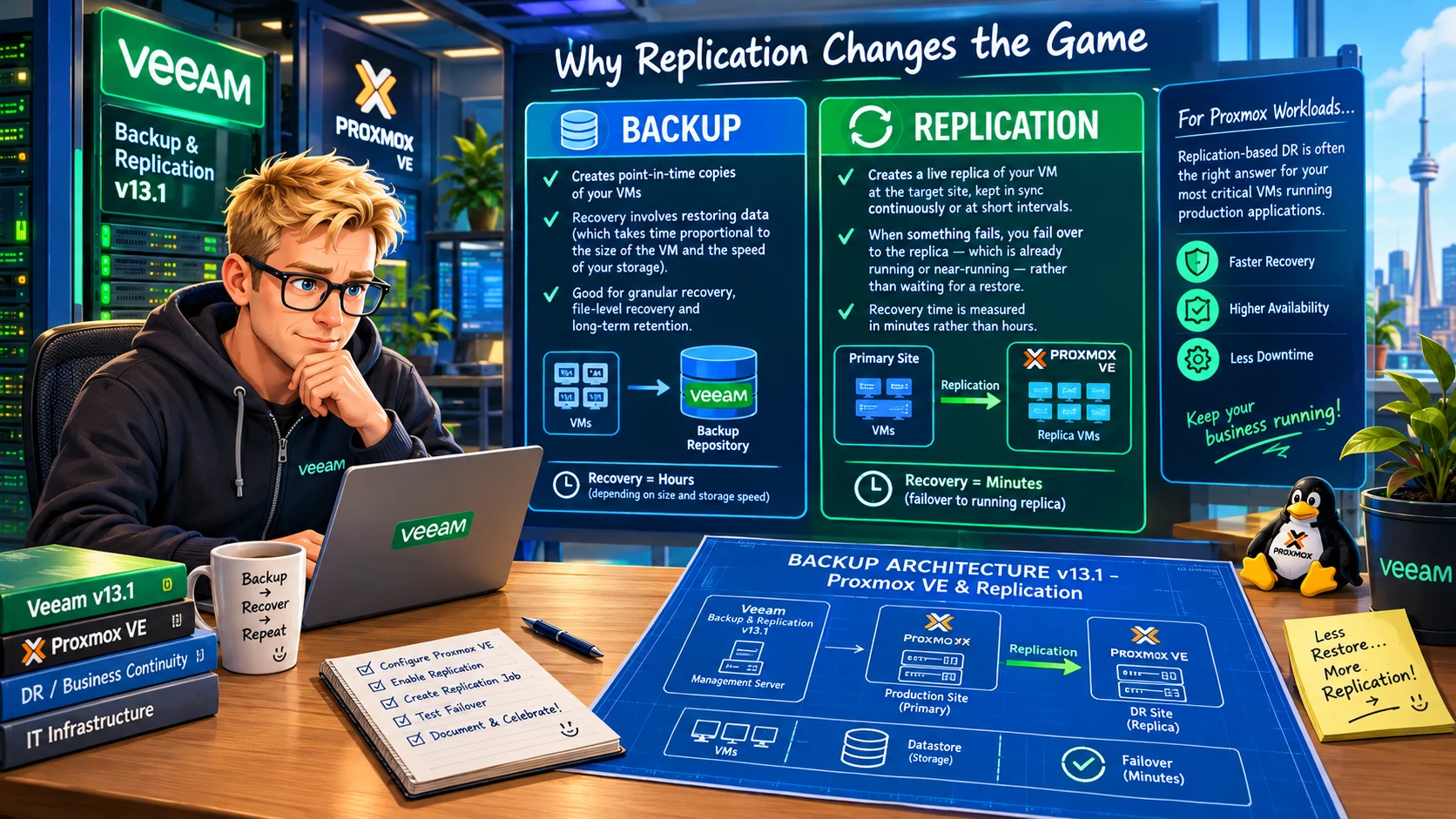
Backup and replication serve different purposes, and understanding the distinction matters for your DR strategy.
Backup creates point-in-time copies of your VMs. Recovery from backup involves restoring data — which takes time proportional to the size of the VM and the speed of your storage. Good for granular recovery, file-level recovery, and long-term retention.
Replication creates a live replica of your VM at the target site, kept in sync continuously or at short intervals. When something fails, you fail over to the replica — which is already running or near-running — rather than waiting for a restore. Recovery time is measured in minutes rather than hours.
For Proxmox workloads running production applications, replication-based DR is often the right answer for your most critical VMs.
Setting Up Proxmox Replication in Veeam 13.1
The configuration flow follows Veeam’s standard replication setup:
-
Add your Proxmox VE hosts to the Veeam inventory as managed servers
-
Create a Replication Job targeting a Proxmox host at your DR site (or a different cluster in the same site for local HA)
-
Configure your RPO — how frequently you want the replica synchronized
-
Set your restore point retention for the replica
-
Enable the job and monitor replication health from the console
Veeam handles the delta synchronization between replication runs, so after the initial seeding only changed blocks are transferred. This keeps replication traffic manageable even over limited WAN links.
Instant Recovery for Proxmox
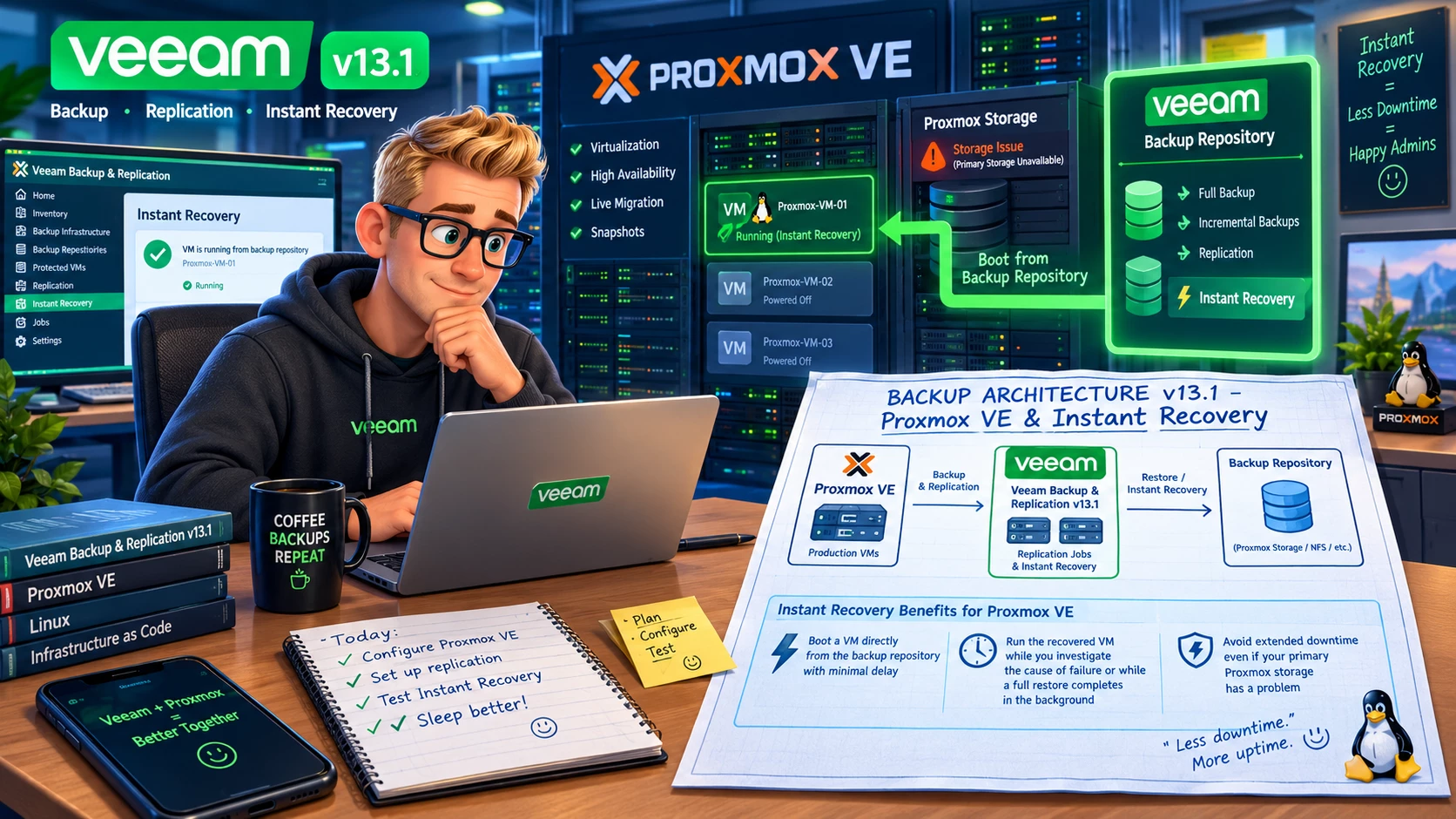
Instant Recovery is particularly useful for Proxmox environments because it lets you:
-
Boot a VM directly from the backup repository with minimal delay
-
Run the recovered VM while you investigate the cause of failure or while a full restore completes in the background
-
Avoid extended downtime even if your primary Proxmox storage has a problem
This is the same Instant Recovery capability that Veeam VMware users have relied on for years, now available natively for Proxmox.
Unified Multi-Hypervisor Management
If your environment runs a mix of VMware, Hyper-V, and Proxmox (an increasingly common situation as migration projects are underway), version 13.1 lets you manage all of it from a single Veeam console with consistent policies.
This is operationally significant. Running separate backup solutions for different hypervisors is expensive — in licensing, in training, in operational complexity. A unified platform simplifies reporting, policy management, and compliance documentation.
Current Limitations
In the spirit of complete transparency: Universal CDP (Continuous Data Protection) in 13.1 has some current limitations regardless of hypervisor. Planned failover and failback to original location are not yet supported in Universal CDP. Check the release notes before designing your DR runbooks around these capabilities.
For replication (as opposed to CDP), the standard feature set is solid.
Who Should Pay Attention
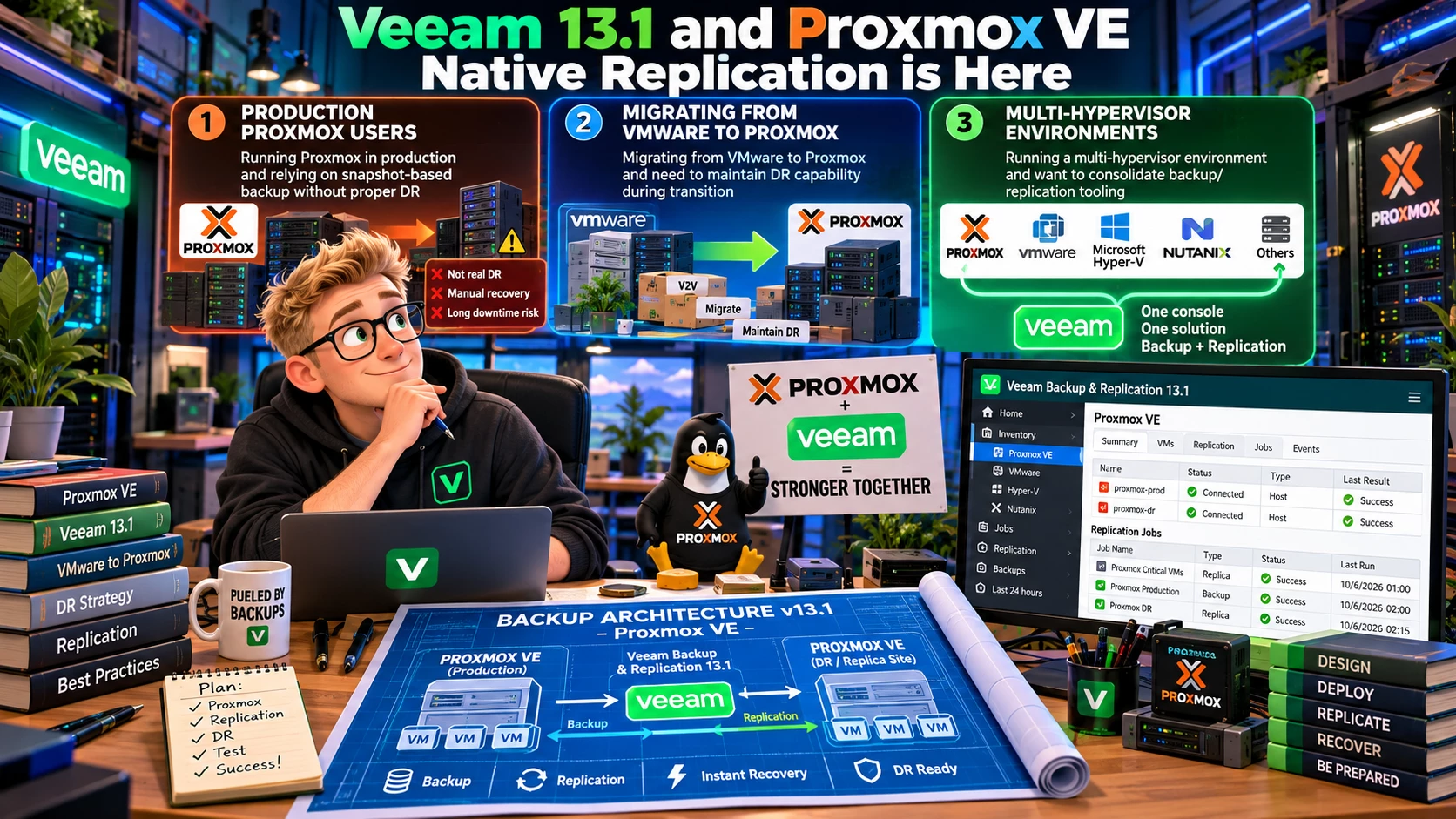
If you are:
-
Running Proxmox in production and relying on snapshot-based backup without proper DR
-
Migrating from VMware to Proxmox and need to maintain DR capability during transition
-
Running a multi-hypervisor environment and want to consolidate backup/replication tooling
Then Veeam 13.1’s Proxmox replication support is directly relevant to you.
Bottom Line
Native Proxmox replication in Veeam 13.1 closes a significant gap for organizations that have adopted or are adopting Proxmox VE. Combined with Instant Recovery and unified management, this makes Veeam a compelling choice for mixed or Proxmox-primary environments.
If Proxmox is part of your infrastructure, 13.1 is worth your immediate attention.
Are you running Proxmox in your environment? What’s driving the adoption — cost, flexibility, or something else? Let me know in the comments.




