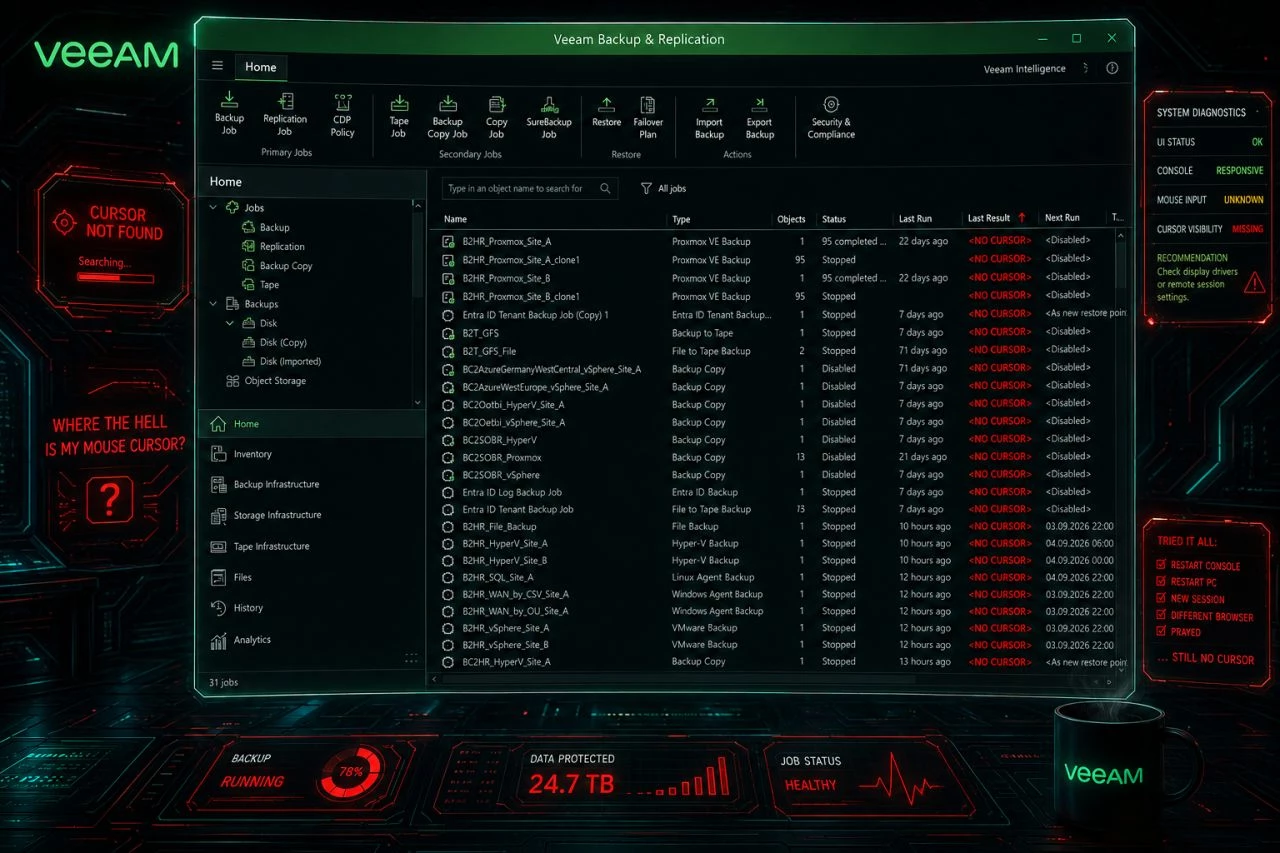
Mouse cursor disappears the Veeam Backup & Replication console.

  • September 3, 2026
  • 35 comments
  • 3077 views

Show first post

35 comments

Marcel.K
Forum|alt.badge.img+13
  • Veeam Legend
  • September 14, 2026

Great catch! The Edge/WebView2 dependency would not have been my first guess. Thanks for sharing both the update/restart fix. This will definitely save some troubleshooting time for anyone suddenly "losing" their mouse cursor in the VBR console. šŸ˜„


Chris.Childerhose
Forum|alt.badge.img+23
  • Veeam Legend, Veeam Vanguard
  • September 14, 2026

Had this come up a few times last week and the WebView fix seemed to work.Ā  Hopefully this is fixed at some point.


  • New Here
  • September 17, 2026

We have the console running on 2 ā€œadminā€ servers and the cursor was disappearing on both.Ā  The work around had no effect on either.

Bizarrely, we found that ticking the ā€œremember meā€ option at the VBR login prompt then gave us a visible cursor within the console.Ā  Strange one but this worked on both servers that we run the console from.Ā  Ā 

Not sure if that helps anyone but it worked for us without updating edge or creating any reg keys etc.Ā 

Ā 

Ā 

Ā 

Odd, but this worked for me!!Ā  Ā Ā 


  • New Here
  • September 17, 2026

Version 13.1.1.18 of Veeam B&R here. They replied in a support ticket with the below. Also theĀ taskkill /F /IM msedgewebview2.exe worked for me and was what I was using. This issue just appeared for me yesterday (when I noticed).Ā 

Veeam Support: Our records show that the issue you are facing is associated with applications that use Microsoft Edge WebView2. Current information indicates a recent Microsoft Edge / WebView2 update that affects the cursor rendering inside the WebView2-based application areas.
Ā 
To address the issue:
Disable Hide pointer while typing
Control Panel > (search) "Mouse"
OR Run Dialog / CMD prompt : control mouse > Pointer Options > Uncheck Hide pointer while typing

*Restart the Veeam B&R console (added)


Please refer to the screenshot below.

0?ui=2&ik=d9af9951f7&attid=0.1&permmsgid=msg-f:1876579902654097392&th=1a0af37a9a55a7f0&view=fimg&fur=ip&permmsgid=msg-f:1876579902654097392&sz=s0-l75-ft&attbid=ANGjdJ8YBBASTvgib3xrI0ySZgh9Q9u3DrrLaFK4uQYz0XIYutWwniuM1IxSyvorCS0cMDJ2-_zMT1t7d8d7Fd42Syl1lqn8akMHeuk-ZkdDz-QTpALHj4B6ufNR7Sg&disp=emb&zw


coolsport00
Forum|alt.badge.img+23
  • Veeam Legend
  • September 17, 2026

According to the R&D Forum post Markus referenced, the cause does indeed seem to stem from MS Webview and MS acknowledges it and there is supposed to be a fix coming ā€œsoonā€ (Oct is what has been stated).Ā 

To fix this currently, just follow the instructions ​@MikeTRCSĀ shared: go to Control Panel > Mouse > Point Options tab and deselect the Hide Pointer While Typing option, then relaunch the Console.

I just upgraded one of my VBR servers to the latest 13.1 build and this issue popped up.


Chris.Childerhose
Forum|alt.badge.img+23
  • Veeam Legend, Veeam Vanguard
  • September 17, 2026

I tried the hide pointer while typing, but it is still missing - I am guessing a restart of the console is needed so something to maybe add to these steps.


coolsport00
Forum|alt.badge.img+23
  • Veeam Legend
  • September 17, 2026

I tried the hide pointer while typing, but it is still missing - I am guessing a restart of the console is needed so something to maybe add to these steps.

Yep...good point Chris. The Console does need to be relaunched. I added it.

Thanks!


Chris.Childerhose
Forum|alt.badge.img+23
  • Veeam Legend, Veeam Vanguard
  • September 17, 2026

I tried the hide pointer while typing, but it is still missing - I am guessing a restart of the console is needed so something to maybe add to these steps.

Yep...good point Chris. The Console does need to be relaunched. I added it.

Thanks!

Yeah, I just tested it and it worked.  So glad that step was added. 😁


  • Comes here often
  • September 18, 2026

hello

Only the hide pointer while typing works for me, no other option

Thanks


Rick Vanover
Forum|alt.badge.img+10
  • RICKATRON
  • September 23, 2026

Recap shoutout!