


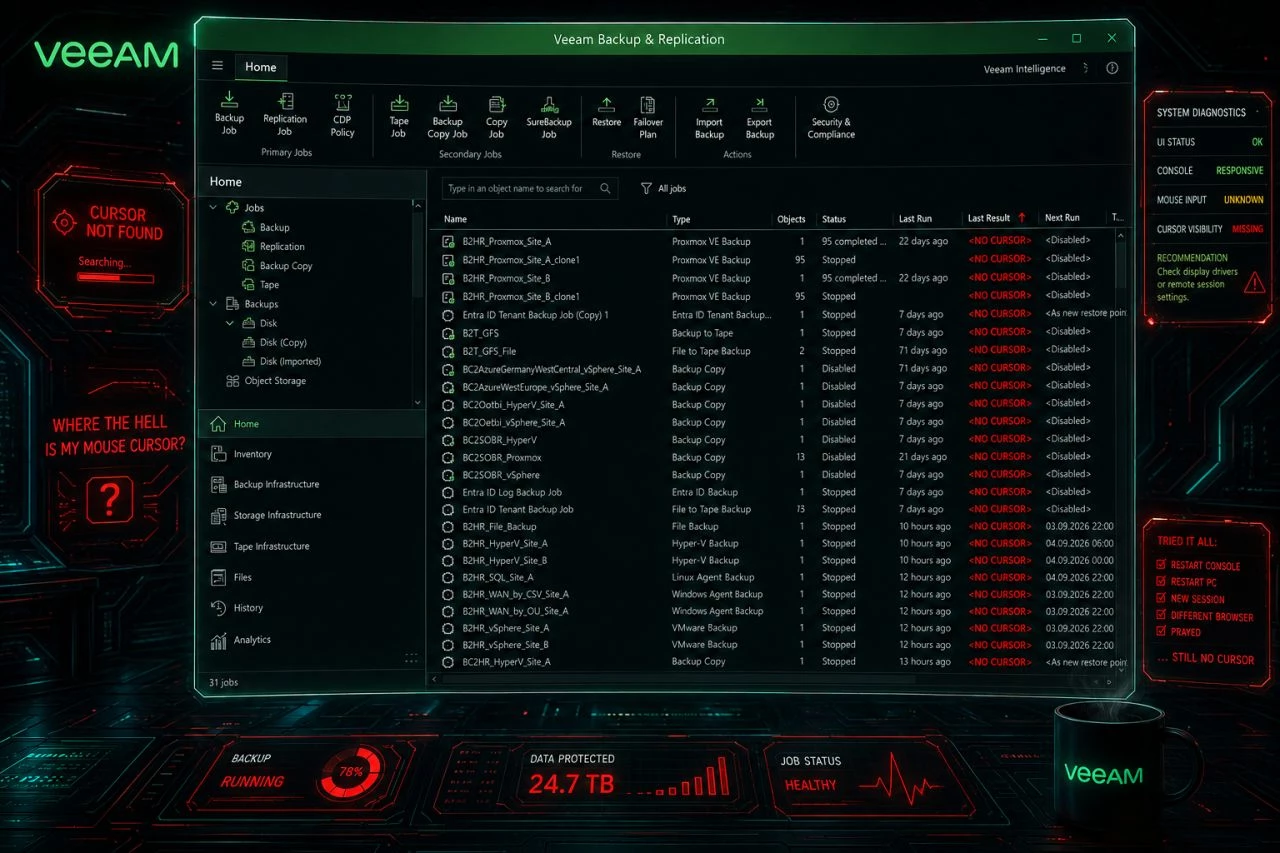
🖱️ Your mouse cursor disappears inside the Veeam Backup & Replication console?
You are not alone. Some customers since yesterday, several constellations, all on the current 13.1.1.18. Veeam Support sees the same across versions and suspects Edge / WebView2.
What worked for us:
✅ Update Edge, taskkill /F /IM msedgewebview2.exe and restart the console. Cursor back.
If you cannot update or wait yet:
🛠️ Registry: HKCU\Software\Microsoft\Avalon.Graphics → DisableHWAcceleration (REG_DWORD) = 1, restart the console. That switches off WPF hardware acceleration for the whole user profile, so test first.
🧯 Or work in the Web UI (if possible).
Open a support case if it hits you. Volume helps root cause analysis.
🔗 R&D Thread: https://forums.veeam.com/viewtopic.php?p=575041





