


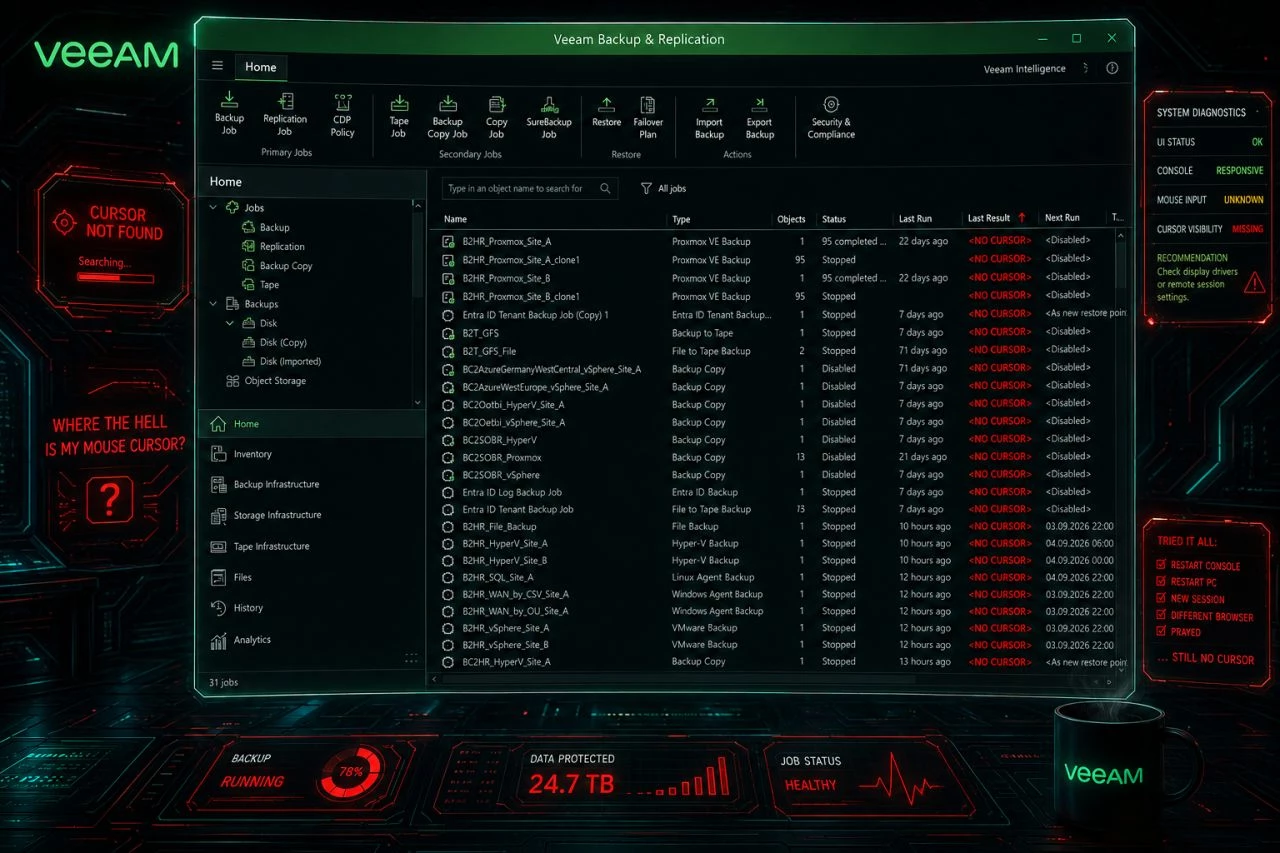
Mouse cursor disappears the Veeam Backup & Replication console.

  • September 3, 2026
  • 12 comments
  • 271 views

Dynamic
Forum|alt.badge.img+16

🖱️ Your mouse cursor disappears inside the Veeam Backup & Replication console?

You are not alone. Some customers since yesterday, several constellations, all on the current 13.1.1.18. Veeam Support sees the same across versions and suspects Edge / WebView2.

What worked for us:
✅ Update Edge, taskkill /F /IM msedgewebview2.exe and restart the console. Cursor back.

If you cannot update or wait yet:
🛠️ Registry: HKCU\Software\Microsoft\Avalon.Graphics → DisableHWAcceleration (REG_DWORD) = 1, restart the console. That switches off WPF hardware acceleration for the whole user profile, so test first.
🧯 Or work in the Web UI (if possible).

Open a support case if it hits you. Volume helps root cause analysis.

🔗 R&D Thread: https://forums.veeam.com/viewtopic.php?p=575041

 

12 comments

coolsport00
Forum|alt.badge.img+23
  • Veeam Legend
  • September 3, 2026

Hey Markus...by “VBR Console”, do you mean WebUI Console or the installable VBR Console? I assume you mean Web UI since this seems to be a browser issue?

Thanks!


Dynamic
Forum|alt.badge.img+16
  • Author
  • Veeam Vanguard
  • September 3, 2026

Hi Shane, no - it’s regarding the regular VBR Console (not the WebUI)… :(
Therefore also a way around: “Or work in the Web UI (if possible).”


Chris.Childerhose
Forum|alt.badge.img+22
  • Veeam Legend, Veeam Vanguard
  • September 3, 2026

I believe he means the Windows console Shane.  That is what the image is of and never seen this myself.  Good to know there are things to check or do.  Checking the forum post.

Still have the issue in the console where you select a job and the toolbar does not show edit, etc.  Hopefully not all related.  😂 


Tommy O'Shea
Forum|alt.badge.img+5
  • Veeam Legend
  • September 3, 2026

I had this issue today! Slowed me down quite a bit. I could still click things and they were highlighted when my invisible mouse was over them, but definitely required patience and a steady hand 🤣 


coolsport00
Forum|alt.badge.img+23
  • Veeam Legend
  • September 3, 2026

That is incredibly…..odd! How frustrating. Thanks for clarifying...I overlooked the ‘or in WebUI’ piece. 🤷🏻‍♂️😉 

Guess I’ll wait a bit longer before upgrading one of my Windows VBRs to 13.x… 🙄


Chris.Childerhose
Forum|alt.badge.img+22
  • Veeam Legend, Veeam Vanguard
  • September 3, 2026

That is incredibly…..odd! How frustrating. Thanks for clarifying...I overlooked the ‘or in WebUI’ piece. 🤷🏻‍♂️😉 

Guess I’ll wait a bit longer before upgrading one of my Windows VBRs to 13.x… 🙄

It even happens with VSA and console on any other server as I did happen to see this yesterday now that I think about it. 😂 


coolsport00
Forum|alt.badge.img+23
  • Veeam Legend
  • September 3, 2026

It even happens with VSA and console on any other server as I did happen to see this yesterday now that I think about it. 😂 

Oh goodness… 🤦🏻‍♂️ Well, glad Markus shared this here, but I assumed you ended up figuring it out at some point?


Chris.Childerhose
Forum|alt.badge.img+22
  • Veeam Legend, Veeam Vanguard
  • September 3, 2026

Yes by watching what was highlighted until I finished my work then logged off.  😂 


coolsport00
Forum|alt.badge.img+23
  • Veeam Legend
  • September 3, 2026

ha...oh no! 😅


  • New Here
  • September 4, 2026

Happening to me as well. I can report that task killing msedgewebview2.exe did NOT work for me, but making the registry change DID. 


  • New Here
  • September 4, 2026

Well interestingly I run two different B&R consoles, both on the same version. The work around registry fix worked on one, but not the other.


  • New Here
  • September 4, 2026

I’ll add, my annoying but effective work around is to have a file explorer window open over the Veeam console positioned near where I need to click within Veeam.


