



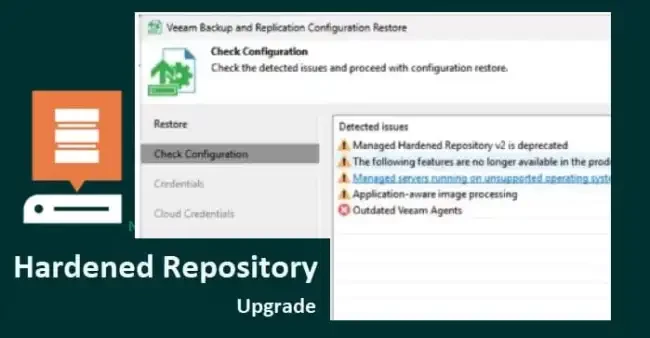
In this guide, we will discuss the steps “Upgrade legacy VHR to Veeam Infrastructure Hardened Repository”. According to Rick’s naming convention of VHR generation one (1). This blog post aims to demonstrate the “steps to upgrade legacy VHR to Veeam Infrastructure Hardened Repository“.
Upgrade Veeam Hardened Repository v2 to VIHR
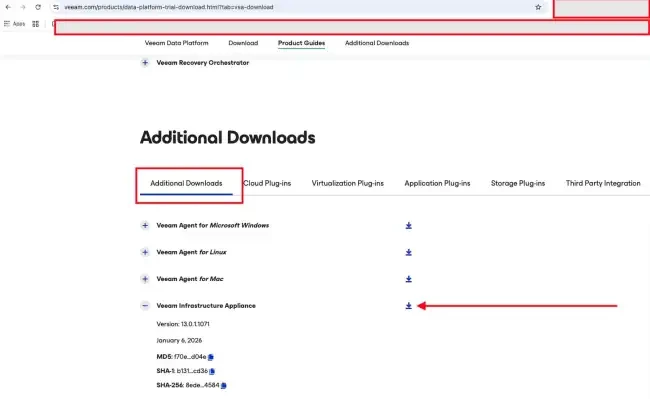
To do this, please download the VIA ISO from here. Below is the remote console of my VHR.
Upon landing on the page, please scroll down. For a detailed blogpost, see “how to Upgrade legacy VHR to Veeam Infrastructure Hardened Repository”.

Under the Additional Downloads, click on the download button as shown below.
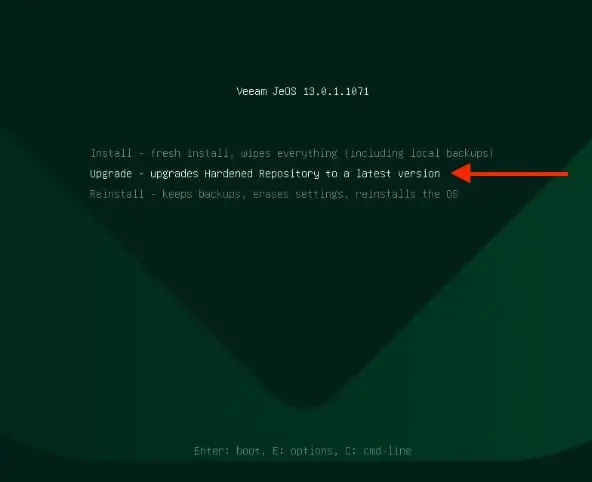
Boot Veeam Hardened Repository
When the ISO boots up, as shown on the splash screen above. Select the “Veeam Hardened Repository.

Click on “Upgrade – upgrade Hardened repository to latest version”.
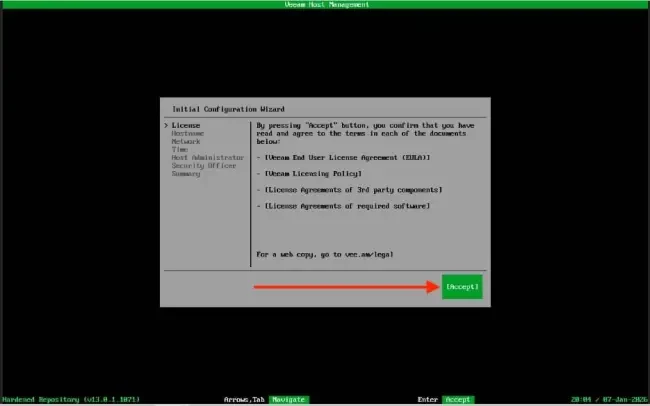
Accept the EULA as shown below
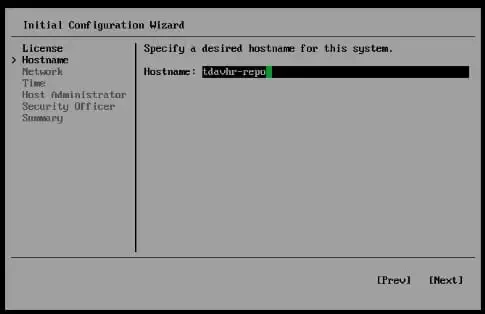
Enter the Hostname
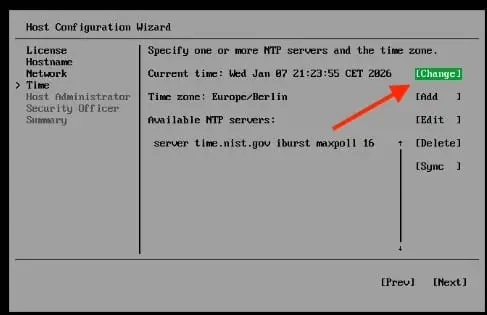
Set the exact time zone for your VIHR
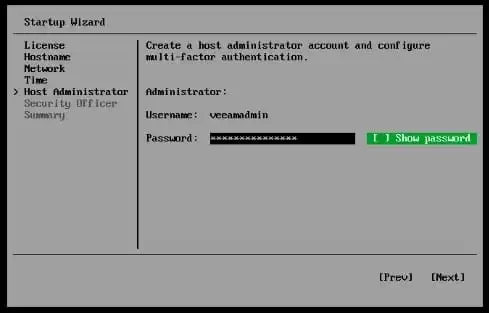
Set the Host Administrator password
Select Show QR-code

Enter the Code displayed on yourAuthenticator.
We will do the same for the Security Officer (Veeamso) and enter the password.

Note that, at this time, you cannot set the MFA for the veeamso. You can only do this during logon. Click on OK.

Hit the Finish button.
Shortly, services will be started.

Below are the URL and IP address, etc., for the Host Management.

Integrate with VBR
Note: FQDN works reliably in VBR/VSA v13 due to strict reverse DNS requirements for certificate authentication, SSH, and agent deployment on Linux. IPs skip PTR lookups and often fail validation.
Because of this, launch DNS Manager and create an “A Record” as shown below for the new VIHR server. See this post for another reason to create an A record „How to fix Failed to connect to Deployer Service Error“. You may even have to create a host file entry as well.

You can do this via the VBR console or Web UI if you have upgraded to VBR v13.
Navigate to the Backup Infrastructure and select “Managed Server” as shown below. Then edit and enter the FQDN and select the first authentication method to connect via using certificate-based authentication.

Select yes to trust the server

As you can see, it is connecting to the installer service. Please, see how to Unable to Remove Orphaned VHR Repository v2 from VBR v13.

As you can see below. The following will be installed on the target host, and the operations have been performed successfully.
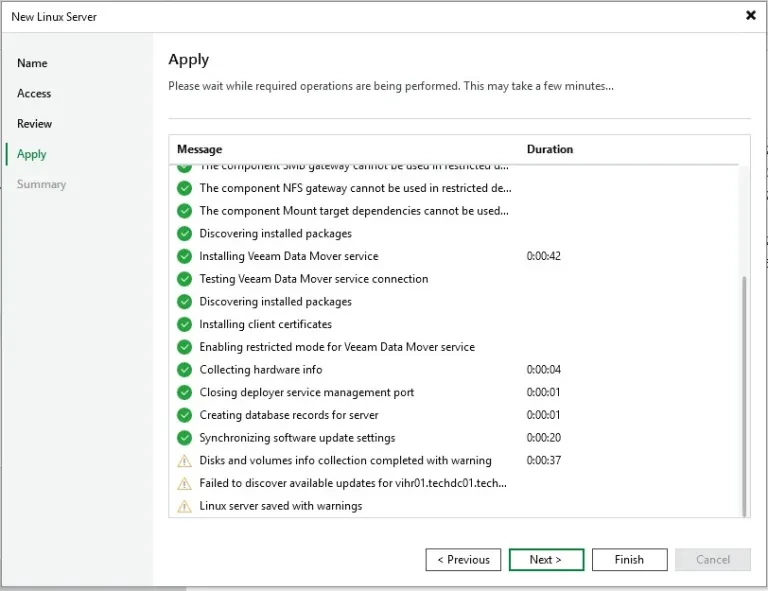
The server has been saved with some warnings and that is because updates were not found fr the VIHR

We have successfully upgraded from the legacy Veeam Hardened Repository to the Veeam Infrastructure Appliance Hardened Repository.

I hope you found this guide on how to upgrade legacy VHR to Veeam Infrastructure Hardened Repository very useful. Please, feel free leave a comment below.




