



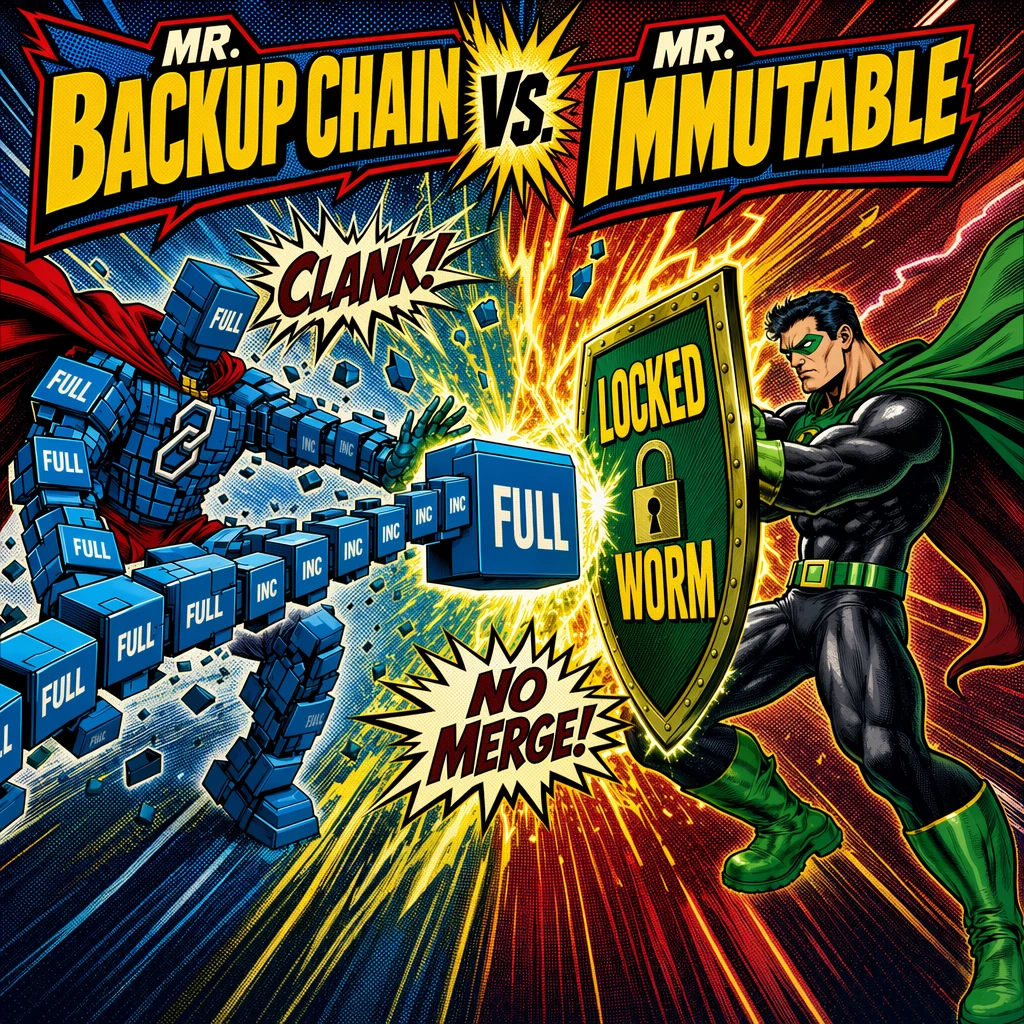
Ransomware and data attacks are everywhere and, unfortunately, have become part of daily life. A very practical protection against this is the proven Veeam 3-2-1-1-0 rule: multiple copies, different media, at least one copy external/offsite, and one copy immutable/offline, with 0 restore errors ensured by regular testing.
However, once you plan to use and implement immutability, you also need to look at the storage logic of your backup data—in other words, how full backups and incrementals are linked together as a backup chain. Depending on the method, these chains may need to merge, transform, or create new full backups in the background. It’s only logical that this doesn’t always align perfectly with Immutable/WORM.
To make immutability and retention work together cleanly in practice, you typically use regular full backups (Synthetic or Active) and/or, in Backup Copy jobs, the GFS function as a “chain breaker”.

In this article we’ll look at:
- what immutability means
- how different backup chain methods work
- why Forever Forward Incremental + immutability does not work
- what that means for Backup Copy jobs
- and when Synthetic Full vs. Active Full makes sense
1) Immutability – “locked” means: hands off. Even for Veeam.
Immutability literally means “unchangeability.” In practice, it means that stored backup data is locked for everyone and every process for a defined period of time—including admins, scripts, malware, and yes: even the backup product itself when it wants to “clean up” or “reorganize” data.
Technically this is implemented via WORM mechanisms (Write Once, Read Many), for example through:
- WORM-capable storage systems
- object storage with Object Lock
- an immutable Linux repository (Hardened Repository mechanisms)
When Veeam writes a restore point, it sets the protection status (immutability + retention/lock period). The chosen backup repository then enforces this technically.
A restore point is therefore completely locked for the configured immutability retention period. “Locked” basically means read-only: you can read data and restore from it — but you must not modify the restore point itself:
- no delete
- no change
- no merge

Immutability therefore not only protects against ransomware and data deletion, but also blocks normal backup mechanics such as retention operations where data would be merged into a full backup or backup data would be transformed.
2) What is a backup chain?
Backup data must be stored following a defined method. Incremental backups always depend on a full backup (even if the method is called “forever incremental” there is still one full backup file). This dependency is defined by a backup chain and usually a backup-chain consists of:
- 1x full backup
- 1…X incrementals
In the current Veeam version (v13) there are three different backup chain methods:
- Reverse Incremental (deprecated / will disappear)
- Forever Forward Incremental (with merge/transformation of the full backup)
- Forward Incremental (with periodic full backups)
1. Reverse Incremental (deprecated / will disappear)
With Reverse Incremental, the most recent backup file is always a full backup containing all changes. In addition, there are VRB (reverse incremental) restore points that contain the “reverse deltas” to enable restores to earlier points in time. This method was developed years ago mainly to keep the latest state as a full for tape workflows. Today this is generally no longer necessary and is rarely used in the field (instead, methods such as GFS, backup-to-tape jobs, SOBR archive, etc., are used)

Image Source: https://helpcenter.veeam.com/docs/vbr/userguide/reversed_incremental_backup.html?ver=13
The downside is that the full must be modified and merged on every backup run—which is not possible with immutability (because of the locked status). For modern backup architectures (object storage, archiving, immutability) this is a complete showstopper. That’s why the method is deprecated in v13 and can no longer be configured (only legacy jobs upgraded from v12 to v13 can still use it) and it will not be supported in future versions.
2. Forever Forward Incremental (FFI)
From the name, it sounds like Veeam would never create a full backup again and would instead write “incrementals forever.” And yes: after the first run, that is exactly what happens — only incrementals are created.
The obvious question is: how can that work if an incremental always needs a previous baseline?
The answer is simple and completely logical:
The first “incremental” backup is actually an incremental based on 0 existing data. There is no previous backup, so the change “since the last backup” is simply: everything. And “everything” is functionally a full backup.
After that, the chain truly continues forward: new restore points are added only as incrementals.
But once the configured retention is reached, Veeam has to get rid of old restore points. For this, it cannot simply delete files — data has to be transformed:
- the oldest incremental is merged into the existing full backup (the full is modified/updated),
- then the oldest incremental can be removed from the chain,
- the chain stays the same length, but the full has been moved “forward” in time.

3. Forward Incremental (with periodic full backups)
The classic method most commonly used in the field is the “Full + Incrementals” logic: you create a full backup and then append incrementals. The key difference to Forever Forward Incremental is that with Forward Incremental the chain is regularly restarted by creating a new full. This implements retention without permanently rewriting/merging an existing full. Instead of “one full being updated forever,” you get multiple smaller chains that rotate out as a whole (a chain is deleted only when the last incremental in that chain no longer meets retention).

Image Source: https://helpcenter.veeam.com/docs/vbr/userguide/forward_incremental_backup.html?ver=13
3) Periodic fulls: Synthetic vs. Active

“Periodic fulls” in Veeam means that on a schedule you define, a full backup is created — either as a Synthetic Full (default) or an Active Full.
- Synthetic Full: the repository does the work
- Active Full: the source/transport does the work
Both achieve the same goal: a new anchor and starting point for a backup chain.
Synthetic Full
- built on the repository from existing incrementals + full
- avoids load on the source
- can be very efficient on repositories with Fast Clone / XFS / ReFS
- effectively the default today (except for certain dedup appliances)
Active Full
- reads everything again from the source and writes a new full backup
- more load/traffic, but “fresh from the source”
- used especially with some dedup appliances that might otherwise have performance issues (this does not apply to HPE StoreOnce, Dell Data Domain, and ExaGrid)
By the way: Active Full also exists for Backup Copy jobs via the option: “Read the entire restore point from source backup instead of synthesizing it from increments”
(see section 6 below: “Backup Copy Job”)

4) Why Forever Forward Incremental (FFI) + Immutability doesn’t work
As mentioned, FFI requires a merge/data transformation to apply retention. Immutability forbids that while restore points are locked.
That’s why you get an error in the Veeam wizard when creating a new backup if you select an immutable target:
Immutable backups feature requires the usage of forward incremental backup mode with periodic fulls.

5) The solution in a Backup Job: Forward Incremental + periodic fulls and/or GFS
To make immutability work in a Backup Job, you need:
- Forward Incremental
- plus periodic fulls:
- Synthetic Full or
- Active Full
- and/or enable GFS (Grandfather/Father/Son)
In the Backup Job wizard you can find this under: Storage → Advanced → Backup → Create synthetic full / Create active full

or enable GFS (Grandfather / Father / Son) Backup.

This satisfies the requirement from the error message.
Does this have advantages or disadvantages?
In general, regular full backups make your backup chain more robust. If the full backup in a chain is corrupted or disappears, all incrementals based on it become useless. Likewise, if a single incremental is missing or corrupted, all incrementals after it are unusable. The longer the chain, the more you should think about this risk.
That’s also why the weekly rhythm “1× weekly full + 6 incrementals” has become a field standard.
Of course, there is a cost: multiple full backups usually require more storage, because you’re no longer storing only incrementals.

6) Backup Copy Job
The principle is similar in Backup Copy jobs, but the error message you get when running the wizard without full backups is different. By default, Backup Copy jobs run as Forever Forward, which again involves merge/chain transformations. If you choose an immutable target, Veeam will warn you like this:
Immutable backups feature requires the GFS retention policy enabled in the Backup Copy job settings.

Since v11, the GFS option in Backup Copy changes the method from Forever Forward Incremental to Forward Incremental with synthetic full backups (the GFS backups).
In this setup, the retention policy X days (e.g., 7 days in the screenshot) applies only to the incremental backups, and the GFS settings control how long Weekly/Monthly/Yearly GFS restore points are kept.
Here you can also choose active fulls by enabling not only “Keep certain full backups longer for archival purposes” but also “Read the entire restore point from source backup…”

Conclusion
Immutability is both a protection mechanism and an architectural decision—it needs to be understood and implemented correctly. If your backup method applies retention through merge/transformation, it will collide with immutability. So remember: for immutable targets, enable regular full backups and GFS in both Backup Jobs and Backup Copy Jobs.

Sources:
Forever Forward Incremental Backup Retention Policy:
https://helpcenter.veeam.com/docs/vbr/userguide/retention_forever_incremental_hv.html?ver=13
Backup Chain and Methods:
https://helpcenter.veeam.com/docs/vbr/userguide/backup_files.html?ver=13
Backup Copy:
https://helpcenter.veeam.com/docs/vbr/userguide/backup_copy.html?ver=13
V11: NEW GFS retention is here!
https://www.veeam.com/blog/v11-gfs-retention.html





