

After Part 1 Pi-Hole and Part 2 DuckDNS,
Now, Let´s install WireGuard - Part 3!
to be full set,
We are going to use this command, its awesome and prepared for raspberry pi, but also work with many distros and platforms, making the deployment super easy and smooth!
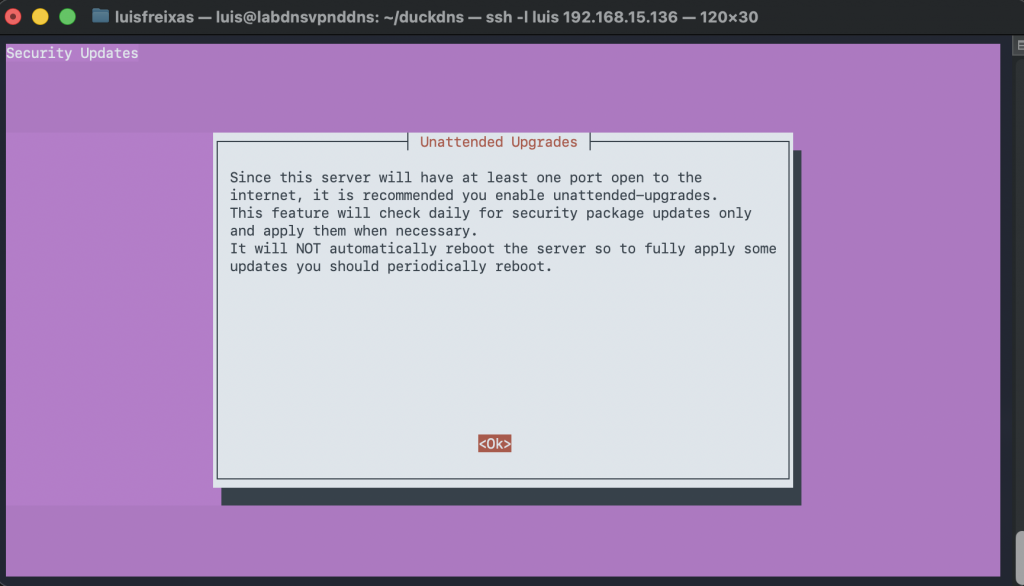
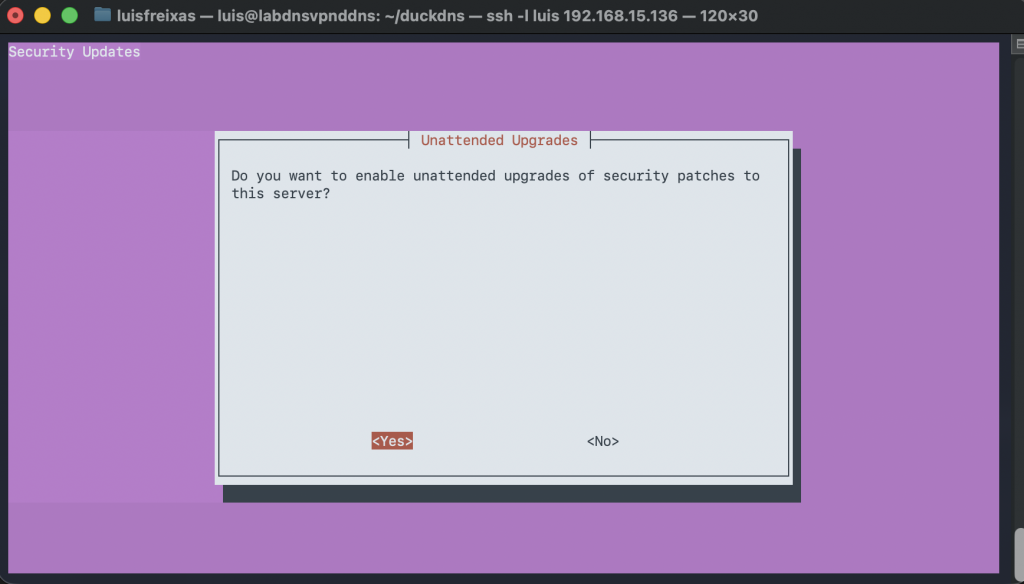
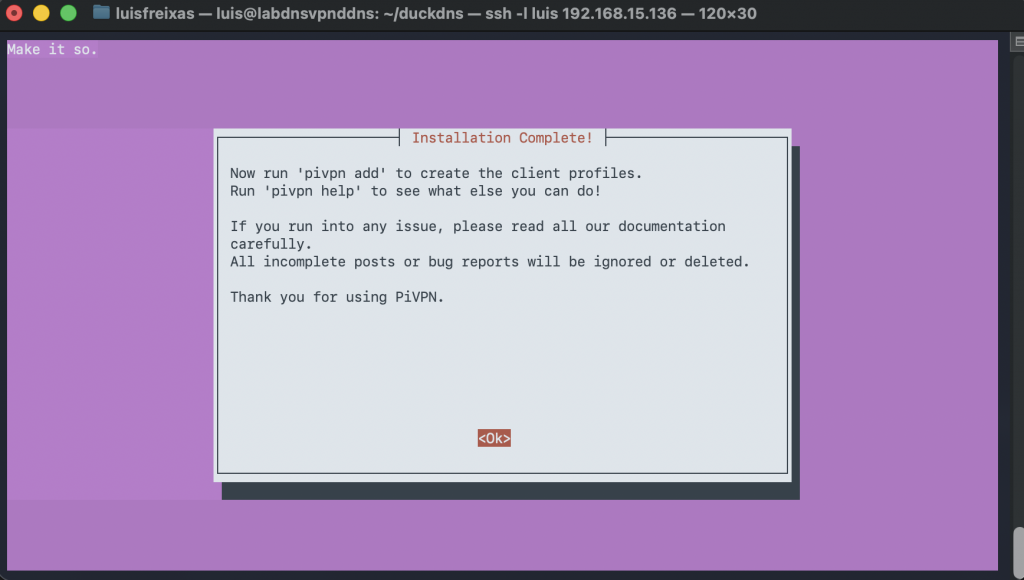
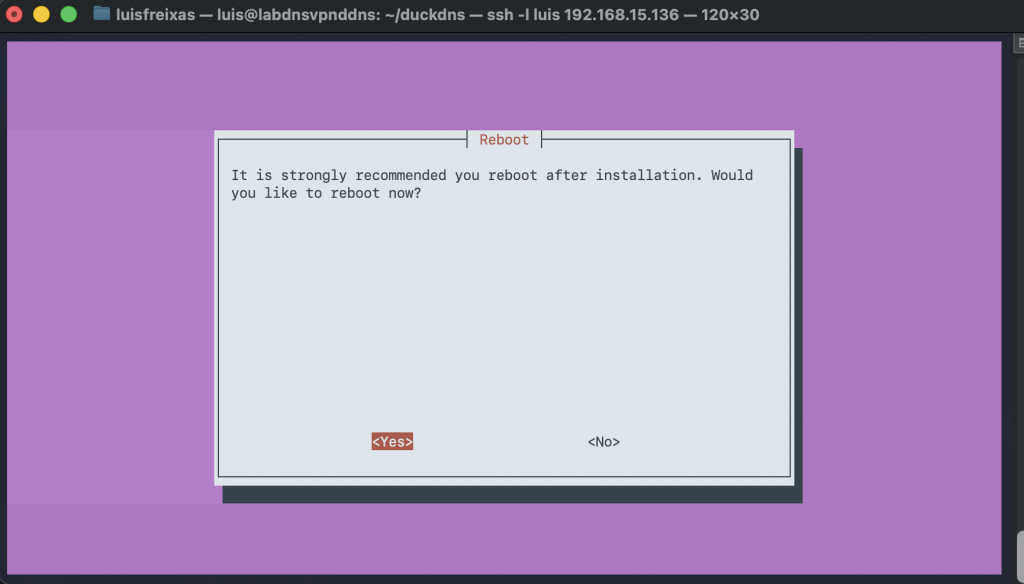
Follow the screenshots!
sudo curl -L https://install.pivpn.io | bash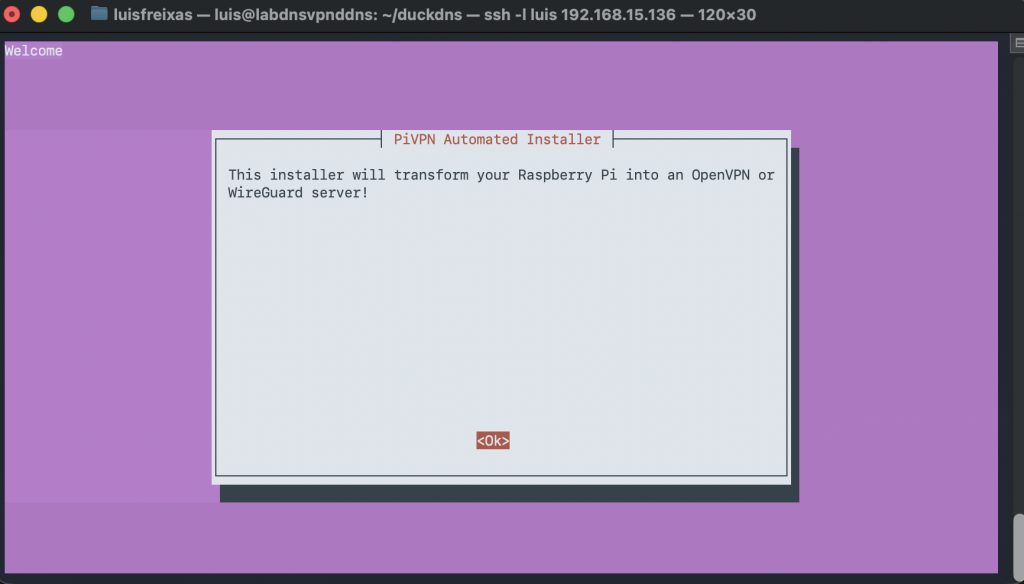
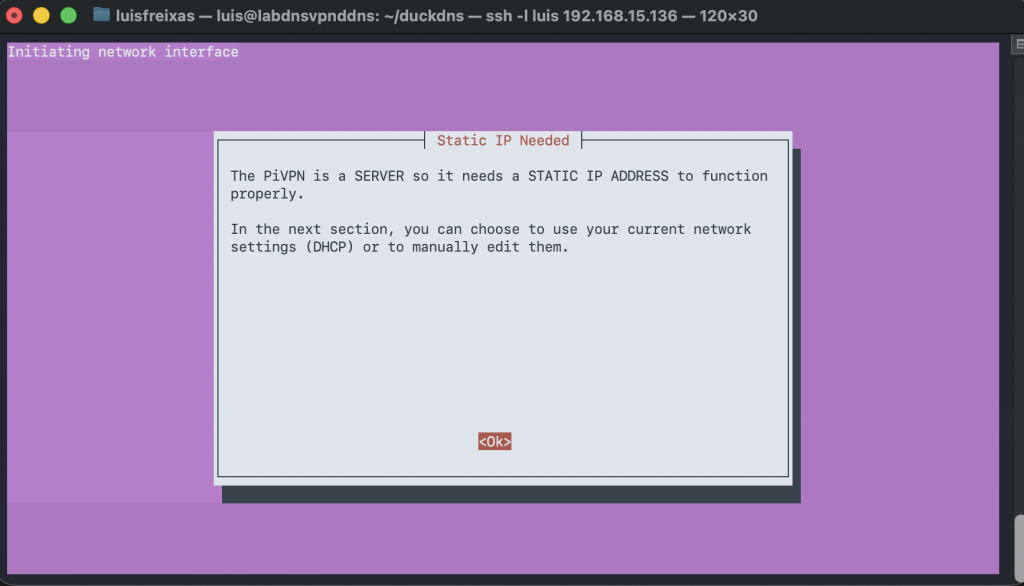
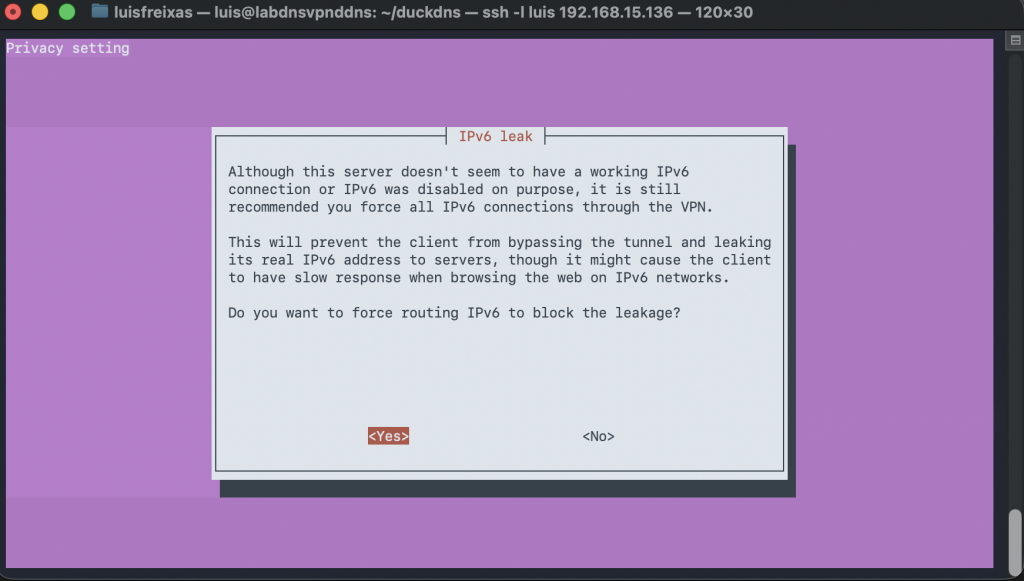
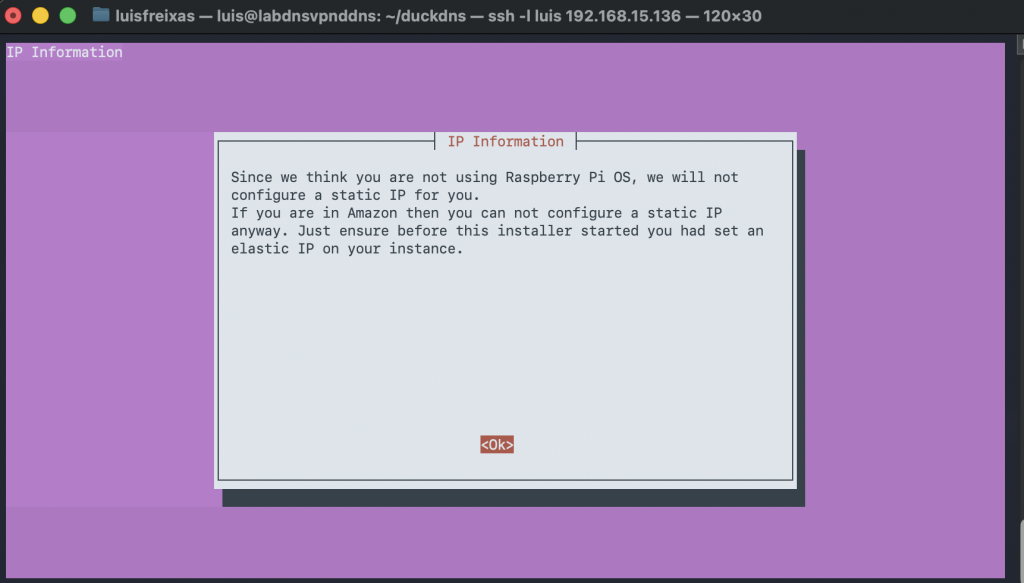
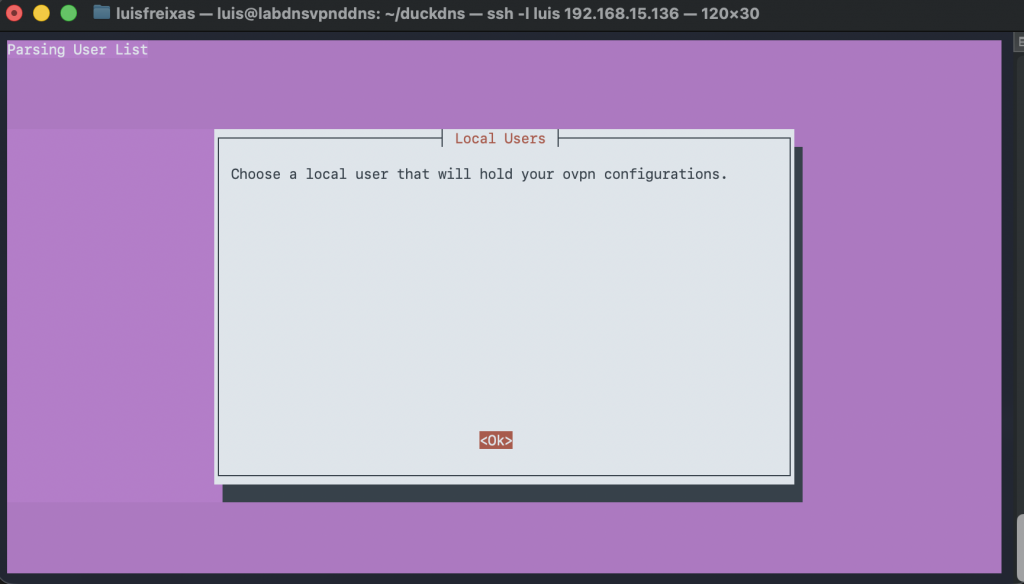
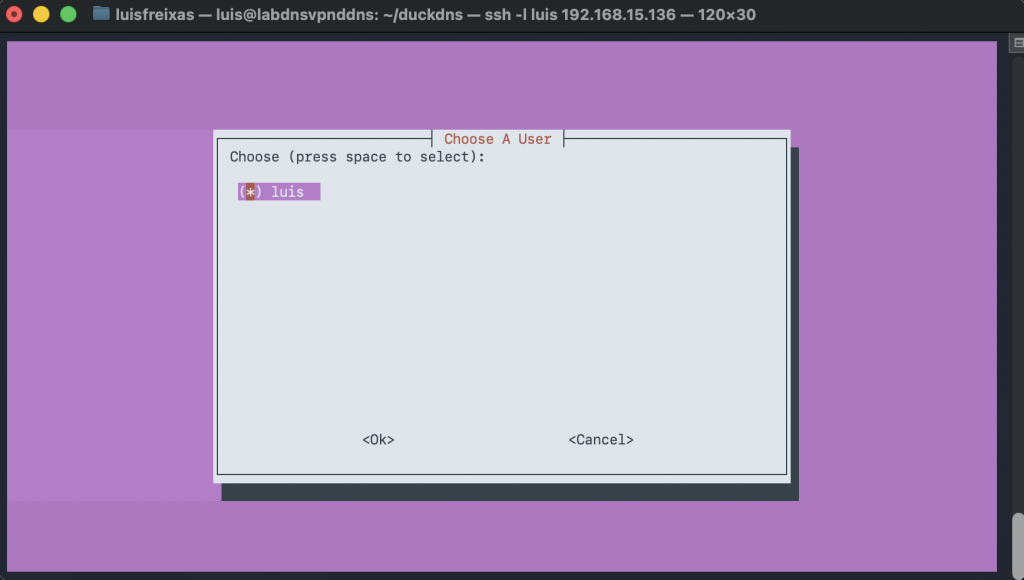
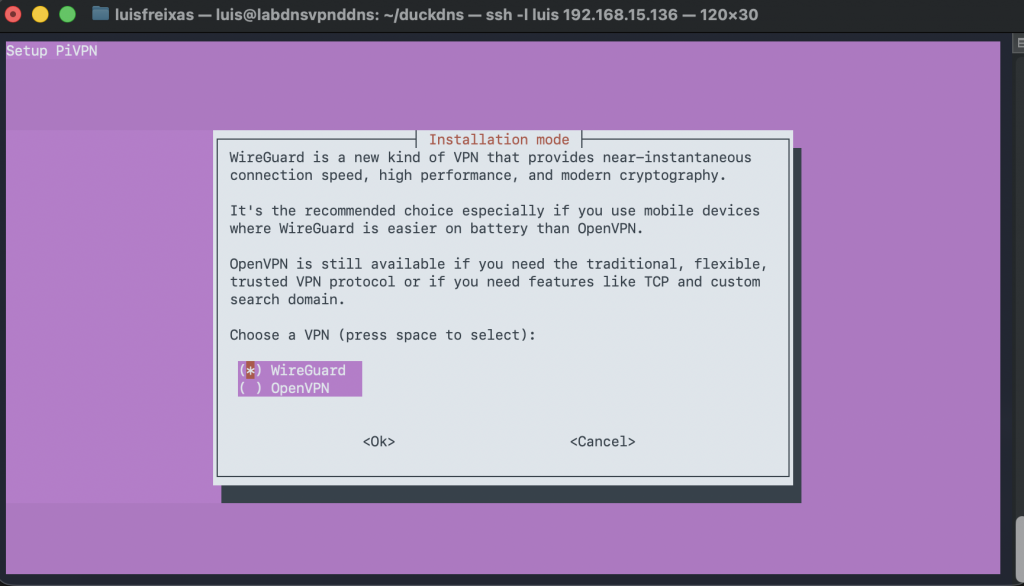
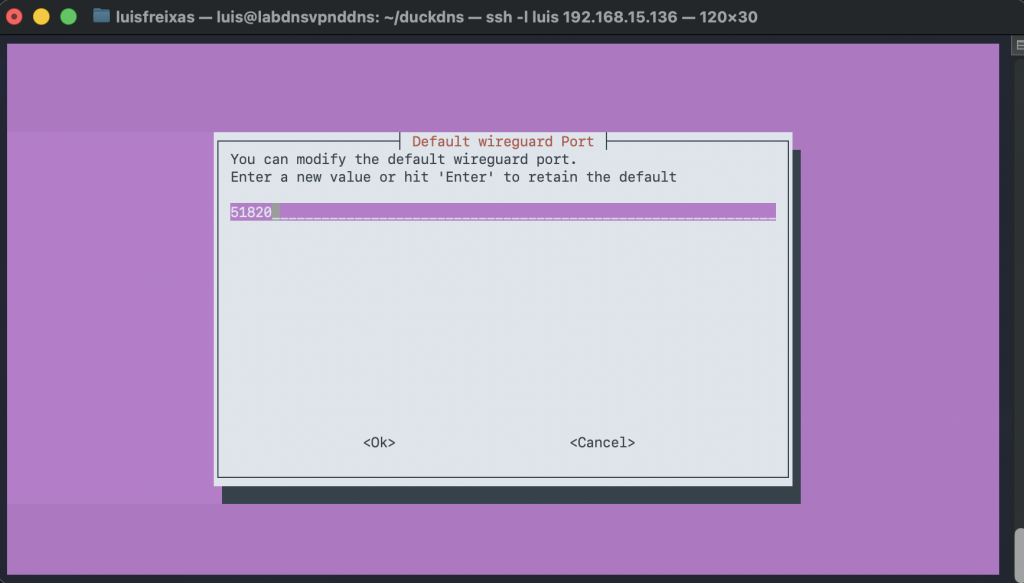
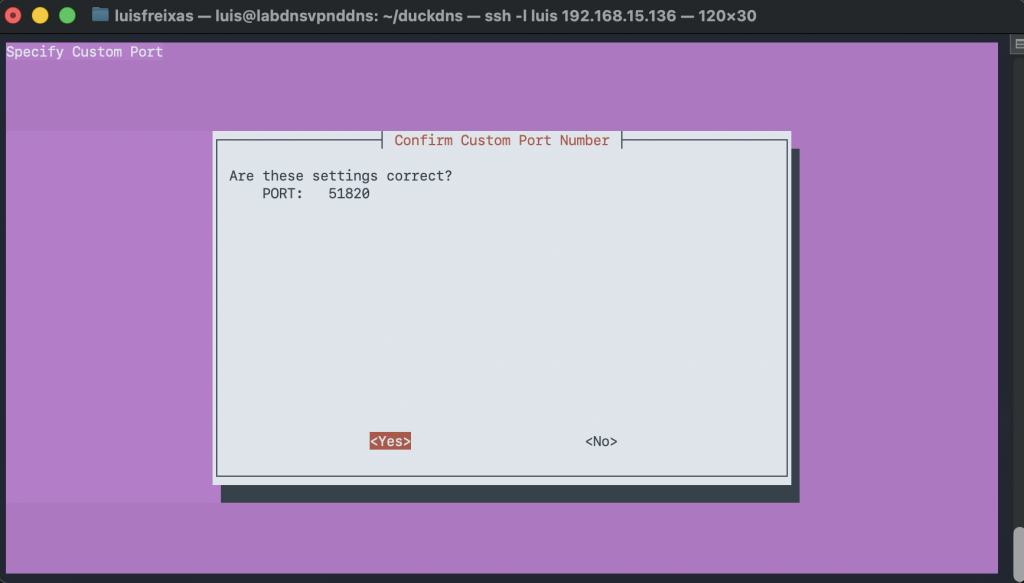
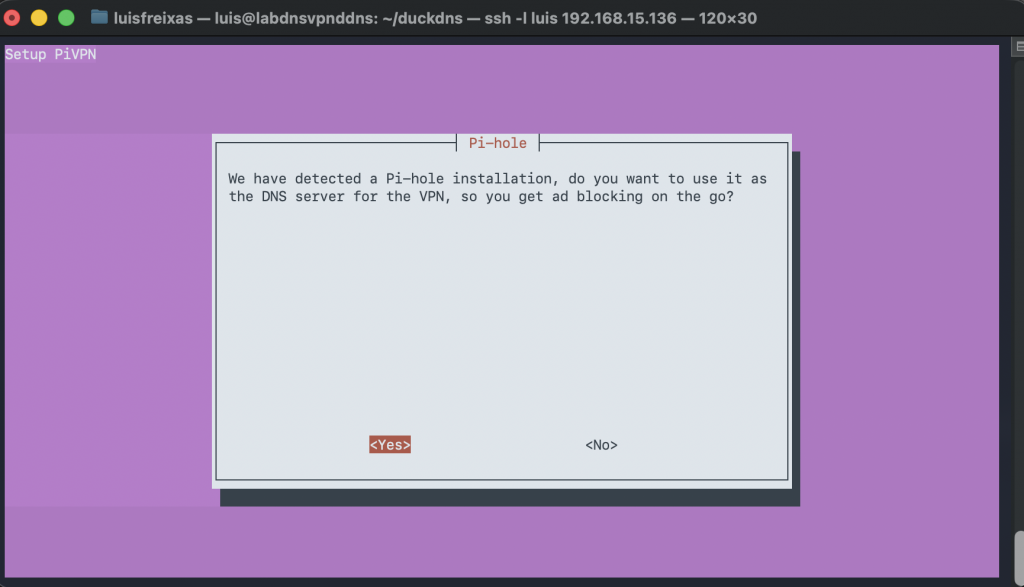
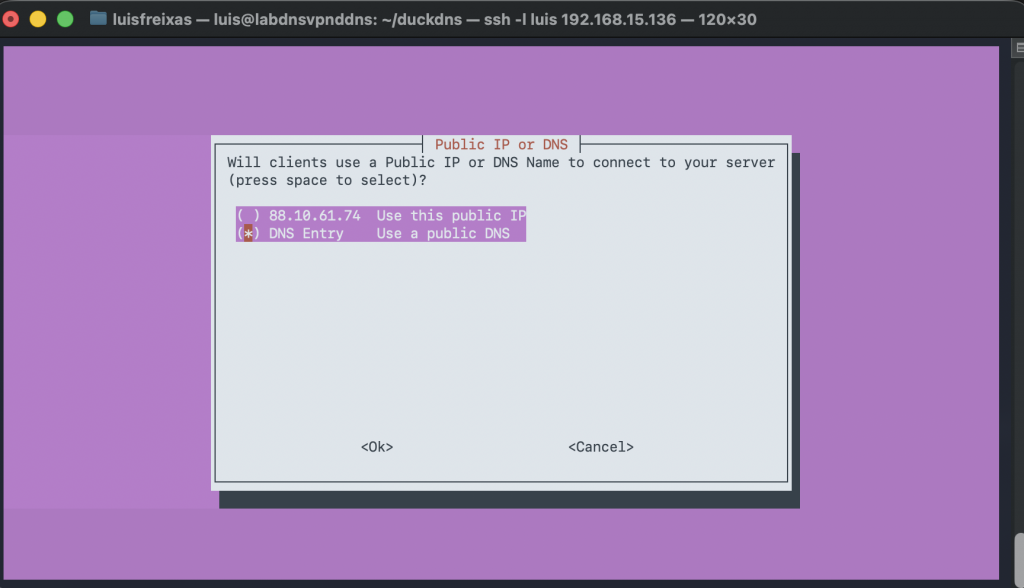
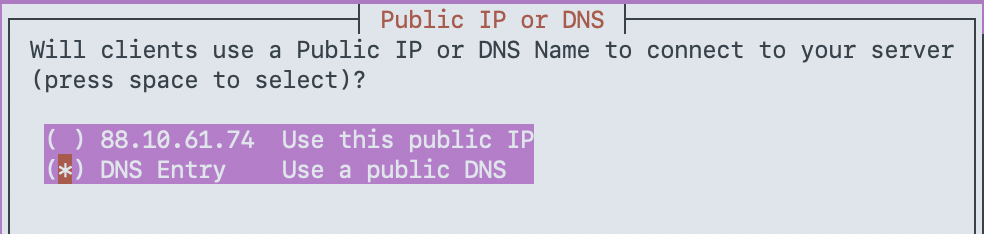
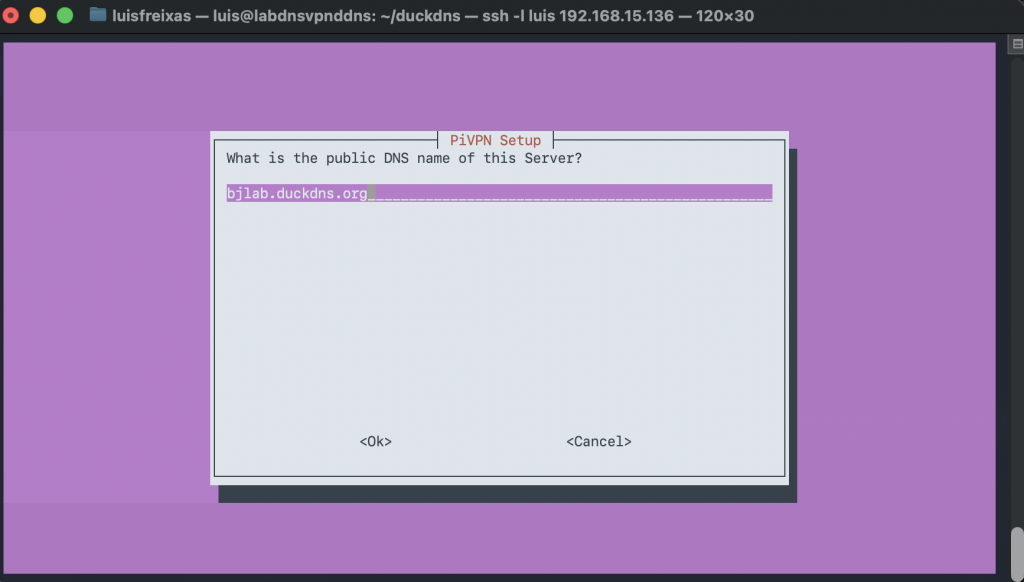
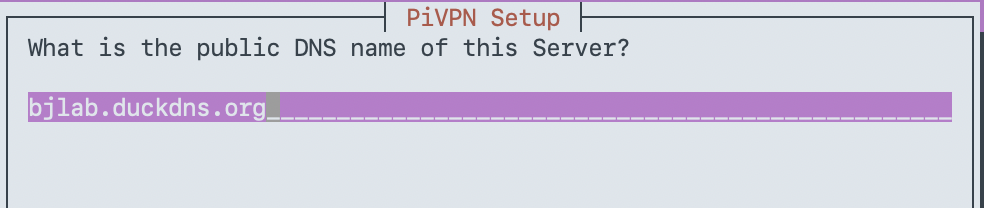
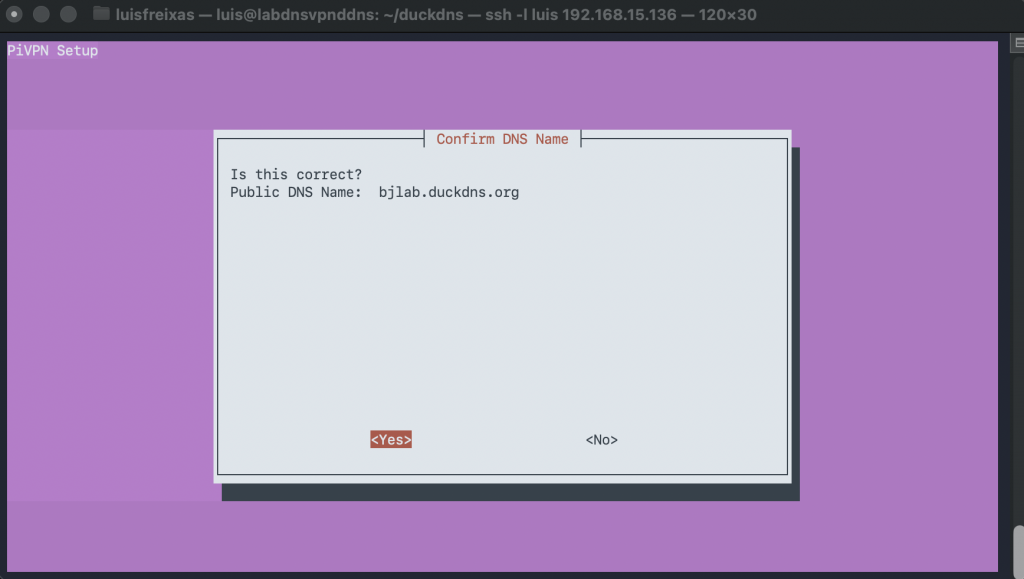
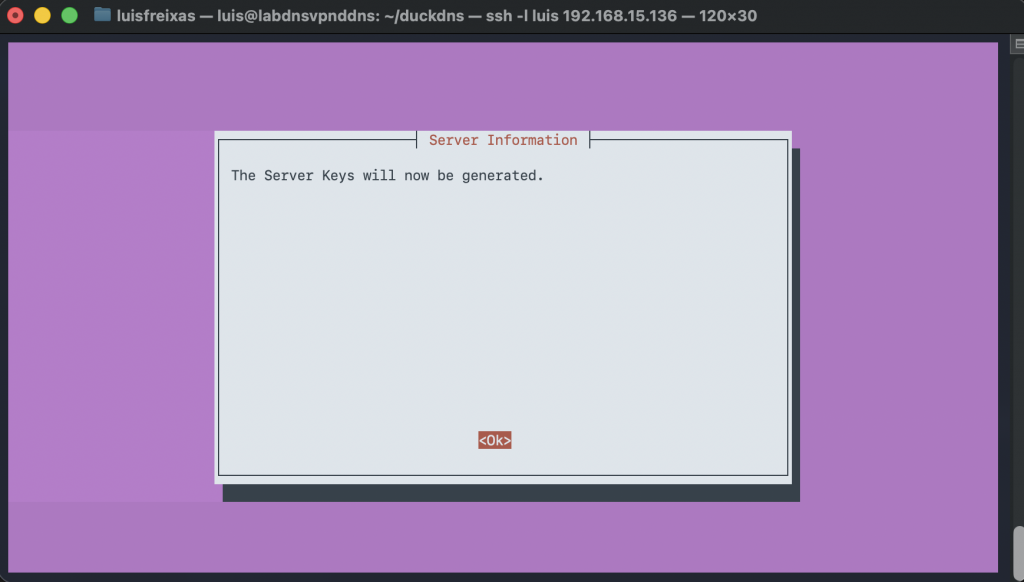
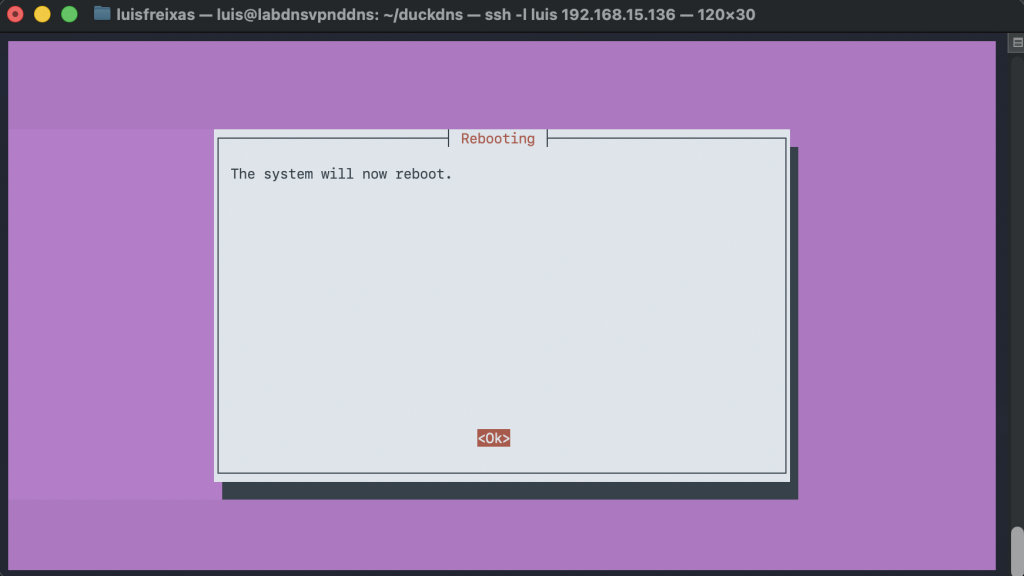
Done!
Now our server is full setup with PiHole, DuckDNS and Wireguard.
Now we need a few adjustments in PiHole and create users in WireGuard.
Important!
The Server has not a fixed IP Address, I do assign an IP address on my DHCP, if you want to do so, please setup a fix IP address into the machine.
Open your port on the router to be able to reach the VPN service from outside of your network, IP - port 51820 UDP, I normally open both, TCP and UDP.
Next entry, Wireguard user creation and Pi-Hole little config.
Cheers.