



After the First part,
Let`s continue with the second part,
Let`s create our DuckDNS Sub domain before continuing:
Go to the DuckDNS website, and create an account, is free.
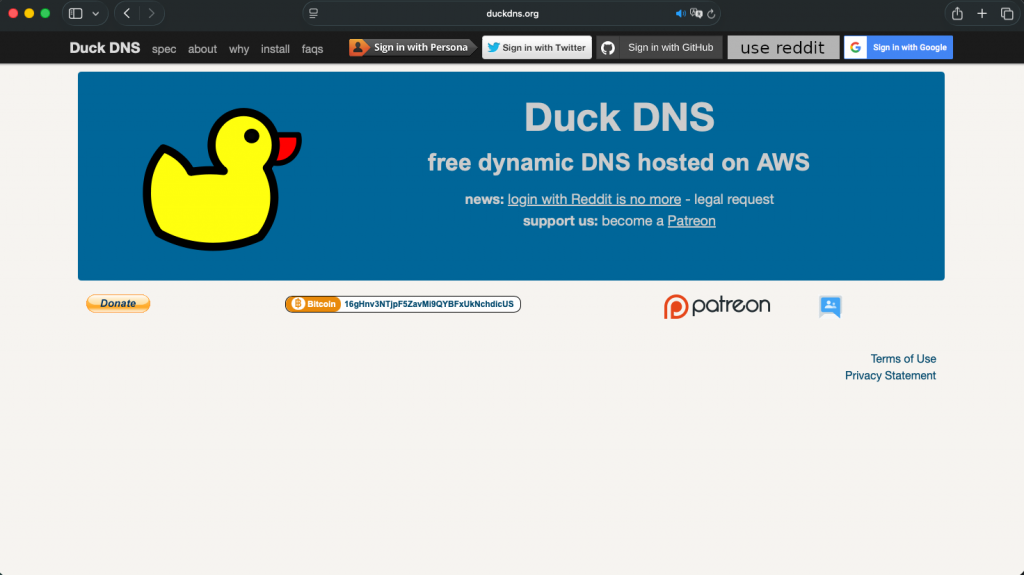
In my personal use case, I sing in with google, so the creation was super easy and smooth.
In the page, write down the name you want to use in your subdomain, and click in add domain

In my case, I have two domains created, im showing you them right now:
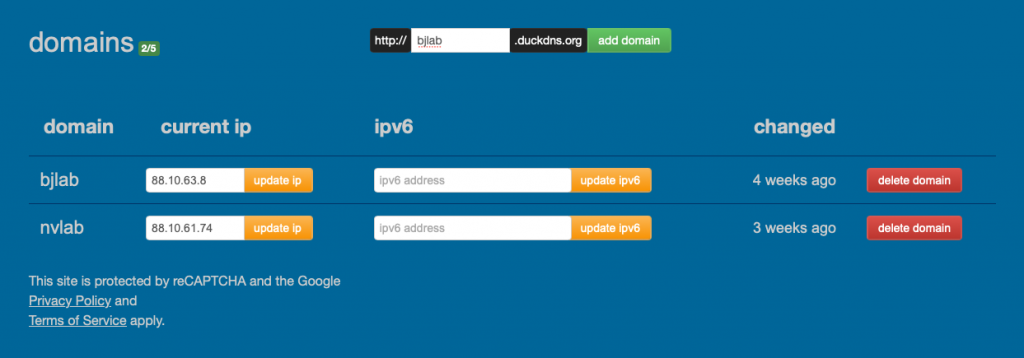
now, is time to connect our duckdns domain with our server to get the automatic IP update every time our dynamic IP address changes:
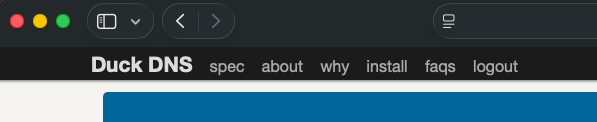
On top of the DuckDNS website, you will find an Install menu, click on it:
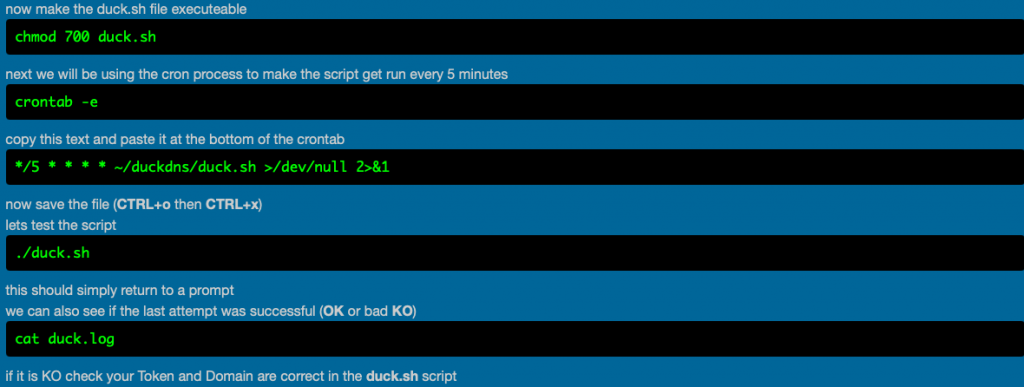
Follow the web instructions, choose your OS and setup, and follow the steps and input the information in your server, in my case, Linux base with cron tab:
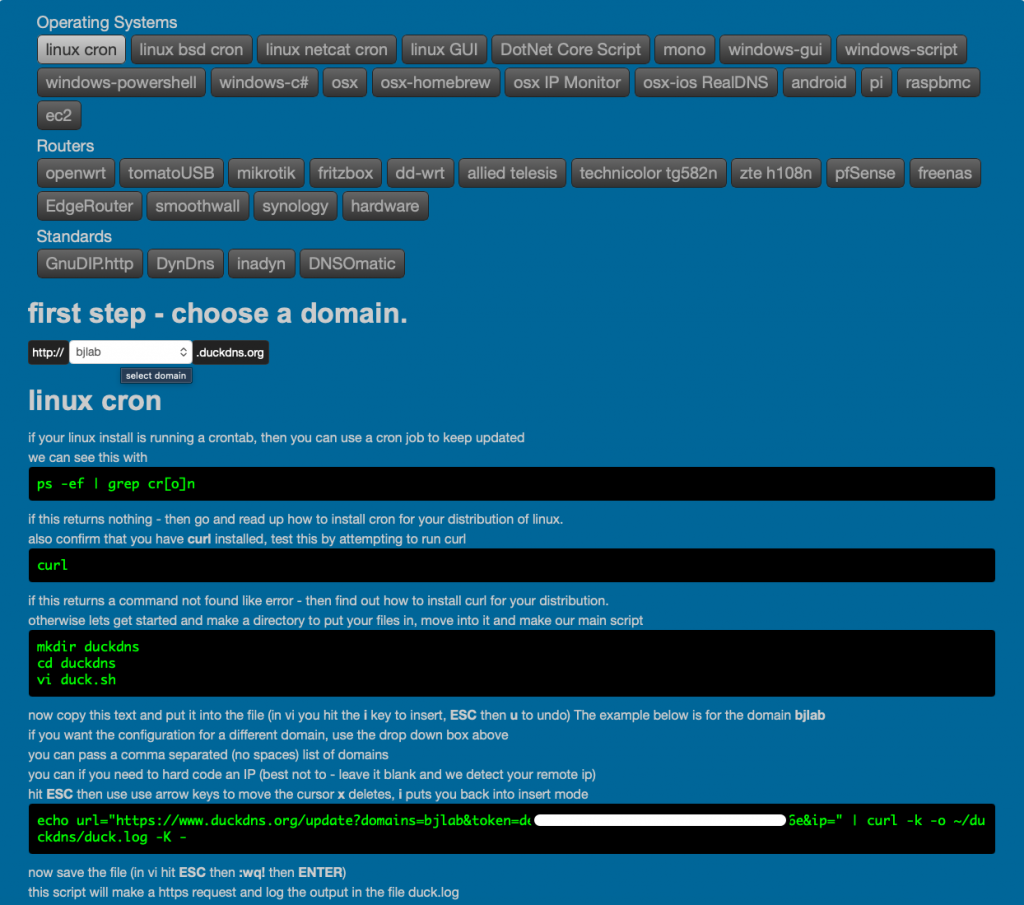
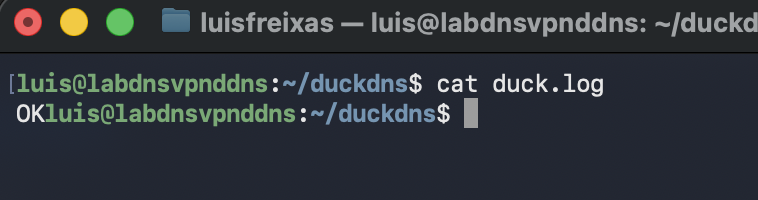
DuckDNS setup completed,
Part three, Wireguard Setup!
Cheers!
Luis F.

