

Part 1 of 6 | A Veeam Journey Through Technology, History, and Resilience
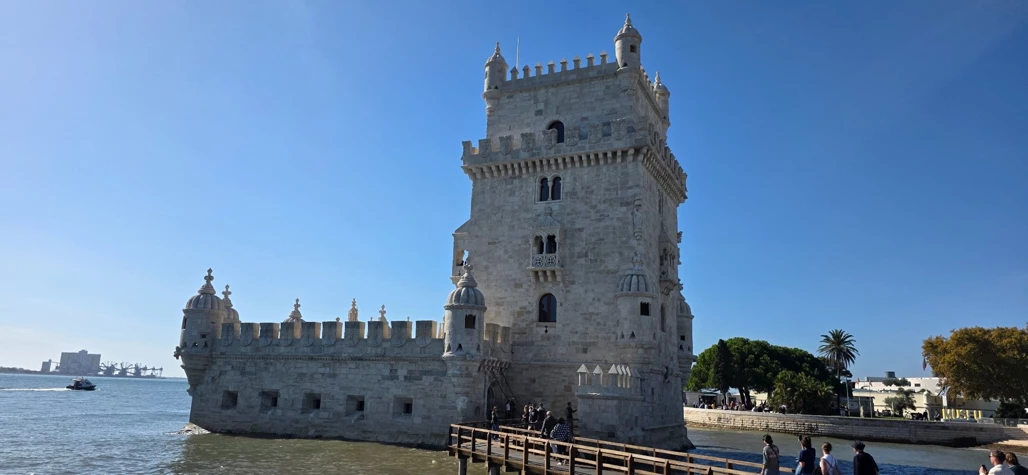
Standing along the Tagus River in Lisbon, it's hard not to appreciate the history surrounding you. One landmark that stood out during my visit for Veeam 100 Summit was Belém Tower. Built in the early 16th century, it helped defend Lisbon's harbor during Portugal's Golden Age of Discovery.
More than 500 years later, it's still standing, as testament to resiliency.
Seeing it made me think about how much has changed in the way we protect what's important in our IT worlds. The technology may be different, but the underlying idea hasn't changed much.
That brings me back to 2013, when I first started working with Veeam Backup & Replication v7 as a lowly IT intern. I had no idea then, how much of my career would involve Veeam, or that thirteen years later it would bring me to Lisbon.
2013: Veeam Backup & Replication v7
By 2013, virtualization was well established in enterprise environments, but protecting those workloads still presented challenges. Backup windows, storage performance, and limited bandwidth between sites were constant considerations. Veeam v7 introduced several capabilities that helped address them.
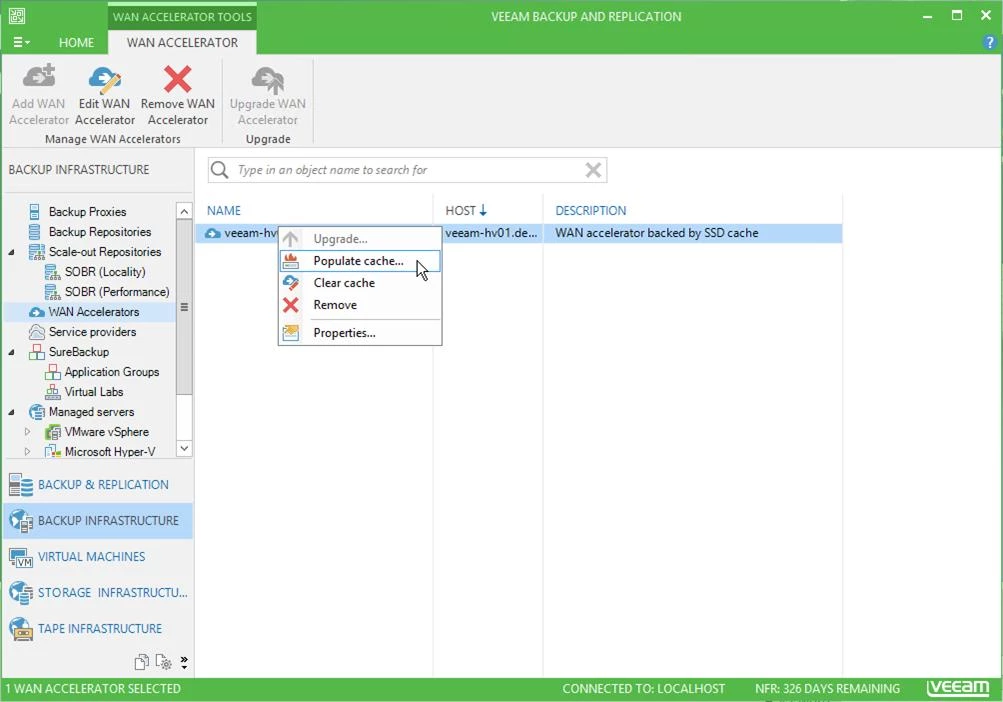
Built-in WAN Acceleration
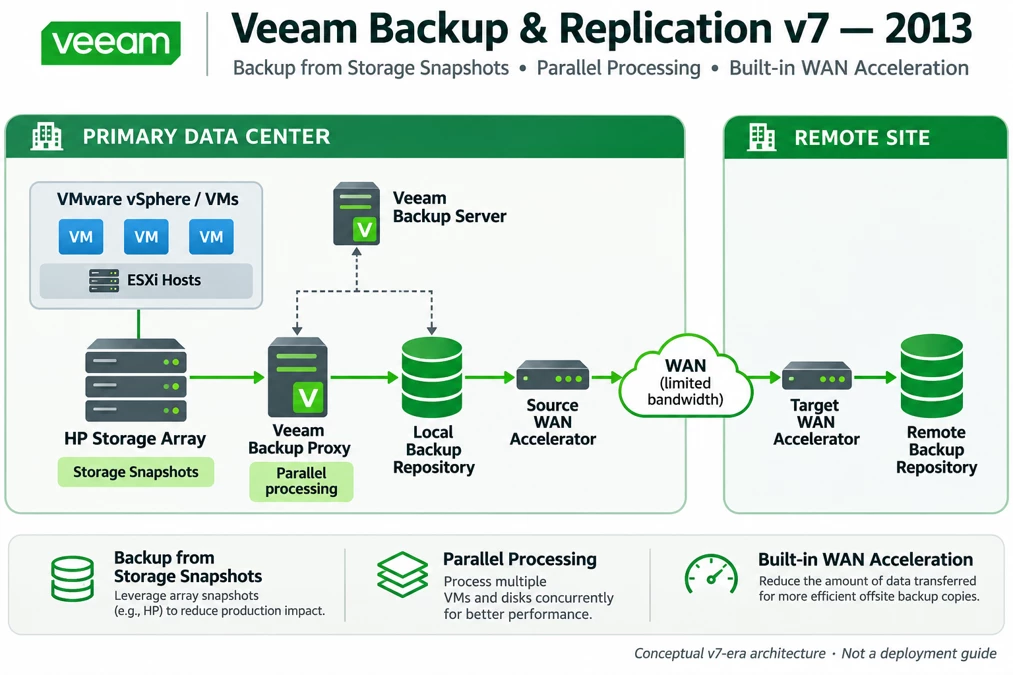
WAN acceleration reduced the data transferred between locations, making offsite backup copies practical over constrained connections. When bandwidth between data centers was limited or expensive, this helped engineers improve backup copy performance without immediately upgrading the WAN. Nowadays we throw around 25gbps and 100gbps in environments as the norm, but back then, even a 50mbps was considered blazing fast.
Backup from Storage Snapshots
V7 introduced integration with enterprise storage snapshots, initially with HP storage but later moving on to many 3rd party storage vendors. Leveraging array snapshots could reduce the impact of backup operations on production workloads and marked an important step toward closer integration between backup software and storage.
Parallel Processing
Parallel processing allowed multiple virtual machines and virtual disks to be processed concurrently. It made better use of available resources and helped reduce backup windows.
For me, these features reinforced an important lesson: good backup design takes more than knowing the backup software. Storage, networking, virtualization, and recovery requirements all matter. Having a picture of the environment as a whole, and understanding what each component does, takes a good Veeam design, and makes it a great one.
2014: Veeam v8 and the Expansion Beyond the Data Center
A year later, Veeam v8 built on that foundation by introducing new ways to protect workloads and simplify offsite backup. Two features stood out to me.
Veeam Cloud Connect
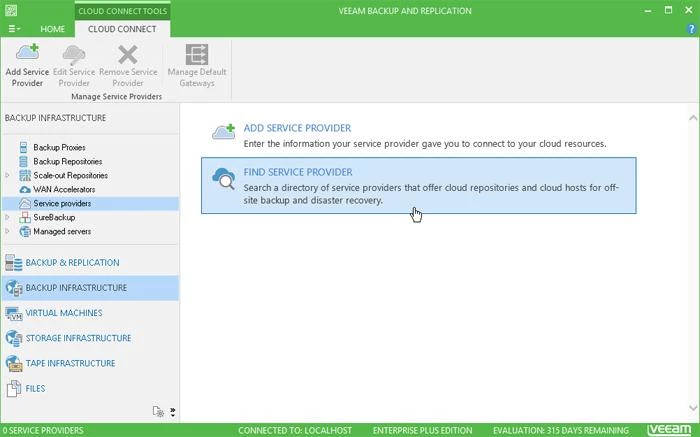
Cloud Connect was one of the most significant additions in v8. Previously, offsite backup often meant maintaining another location, additional infrastructure, or dedicated connectivity. Cloud Connect gave organizations a way to send backup copies to participating service providers from within Veeam, without building their own secondary data center or complex VPN connections. For smaller organizations, that made offsite protection much more accessible and affordable.
Veeam Explorers
V8 expanded application-level recovery for Microsoft Active Directory and SQL Server. Instead of restoring an entire virtual machine to recover a deleted AD object or a SQL database, engineers had more targeted options. These capabilities made common recovery tasks faster and more flexible.
Looking Back
It's interesting to revisit these releases today. We now routinely discuss immutable repositories, object storage, ransomware protection, and automated recovery. But many of the architectural conversations we're having today began more than a decade ago.
With v7 and v8, the focus was on improving backup performance, simplifying offsite protection, and expanding recovery options. Yet the questions were familiar: How do we move backup data efficiently? How do we minimize impact on production? And how do we make sure we can recover when something goes wrong?
Those questions have followed me through years of deployments, troubleshooting, and design discussions. The technology has changed considerably since 2013, but the fundamentals of good backup architecture remain consistent.
And looking back, v7 and v8 were just the beginning.
Coming Next — Part 2: Building for Scale
As virtual environments grew, so did the challenges of managing backup storage. Veeam v9 and v9.5 would change how we approached repository architecture, capacity planning, and storage efficiency.
Just as Portugal's explorers, including Vasco da Gama, pushed beyond familiar boundaries and opened new routes, Veeam was expanding what was possible with backup infrastructure. In Part 2, we'll visit Lisbon's Monument to the Discoveries and explore how these releases helped reshape backup architecture, just as discovery helped shape the New World.
Source: Doug Hazelman, Veeam Backup & Replication v7 Is Here!, Veeam Official Blog, August 15, 2013.
Source: Luca Dell’Oca, Welcome Veeam Cloud Connect!, Veeam Official Blog, June 11, 2014.