



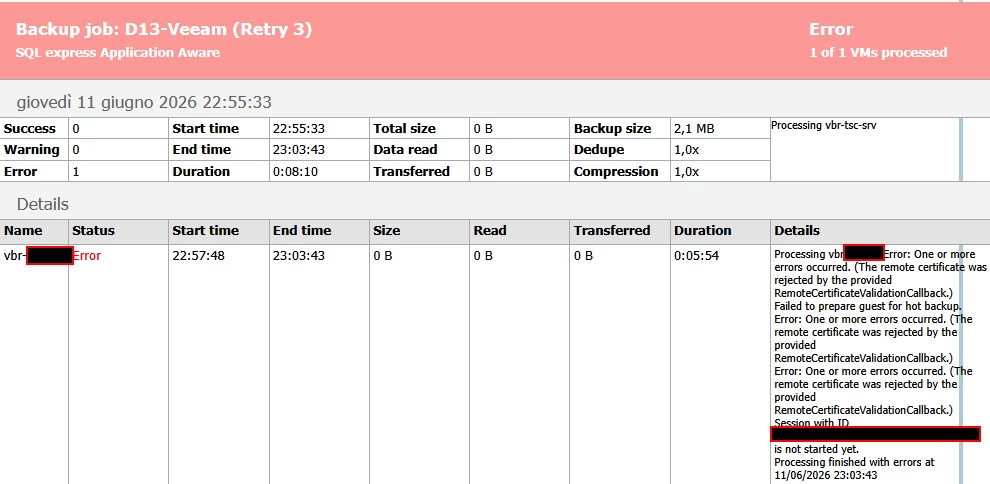
When running a Veeam backup, you may encounter the following error:
One or more errors occurred. (The remote certificate was rejected by the provided RemoteCertificateValidationCallback.)
This issue is typically caused by a trust problem between the Veeam Backup & Replication (VBR) server and a managed server or backup component.
Resolution
To resolve the issue:
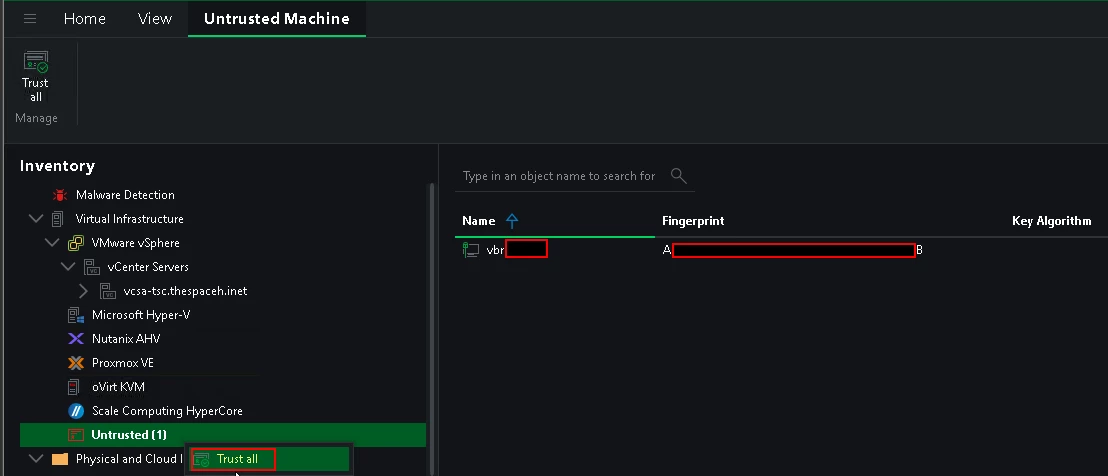
- Open the Veeam Backup & Replication console.
- Navigate to Inventory.
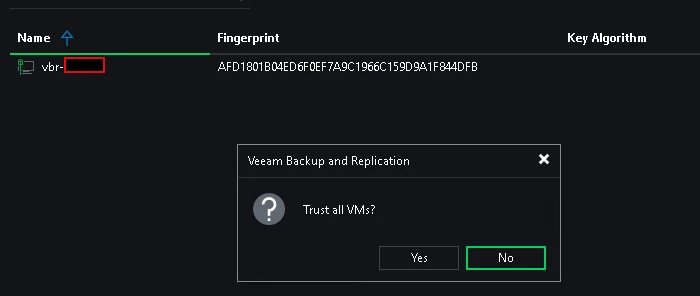
- Trust all
- Retry the backup job.
Once the certificate trust is restored, the backup should complete successfully.
Conclusion
In most cases, this error indicates that the remote certificate is no longer trusted by the VBR server. Re-establishing the certificate trust relationship resolves the problem quickly.




