



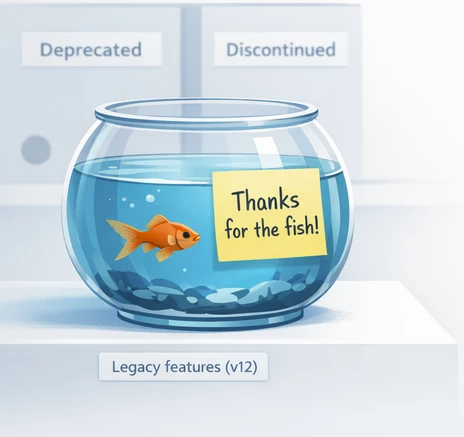
With Veeam Backup & Replication v13, we’re not only getting a new version number and plenty of new features — we’re also seeing a deliberate clean-up of the product: some capabilities are now deprecated (no longer available for new configurations), while others have been discontinued (removed completely). That’s not unusual for a major release, but in practice it can affect the areas where environments have “organically” grown over many years: job designs, repository settings, restore habits, and legacy workflows that somehow always worked.
So this article is not an upgrade how-to. Instead, it focuses specifically on these features: What changes? What did the feature do? Why might you still run into it operationally? And what’s the modern path forward? I’ll go through each deprecated and discontinued feature, outline the impact, and share practical recommendations—so you don’t find out only when creating a new job or during an actual recovery that: „Wait… this isn’t available anymore.“
1. Deprecated Features
V13 deprecates 4 features. This means they can no longer be configured for new setups. It’s worth reviewing them in advance and adjusting your configuration accordingly — because these features are expected to be removed for existing configurations in v14 as well.
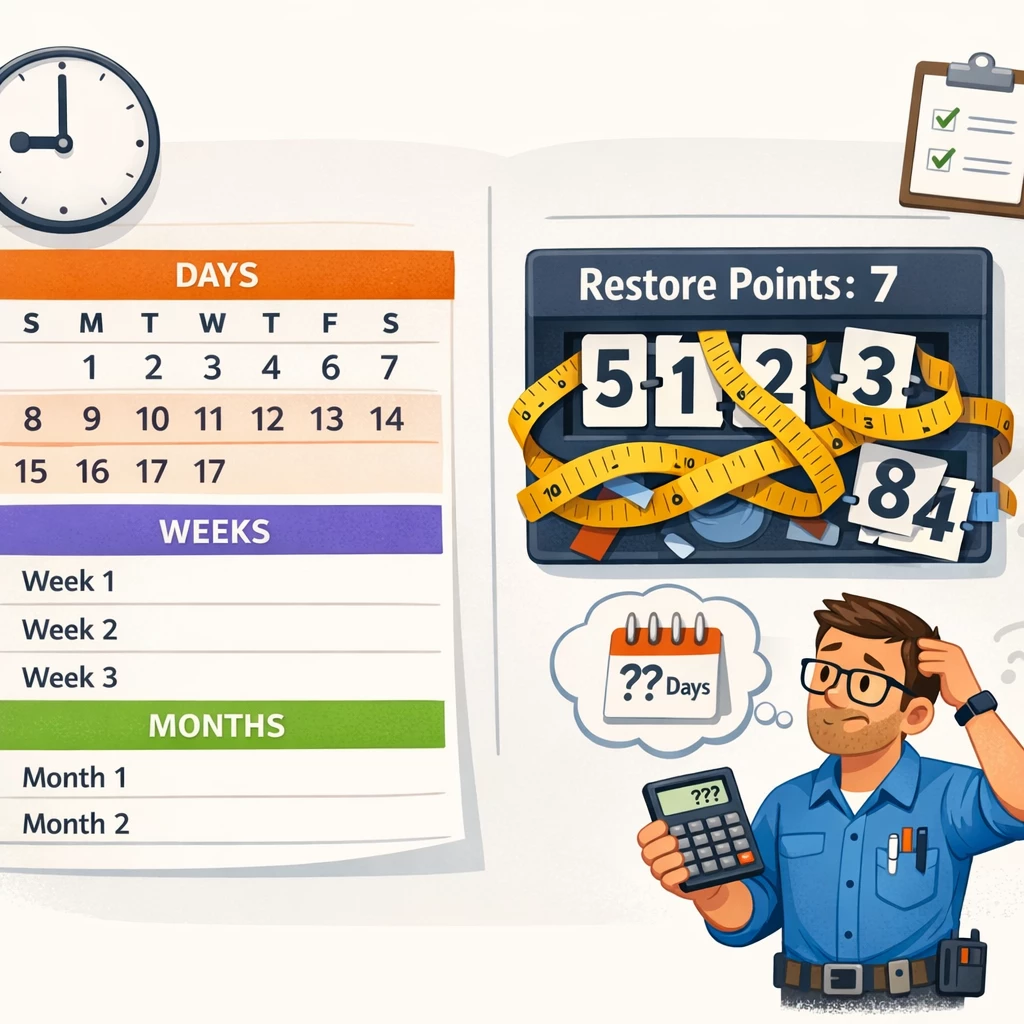
1a) Restore point-based retention
What does this mean?
New backup jobs can no longer be configured with retention set to “number of restore points only.”
How can you handle this going forward?
Move to „time-based retention“ (days/weeks/months) and, where appropriate, use GFS, immutability, and/or Backup Copy policies.
What should you check before the update?
Identify which jobs are affected and decide how you want to design retention going forward.
My 2 Cents?
Retention based purely on restore points makes little sense today because it’s not RPO-aligned — it describes the number of backup versions, not time.
Example: You set retention to 7 restore points because you want 7 days, and the job runs daily. If the job is started manually, it still consumes restore points — and you may end up with less than 7 days of coverage.
In todays reality, compliance requirements are usually defined in days/weeks/months, which doesn’t map cleanly to restore points and often requires awkward conversion.
If a job runs 4× per day and you set retention to 14 restore points, some people assume “14 days of restore points.” In reality, that would be 56 restore points.
1b) Reversed incremental backup mode
What does this mean?
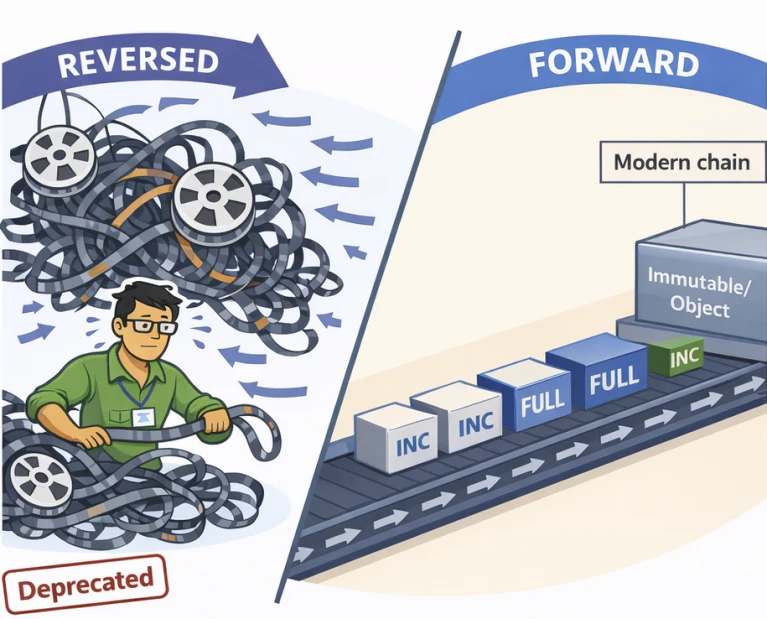
You can no longer create/configure new backup jobs using Reversed Incremental mode. The design approach (always keeping the most recent state as a “current full” and storing reverse deltas) is no longer offered as a standard option.
How can you handle this going forward?
Use Forward Incremental with synthetic fulls or active fulls. If you’re using modern repositories/filesystems (for example fast-clone technologies with XFS or ReFS), modern chain strategies typically deliver better efficiency and flexibility than reverse incremental designs.
What should you check before the update?
Search for jobs that still use Reverse Incremental and decide whether you want/can migrate them now or later. Also validate any restore requirements such as “the latest backup must always be a full” and challenge whether this is truly a technical requirement—or just a historical habit.
My 2 cents?
Reverse Incremental used to be attractive in some designs (for example, when tape-out relied on the last backup file). Operationally, however, it can be inflexible— especially when combined with object storage and/or immutable architectures. In many modern designs it’s simply no longer necessary and may even be counterproductive.
In practice, most environments have moved to Forward Incremental plus regular full cycles (synthetic/active), often combined with immutability and object storage strategies.
1c) Single-storage backup format
What does this mean?
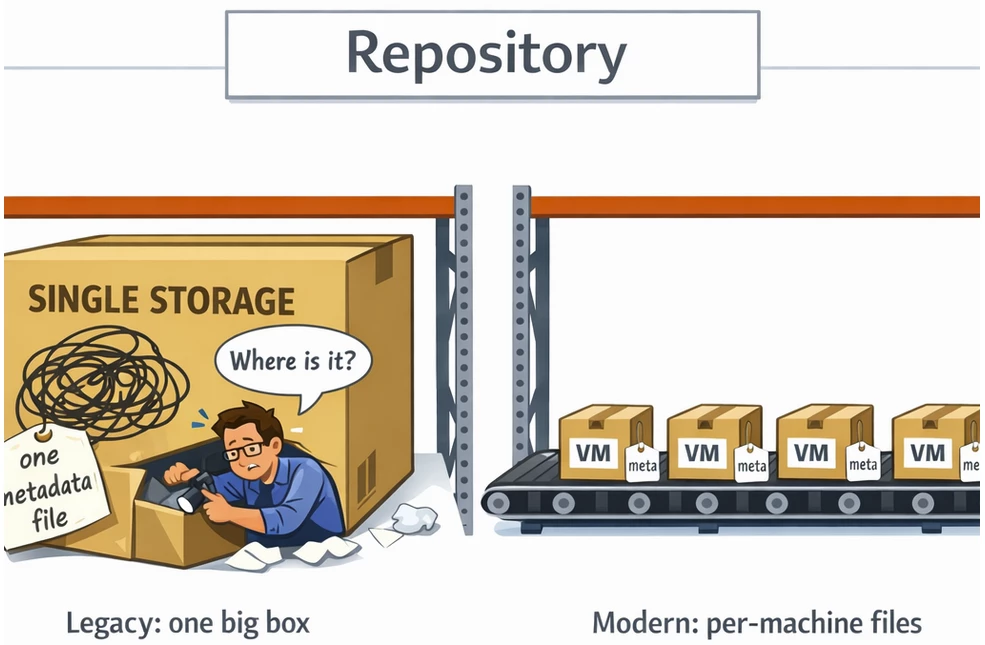
In older Veeam versions you could select the backup chain format per repository. In v12 the default was per-machine backup files with separate metadata files, but there were also legacy options such as using a „single metadata file“ and the „single-file backup format“.
How can you handle this going forward?
Veeam Backup & Replication now manages this for you. VBR creates one backup file and one metadata file per workload within a job.
This enables managing workloads independently. For example, you can more easily move a single workload between backups, or trigger a full backup for a single VM without having to restructure an entire chain.
What should you check before the update?
Inventory your repositories and document which ones historically used single storage and why.
My 2 cents?
Depending on your environment and job design, this change can result in more files in the repository and potentially slightly larger storage footprints. But it’s also more flexible, better isolated, and a much better fit for modern backup requirements.
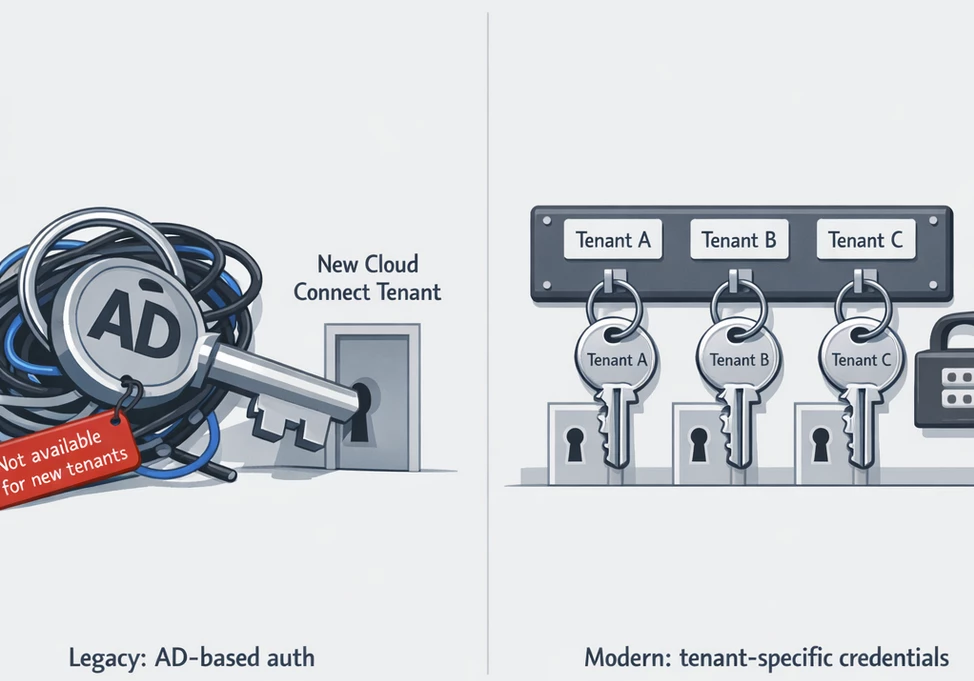
1d) Active Directory–based authentication for new Veeam Cloud Connect Tenants
What does this mean?
New Cloud Connect tenants can no longer be created using AD-based authentication.
How can you handle this going forward?
Use supported alternatives such as local / tenant-specific credentials for tenant authentication.
What should you check before the update?
Check whether you expect to onboard new tenants in the coming weeks/months that were previously planned to use AD authentication. Also align your support/operations processes, documentation, and ownership model.
My 2 cents?
AD integration can sound convenient in a cloud/tenant context, but it also introduces dependencies and risks (AD changes, policies, account lockouts, etc.). Tenant-specific credentials are typically better isolated, more secure in operations, and easier to standardize—especially in the service provider business.
2. Discontinued Features
V13 also discontinues several features. This means they are fully removed and are no longer available for either new or existing configurations. If your environment still relies on any of these, you’ll need to adjust or migrate to supported alternatives before upgrading, otherwise you may face functional limitations—or even a blocked upgrade path.
2a) Universal Application-Item Recovery wizard (U-AIR)

What does this mean?
The U-AIR wizard is no longer available in v13. Workflows that previously depended on this wizard must be replaced by the standard recovery mechanisms.
How can you handle this going forward?
Use the current restore options directly in the Veeam GUI (depending on workload, e.g., Application-Item Restore, Guest File Restore, Application Explorers, Instant Recovery). Create and maintain application-specific runbooks (for example: restore AD object, SQL point-in-time restore, restore Exchange item).
What should you check before the update?
Confirm whether U-AIR is still actively used by operations (helpdesk/2nd level) or if it was only used “once upon a time.” If it’s still in use, define the exact restore scenarios that must be replaced and test/document the alternatives in a lab.
My 2 cents?
U-AIR has been around for a long time and is rarely used today. Most Veeam admins already rely on the standard application-specific restore workflows. If you already have established restore procedures, the impact is usually low. If you don’t, take this as a good reason to modernize your restore processes and documentation.
2b) Restore per Doppelklick auf VBK/VBM im Windows Explorer

What does this mean?
You can no longer initiate restores by double-clicking VBK/VBM files in Windows Explorer. Restore operations must be started via official Veeam GUI workflows.
How can you handle this going forward?
Start restores exclusively via the console or web UI (Home → Restore, or workload-specific restore menus). If the old approach was common practice, replace it with clear roles and processes: who is allowed to restore which workloads, who has access to repositories, and how it is documented and controlled?
What should you check before the update?
Verify whether teams outside the VBR team (for example Windows admins) previously performed quick restores via direct repository access plus Explorer double-click. If yes, update the permission model and adjust/document/communicate the new process.
My 2 cents?
From a governance and security perspective, removing this makes sense: a restore should never depend on accidental file access. In enterprise environments this is usually a no-go anyway (least privilege, immutability, separate admin accounts). If you truly miss this feature, it could be a sign that your restore process isn’t standardized enough.
2c) Burning Recovery Media to CD/DVD/BD

What does this mean?
Burning recovery media directly to optical disks is no longer part of the product/workflow, because optical media has become largely irrelevant in practice.
How can you handle this going forward?
Use ISO/USB-based recovery media and manage it like standard boot media: version it, store it securely, and perform test boots. A maintained boot media kit (USB/ISO plus drivers) is simply more practical.
What should you check before the update?
Check whether any procedures still explicitly require optical media. Update those processes and test the new boot media on your target hardware.
My 2 cents?
Optical media is more risk than help today (availability, readability, and outdated content). A controlled ISO/USB process is more modern, easier to maintain, and easier to test. The important question isn’t the medium—it’s: “Can I actually boot in an emergency and start the restore?” And that must be tested regularly.
Fun fact: Years ago I was at a customer site where remote ISO mounting didn’t work for an installation. I didn’t have my USB “virtual CD-ROM” device with me (the one that can present an ISO to a server), so I asked the admin to burn the ISO to a CD using Nero Burning ROM. He did—but the CD wouldn’t boot. After trying a bunch of things, I finally inspected the disc: the ISO was burned as a file, not written as a bootable image. The admin had never dealt with bootable ISO burning before, so to him that was the logical approach.
A salute and greeting to the ISO/DVD/software-burning era bye the way. Who else remembers VCD/SVCD rips that many DVD players could recognize and play?







