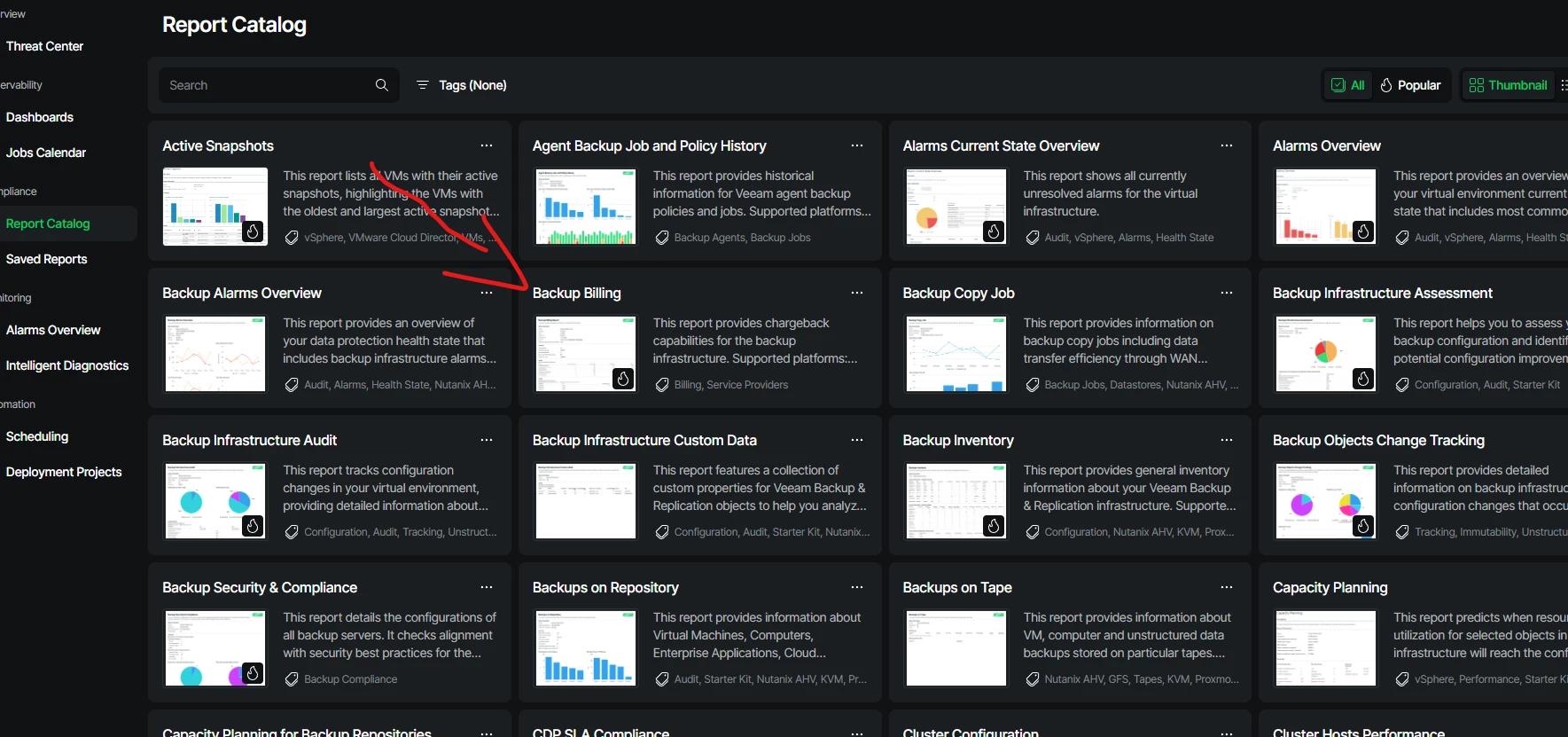
I’ve been setting up some reporting for users in Veeam one and this is a great feature if you want to quickly determine the cost of your backups for each VM or Job. It’s also a great way to see what each job is costing per repository. Warning…. with current storage prices, this my shock you!!!!
I did however find it wasn’t as straight forward as just adding the price of the repository and clicking run. There is also quite a few options you can choose to make the reporting tailored to those who are intended to receive them.
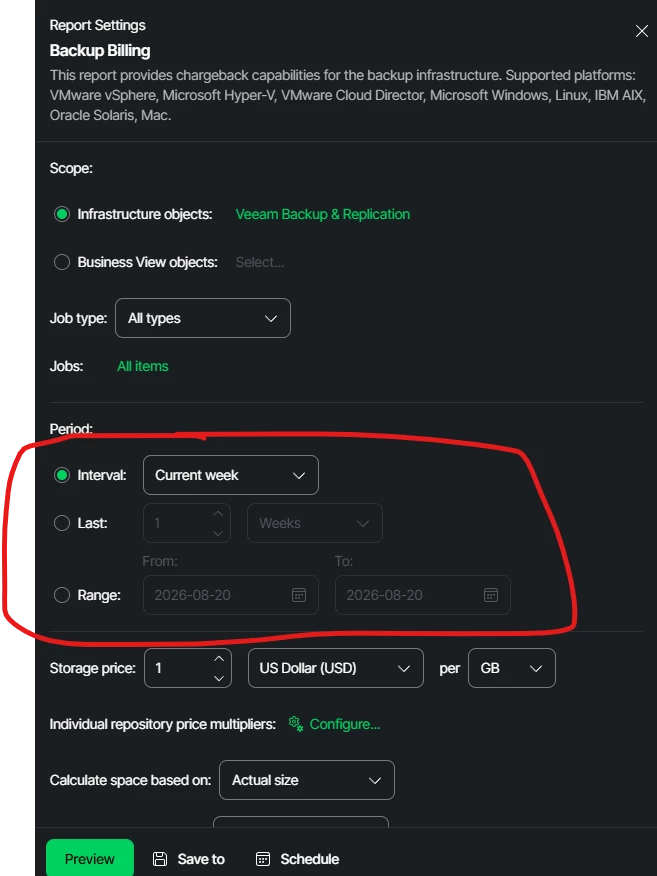
The first think you will want to do is select the time frame for your report. In my case I selected as far as my retention was to get the full cost. You can use the “Last” radio button and change weeks to years.
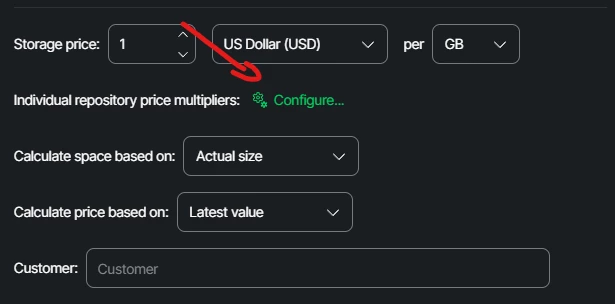
For the multipliers if you have different types of storage make sure to click configure to set it individually.
You can select a repo with multiple extents and apply multipliers for each as well
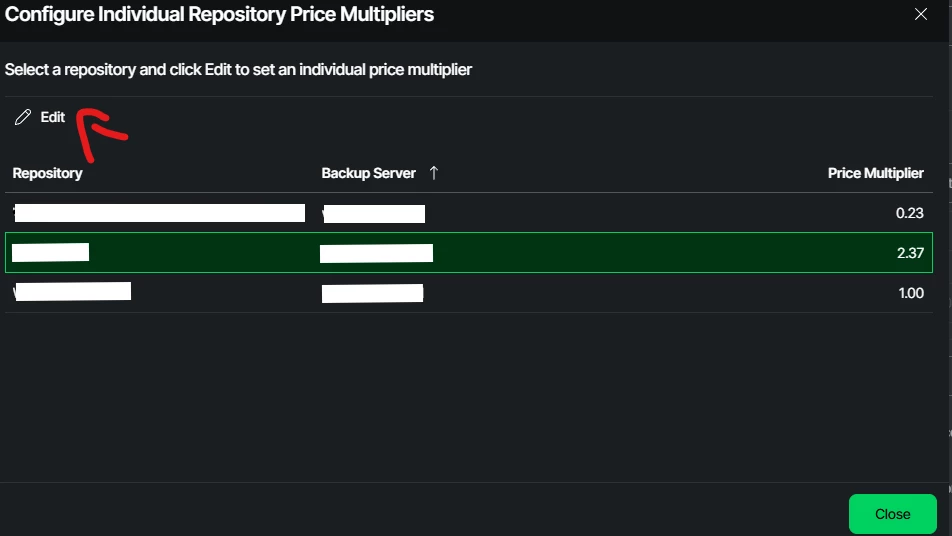
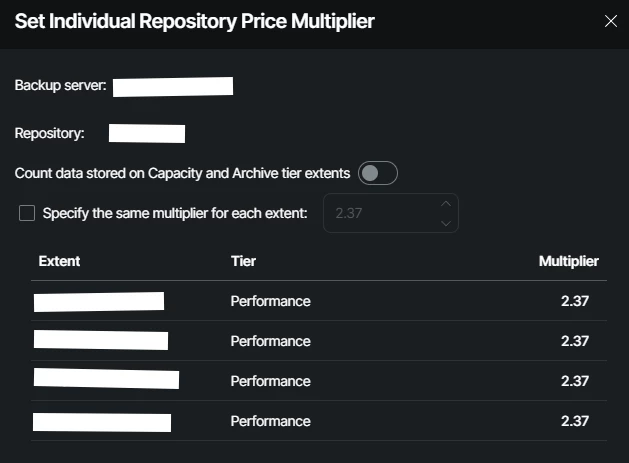
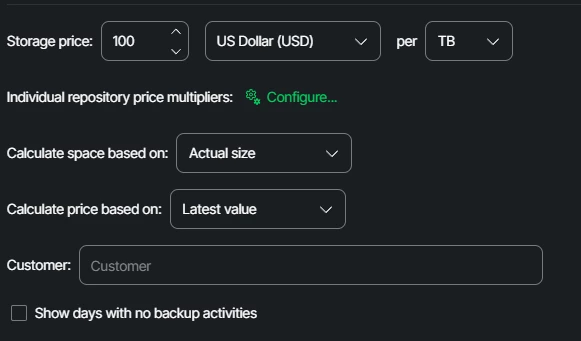
Multipliers are based off of the price included in the main screen. You first want to calculate the price per TB/GB of your storage. This is just an example so I'm using a cost of 100 per TB to calculate the cost. This would mean those multipliers above mean my SOBR is $237 per TB and the repo on the bottom is $100/TB
After your report has ran, you can Schedule it for email delivery, download it as a PDF or CSV, or even share the link for others to view.
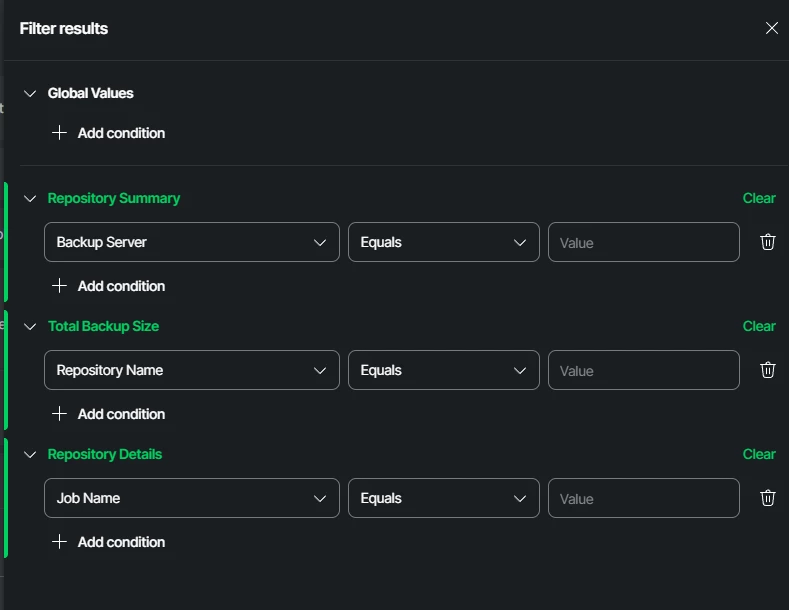
If you are providing reports to specific people use the filters to provide only the information they require.