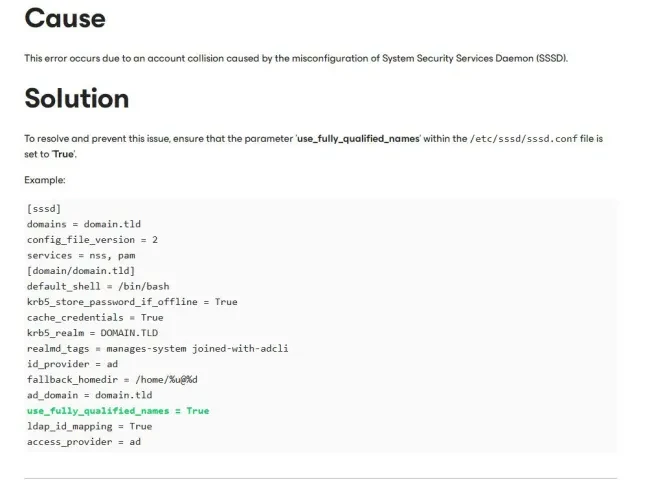
If you’ve ever had to deal with the pain that comes after deploying the Veeam Virtual Appliance (VSA) v13 with the following error message as discussed in the KB4648. Then I have got you covered.
As you can see, below is the error message (Authentication failed). You will get when you use the “veeamso” or the “veeamadmin” account to login
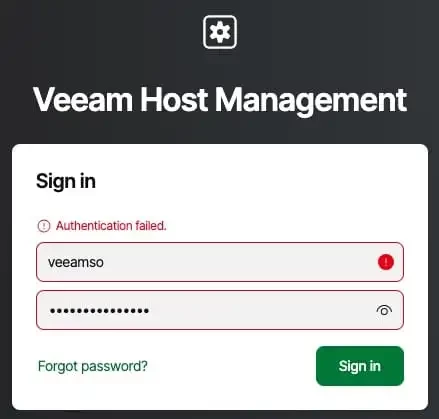
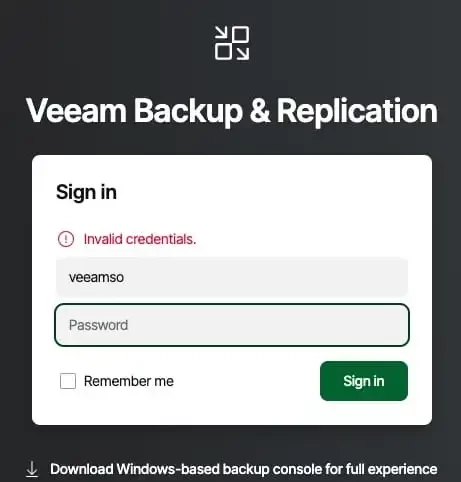
In this guide, I have detailed the steps to Fix Authentication failed: Invalid credential after installing VSA.
The fix requires downloading a small Linux Live ISO such as the Ubuntu Live Server or Debian Live from this link. You could also use the ISO with the generic image with (Unabhängig davon, welche ISO verwendet wurde).
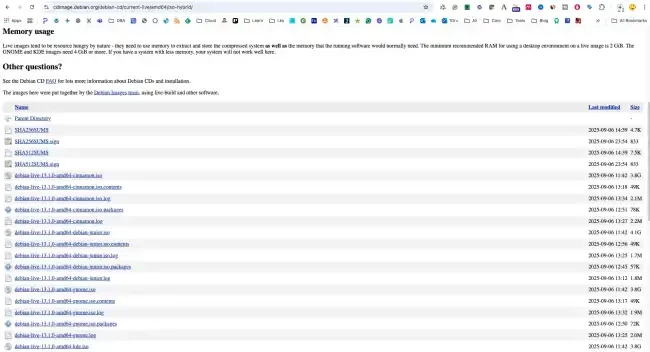
download,, upload and attach as CD/DVD.
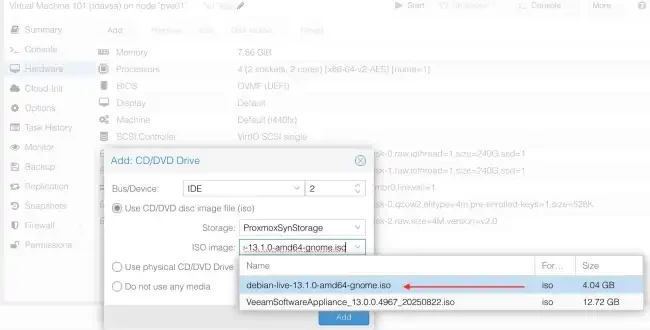
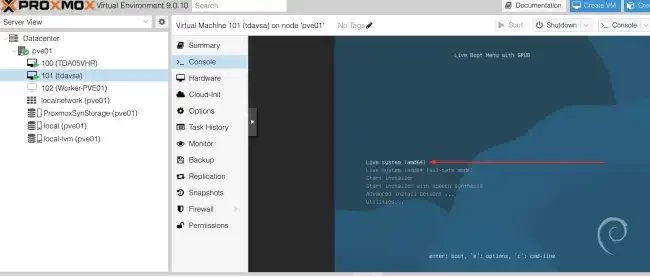
To fix this, boot from a Linux live ISO and mount the Veeam appliance disk to access and edit the /etc/sssd/sssd.conf file. To proceed, hit the Enter button on your keyboard.
Feel free to have the right settings that works for your environment entered. You can see the image below for similar examples as discussed in this kb4648. An extensive article on this topic can be found on this website.