



Prior to upgrading to Veeam V12, ensure that, "Transform previous backup chains into rollbacks" is not enabled in your environment. If it is, the upgrade will fail as per KB4390: Feature Deprecation: "Transform previous backup chains into rollbacks" (veeam.com)
I just wanted to point out a slight caveat when checking our environment. If you decide to check each job setting and disable the option, bear in mind, if you have a snapshot job with storage integration, it may still show as enabled.
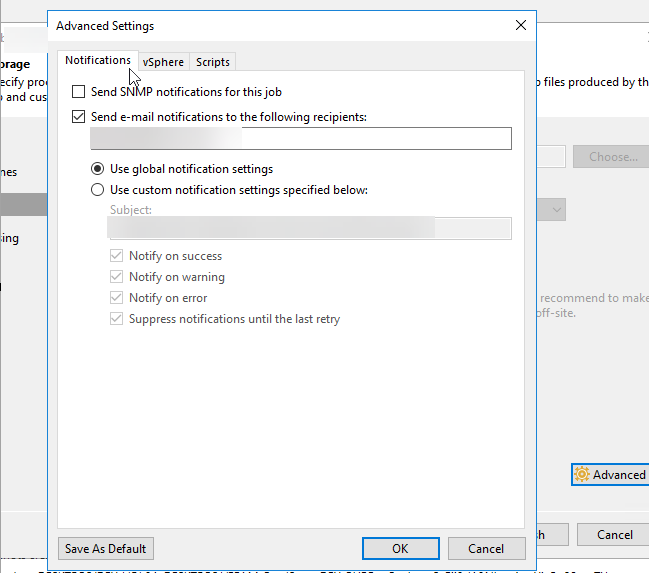
Normally a snapshot job looks like as follows without an option to select the backup chain option:
However, running the PowerShell command:
Get-VBRJob | where {$_.BackupTargetOptions.TransformIncrementsToSyntethic -eq $True}returns the following:

This can be easily sorted by running:
Set-VBRJobAdvancedBackupOptions -Job "Job Name" -TransformIncrementsToSyntetic $false

