
Solved

VBM365: Disk cache on the server without additional PostgreSQL – Your feedback?

  • January 30, 2026
  • 6 comments
  • 26 views

morgan.munck

Hello everyone,

I am currently configuring Veeam Backup for Microsoft 365 (VBM365) for our company, and I have a question about the disk cache to optimise performance.

According to the documentation, the standard installation does not allow the cache to be stored on another drive on the VBM365 server (it is located by default in the local PostgreSQL database on the C drive or on a dedicated PostgreSQL server). However, I would like to avoid deploying an additional PostgreSQL server for simplicity and maintenance reasons.


My question:

  • Does anybody use a dedicated cache disk on the VBM365 server?
  • If so, how did you configure it (custom path, script, etc.)?
  • Have you encountered any limitations or performance issues?


I would appreciate your feedback or alternative solutions (without external PostgreSQL).

Thank you in advance for your advice!

Morgan

Best answer by Chris.Childerhose

If it is Postgres that is the issue why not install that first to a second drive then run the install of VB365 and point there?

6 comments

AndrePulia
Forum|alt.badge.img+9
  • Veeam Vanguard
  • January 30, 2026

Hello ​@morgan.munck If I understood well your needs, I think you can mount a folder point  to a diferent drive, and that drive could be  your cache drive for exemplo, what do you think?


morgan.munck
  • Author
  • Comes here often
  • January 30, 2026

Hello @AndrePulia, 
That's right, that's exactly what I'm trying to do (if it's still good practice) so as not to overload the system disk.


Chris.Childerhose
Forum|alt.badge.img+21
  • Veeam Legend, Veeam Vanguard
  • Answer
  • January 30, 2026

If it is Postgres that is the issue why not install that first to a second drive then run the install of VB365 and point there?


AndrePulia
Forum|alt.badge.img+9
  • Veeam Vanguard
  • January 30, 2026

@morgan.munck OK, I see your point now. I’m now Windows engineer, but I think won’t be a problem for Windows or PostgresQL

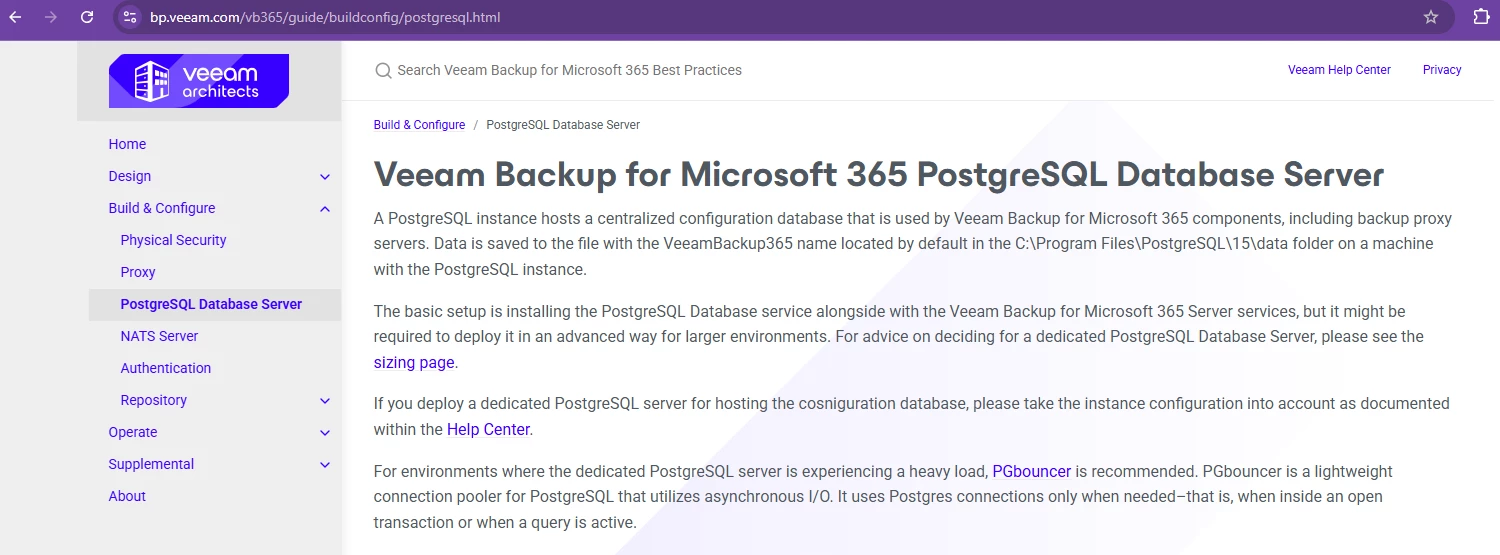
You can check the vb365 best practice, there is a section dedicated to PostgresSQL database server.

https://bp.veeam.com/vb365/guide/buildconfig/postgresql.html


morgan.munck
  • Author
  • Comes here often
  • January 30, 2026

@AndrePulia, thank you. It was precisely while trying to define the architecture I wanted that I came across this part of the documentation and questioned my ideas.

@Chris.Childerhose, I think I'll do that. I hadn't thought of it, but it will indeed force the installer to do what I want.

Thank you both for your valuable advice.


Chris.Childerhose
Forum|alt.badge.img+21
  • Veeam Legend, Veeam Vanguard
  • January 30, 2026

Not a problem.  To me if it is just related to PG and the drive it sits on then installing it first on a second drive you then point to that during the install.  Let us know how it goes.