News, guidelines and various community projects
Most views
We’ve updated the Script Library section to include YARA rules. I’ve made a quick video (sorry for the cheesy graphics...) on how to install a YARA rule from this site and perform your first scan!
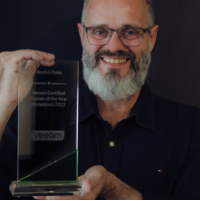
Happy New Year, community members! 🎊 Hoping that 2023 brings you nothing but happiness & more badges! On the latest Community Recap, @Rick Vanover and @Madi.Cristil discussed the latest badges that were created to celebrate the community and your achievements. Adding the new badges to the batch, we have a total of 24 badges. So, WHAT are they and HOW can you earn them? Here is the complete guide for Veeam Community Badges: Badge Name Description Requirements VUG Leader You're a Veeam User Group Leader! You lead an active VUG/thematic group. Active VUG Member You're an actively engaging Veeam User Group member! You commented 10 times in VUGs. Blogger of the Month Your blog was chosen as the Blog of the Month! <---- Sys Admin Hero You saved the day with your incredible expertise! Special edition badge for Sys Admin Day celebrations. Alfred’s Pick Your username was Alfred's pick of the week
Welcome to the YARA and Script Library! This area of the community hub will provide community driven scripts and YARA rules, with selected featured items. Veeam Data Platform 23H2 includes Veeam Backup & Replication v12.1 which includes YARA Scanning. This area of the Veeam Community Hub will offer featured YARA rules for use. Custom script troubleshooting is not supported. What's in Scope:Confirming that Veeam Backup & Replication recognized the YARA rule file.What's Out of Scope:Troubleshooting why a custom YARA rule did not function as intended.This area also includes scripts in the Script Library. Generally speaking, scripts are licensed to you by the sample's author and fall under your responsibility and is governed by the Veeam Customer Support Policy. The figure below summarizes the scripting support for PowerShell:Excerpt from KB2183: PowerShell Script Execution Troubleshooting Advice (veeam.com)
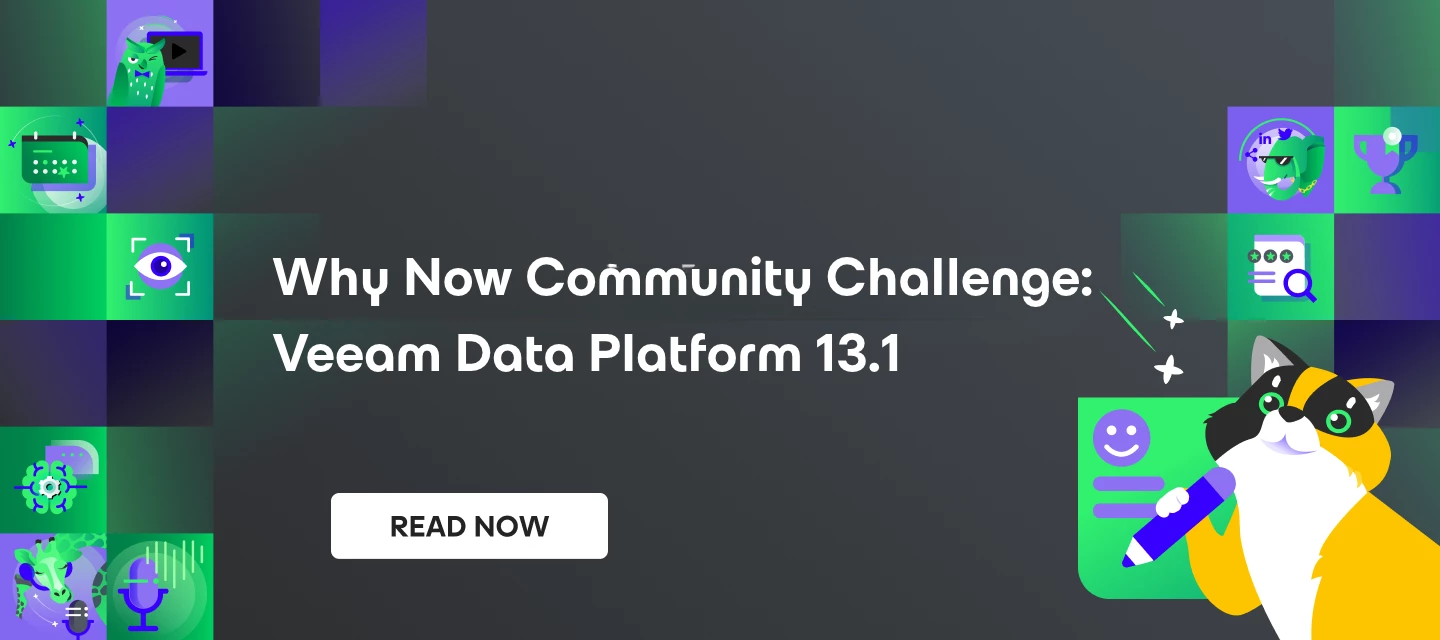
Good day, Veeam Community! 😊A few months ago, we kicked off The Why Now Community Challenge: Veeam Data Platform 13.1, inviting community members who will be joining us at the Veeam 100 Summit in Lisbon to share their own perspective on one simple question:Why upgrade now?And you definitely had something to say. 😊Over the past few months, we’ve seen some great blogs come in, looking at Veeam Data Platform 13.1 from all sorts of angles: modern virtualization, the Veeam Software Appliance, security and immutability, storage, unstructured data, and of course plenty of real-world experiences along the way.What I really enjoyed about this challenge is that everyone approached it differently. Different environments, different priorities, different experiences and different reasons for why 13.1 matters to them. And I think that was really the point of the challenge in the first place.Some of you really got into it and wrote several blogs for the challenge ( THANK YOU! 👑) which was fantasti
Hey Community, I received a few messages from community members asking how to get notifications when there is a new content published (in this case we talked about “Blogs and Podcasts” category). I thought I would do a quick post about it. First, there is a possibility to subscribe to every category at Community Hub Let’s say, you would like to subscribe to “Blogs and Podcasts” category. To do so, you have to push ‘SUBSCRIBE’ button at the right side as shown at the screenshot below: Once it’s done - you will start receiving notifications about new topics created!Again, you can get subscribed to any category: whether it’s Discussion boards or News. You can also manage notification settings at your profile.If you experience any issues with notifications - please let me know!
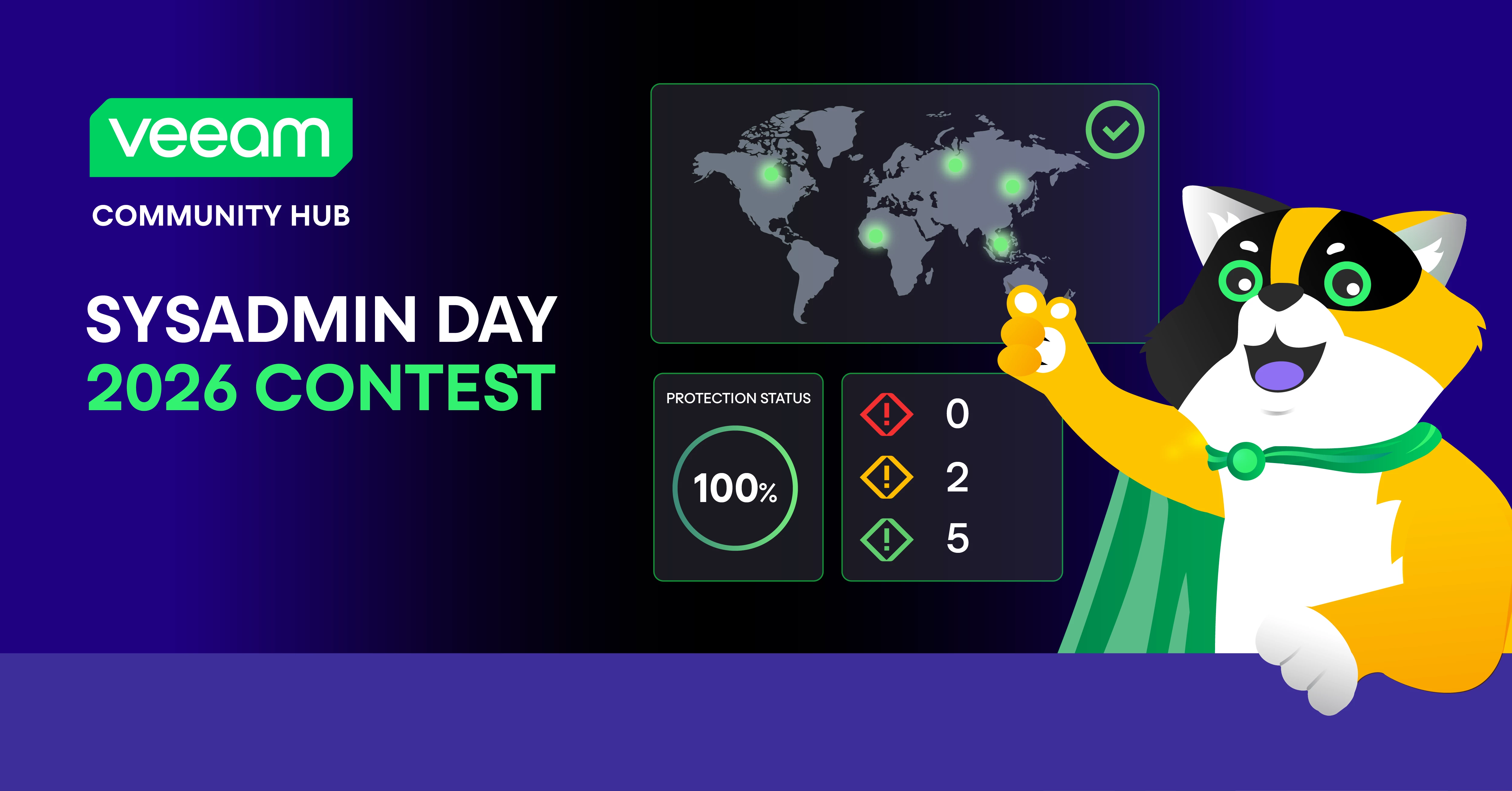
What’s in YOUR Veeam Toolbox? Now YOU get to decide!A huge thank you to everyone who shared their Veeam tips for our SysAdmin Day contest! We’ve got some great entries, and now it’s over to the community to choose the winners. Check out the submissions and vote for your favorite tip — the one you’d want in your toolbox when things go sideways!Voting is open until August 17.Who will become our next Incident Commander? Let the voting begin! 😻@wolff.mateus , @coolsport00 , @matheusgiovanini , @Nico Losschaert , @eblack , @lucasmagnum , @Stabz Good luck to all of you !
This is a new Veeam Community initiative built for a small group of technically driven members who are already hands-on with Veeam and consistently showing up to help others.The idea is simple: create a clear, intentional path for those with the potential to grow into future Veeam 100 contributors — not just by being present, but by building real traction through meaningful, consistent contributions over time.Rising Star is about learning, collaborating, and gradually stepping into a more active role in the ecosystem — whether that’s sharing knowledge, creating content, supporting peers, or getting involved in VUGs and community initiatives.Huge congratulations to everyone selected — I’m really looking forward to seeing how this group grows and the impact you’ll have across the community in the months ahead. This is just the beginning.Let’s give our Rising Stars a warm welcome and support them on their journey. @eblack @kciolek @Jason Orchard-ingram micro @EdwinMoraal @TidusandYun
Communities aren't built overnight. They're built by people who keep showing up—sharing their knowledge, helping others solve problems, and making time to give back.Every day, our Veeam Legends contribute in meaningful ways across the Veeam Community. Whether it's answering questions in the Community Hub, participating in the R&D Forums, leading Veeam User Groups, writing technical blogs, or sharing real-world experiences, their contributions help thousands of IT professionals learn, connect, and succeed.Today, we're proud to recognize the Veeam Legends – Second Class of 2026.Recognizing Continued CommitmentThe Veeam Legend Program is reviewed every six months to recognize community members who continue to make a meaningful impact across the Veeam ecosystem.This class celebrates Legends who have continued to earn their place through consistent contributions, while also welcoming back valued members returning to the program after a break. Every journey is unique, but they all share
We know AI is becoming a normal part of how people create content, and lately we’ve been seeing more of it show up in the Community Hub.That said, posts that are mostly AI-generated don’t really add the kind of value this community is built on—especially when that same information can be created by anyone using the same tools.What we’re really looking for is your experience: real-world scenarios, hands-on demos, lessons learned, and practical insights from what you’re actually doing day to day. That’s what makes the community useful and interesting for everyone.Also, content that is primarily AI-generated won’t be considered as part of the criteria for becoming a Legend or Vanguard.So if you’re sharing, try to lead with your own voice and perspective—that’s the part that really matters.
Happy Friday Community 😻We're back. And this one might be our most controversial debate yet.There are two kinds of Veeam administrators. Those who would never join their backup infrastructure to Active Directory. And those who think running it any other way is unnecessary complexity.Both are convinced they're right.Debate Statement Joining your Veeam backup infrastructure (VBR server, proxies, repositories, Enterprise Manager, etc.) to Active Directory is a security mistake. ( thank you @DChiavari for this one 😎) If your backup infrastructure is the last line of defense, why should it trust the very identity platform attackers are most likely to compromise?A workgroup or isolated environment can reduce the attack surface, limit lateral movement, and keep backups operational even when Active Directory is offline. But is the extra security worth the operational overhead? Or are we solving a problem that good security practices already address?What I'm looking for this round Forget ven
Good day Community,Back from vacation straight into the big guns — so here it goes 🙂Has anyone started looking at Veeam Intelligent ResOps for Microsoft 365 yet?It feels like an interesting shift — less about backup in the traditional sense and more about adding context and intelligence around M365 resilience decisions.Curious how it’s being seen so far:Does it feel like a real step toward “resilience intelligence,” or more like an extension of existing reporting? Is it actually changing how teams prioritize or make decisions, or is it still mostly visibility on top of what we already had? And does it feel meaningfully different compared to what others are doing in the space?Would be great to hear some early thoughts from people already exploring it.Best, Madi
What's in Your Veeam Toolbox?Every incident has a commander. The person everyone turns to when things don't go as planned. The one who knows exactly which workflow to follow, which Veeam feature to use, and how to get everything back on track.This SysAdmin Day, we're celebrating the knowledge and experience that make all the difference when it matters most. We want to know: what's the one Veeam tip that's always in your toolbox?Every year, on the last Friday of July, we celebrate System Administrator Appreciation Day (SysAdmin Day)—a day dedicated to the people who keep everything running behind the scenes.Whether it's recovering from a ransomware attack, fixing a backup job before anyone notices, or somehow making yesterday's "urgent" request disappear before the morning coffee kicks in, sysadmins are the ones who keep IT moving.Every sysadmin has those little tricks they've picked up over the years. The shortcut that saves time, the workflow they've perfected, or the Veeam feature th
Another debate, another reminder of why I love this format. Thank you to everyone who took part in Episode 2 of our Oxford Style Debate. It was great to see so many well-reasoned arguments, different viewpoints, and real-world experiences shared throughout the discussion.This month's statement was:"Tape is dead — stop living in the past and use a real archival solution like Object Storage or dedicated deduplication appliances."To help select this month's winners, I invited @Mildur from Product Management to review the discussion and share his perspective.A huge thank you to Fabian for sharing his expertise and helping identify the most insightful arguments from both sides of the debate.Winner Against “Tape is dead” - @matheusgiovanini '’matheusgiovanini made the strongest case against the statement by sharing a real recovery scenario from his own experience. In his mentioned case, the backup server, repositories, and storage replication were all compromised, and offline tape was the
Welcome to the Veeam Community!We're happy you're here! The Veeam Community is a place to learn, share knowledge, and connect with other IT professionals. To keep it valuable and enjoyable for everyone, please keep these simple guidelines in mind:Keep it in English To make sure everyone can join the conversation, please write your posts and comments in English.Start a Conversation If you're sharing a blog, article, or other external resource, don't just drop a link. Tell us why it's worth reading, share your key takeaway, or ask a question to get the discussion started. Posts that only contain a sentence and a hyperlink may be removed.Embed Videos and Podcasts When sharing YouTube videos, podcasts, or webinars, please use the Embed Media feature instead of posting a plain link. It makes the content much easier for everyone to enjoy.Share Your ExperienceThe best conversations come from real-world experience. AI can be a helpful writing assistant, but we encourage you to add your own tho
Way back in December (really, it was only 4 weeks ago ?!?), I posted on my personal blog about the Broadcom acquisition of VMware, and how they were ending all of the current perpetual licensing and moving everything to subscription licensing. However, there were many, many questions, and FUD about the changes and what this would mean for licensing VMware products going forward. After many conversations with VMware, reviews of presentations VMware provided to partners and distributors and reading of FAQ's, I finally have an understanding of just what direction exactly VMware is going with their licensing and how it applies to the end user clients. Please note that this is more oriented towards the newly announced vSphere Foundation subscription and it's smaller siblings, vSphere Standard and vSphere Essentials Plus Kit subscriptions which are more oriented to the SMB space. And to be up-front, I'm not really going to talk about vSphere Foundation as that's really the replacement to Ent
More and more companies are depending totally of their ICT infrastructure (on-premises, private cloud, hybrid cloud, public cloud) …Ransomware and hackers are more popular than ever…Therefore one of the most important things is that the company has a solid backup strategy, so we can fall back at those in case of disaster or being impacted by ransomware or hackers.You can find very often the 3-2-1 rule. I suggest every customer or company to even go a step further : apply the 3-2-1-1-0 rule !3 : Maintain at least 3 copies of your data By three copies, I mean that in addition to your primary data, you should also have at least two more backups.Why?The chance that something is going wrong with 3 devices at the same time is a lot smaller than with 2 devices, especially when the primary backup is often situated close to the primary data. In case of a disaster the primary data and primary backup could be gone. The secondary backup is often situated somewhere else and could be the solution in
Veeam Backup and Replication is comprehensive data protection and disaster recovery solution which is capable of creating image-level backups of virtual, physical servers, cloud machines, and restoration as well. You may encounter the following errors when installing the Veeam backup and replication tool “VEEAM service is unable to start, error 1064: An exception occurred in the service when handling the control request”. Therefore, I will be showing you the steps on how to resolve this issue very quickly. Here is a detailed link to this post.If you are here reading this troubleshooting guide "new Veeam Backup server but then Veeam won’t start", this means you must have recently installed Veeam Backup and Replication Server or must have recently upgraded it. As you can see from the images below, these are some errors I encountered while installing Veeam Backup and Replication in my test environment before deployment.The "Failed to start service / connect to Veeam" and "connection refus
Hi All, I trust everyone is doing well. Please assist one of our Backup Copy is not running due to the below error. File does not exist: [********.vib].Failed to open storage for read access[******.vib]. Failed to restore file from local backups. Agent failed to process method (DataTransfer.RestoreText). Thanks in advance. :)
I’ve seen this multiple times now with VMware. You cancel a task via vCenter or the ESXi UI and it just stays there hanging and nothing further happens. Normally this situation resolves itself after some time, but just last week I had a case where the task never stopped. While the Webclients weren’t really helpful in that case, we were able to cancel this task with the ESXi commandline.Warning: Interupting certain tasks, for example snapshot consolidations or Storage vMotions, can lead to issues or corrupted VMs. So only do this if you don’t have any alternatives and need the task to be canceled. And better have a backup at your hand.SolutionStart the SSH service on the ESXi host where your VM is registered Connect via SSH Query the VM ID: vim-cmd vmsvc/getallvms Query all tasks for this VM: vim-cmd vmsvc/get.tasklist “VM ID”Check the Task information: vim-cmd vimsvc/task_info “haTask….” Is the task still state still active? Note: The screenshot is just an example; the task state is s
For some reason and to come to speed with all the Veeam components, I decided to revive my Veeam Lab and during the process, I encountered the following error “Error 1064 - An exception occurred in the service when handling the control request : No connection can be made because the active machine rejected it “. Before I proceed to fix this issue, I would love to discuss the capabilities of Veeam for anyone that may stumble on this article. Veeam Backup & Replication is comprehensive data protection and disaster recovery solution that provides a centralized console for administering backup, restore, replication operations in all supported platforms (virtual, physical, cloud). Regardless of what your needs are ranging from flexible hybrid cloud capabilities from AWS, Azure, and Google Cloud, or the most robust ransomware protection and recovery options. Veeam brings hardened immutable storage options, dependable cloud-native backup options, Continuous Data Protection, and much more
Hi everyone, I have problem with one of my servers who have MSQL and when the backup is finished i have this warning message “ Unable to truncate Microsoft SQL Server transaction logs. Details: Failed to process 'TruncateSQLLog' command. Failed to truncate SQL server transaction logs for instances: . See guest helper log.” I have search in official support and only find that the veeam account for backup must be MSQL administrator on that database, and to be local admin on that machine. I have make him database admin, but still i have this warning, and the hdd on that machine will be full soon. We have V11 Enterprise with support and so on, but because we are Public Enterprise we have bought this product from one Company in our Town. Can somebody give me some solution instruction step by step ?
Be sure to see the V13 Upgrade Center: V12 IS HERE! Much like last year’s V11 Upgrade Center we are doing one for V12! Similar format and check back for updates, as we will have additional resources and I’ll get the latest information from the product management and support teams that should be relayed here. This text was last updated: 1-August 2023 (All subsequent updates in the Post-Publish Updates section)Pre-Installation SectionThe Release Notes should be the first thing you read: Release Notes (veeam.com) Give a read of the What’s New document: veeam_backup_whats_new The User Guides have been updated to reflect V12 at Veeam Technical Documentation UPDATED Upgrade Checklist [Thank you @Dima P. ] for: VMware Environments: Upgrade Checklist - User Guide for VMware vSphere (veeam.com) Hyper-V Environments: Upgrade Checklist - User Guide for Microsoft Hyper-V (veeam.com) For both of these scenarios, check the System Requirements section: https://helpcenter.veeam.com/docs/backup/vsp
Hi everyone,recenly i’m doing some test on the veeam backup&replication community edition on my Dell R710 which is running server 2019 standard. And at the first time, i can add a hyper-v server which is running server2019 (standalone) to the backup job, but once i deleted the job, i cannot add any hyper-v again.It always shows :Failed to connect to host 10.178.3.41Access denied or timeout expired. (sometimes is invalid namespace)Check if you have local administrator privileges on computer '10.178.3.41'.Possible reasons:1. Invalid credentials.2. Specified host is not a Hyper-V server.================what i did for this issue:https://www.veeam.com/kb1914 https://www.scribd.com/document/421024195/Veeam-Backup-Invalid-Credentials-Error-Adding-a-Hyper# I added both the target server and the server with the veeam installed to the domain created the local admin account for both server, using same account and pwd using domain admin account cannot work checking the port and disable the
While attending the VeeamON conference in Las Vegas back in May, Veeam announced they will be releasing Veeam Backup & Replication (VBR) v12 later in the year, and gave several sessions presenting what some of those features will be in the new release. I thought I’d do a write-up of what v12 features I’m looking forward to most, as well as provide a few extra lines of other notable features coming.Security-Veeam is upping its security game by implementing Multi-Factor Authentication (MFA) and Group Managed Service Accounts (gMSA). MFA is self-explanatory. From the VBR Menu > Users and Roles option, a Security window opens for you to select MFA for your Veeam user accounts (see figure below). But what about the gMSA? gMSA is a fantastic concept as it allows Veeam to use Active Directory service accounts while not storing the password locally on the Veeam server (i.e. when using for AAIP). Instead, VBR retrieves gMSA passwords on-demand from organization domain controllers. Platfo
These days I saw a strange error that makes every backup failed. I thought this would be interesting to share. SituationThere were a few jobs running each day. From a point in time all jobs failed. Error that was shown in console was: [Error Unhandled exception was thrown during licensing process] I checked licensing of course. All hosts were licensed using perpetual licensing. No instances were licensed separately.SolutionIt turned out to be no license problem at all. What happened was, password of the user that was used for connecting to VMware vCenter was changed. After updating the new password in Veeam Manage Credentials too, everything works fine again.
Already have an account? Login
Enter your E-mail address. We'll send you an e-mail with instructions to reset your password.